Currency
Toggle Nav



Elecrow RR050 5inch 800x480 Resistive Touch Screen TFT Display for Raspberry Pi B+/2B/3B/4B/5
$35.90
Availability:
In stock
SKU
RPA05010R
Brand
elecrow
Weight
255g
Related Products:

×
 Add to cart successfully!


Add to cart successfully!
Customers Who View This Item Also Bought
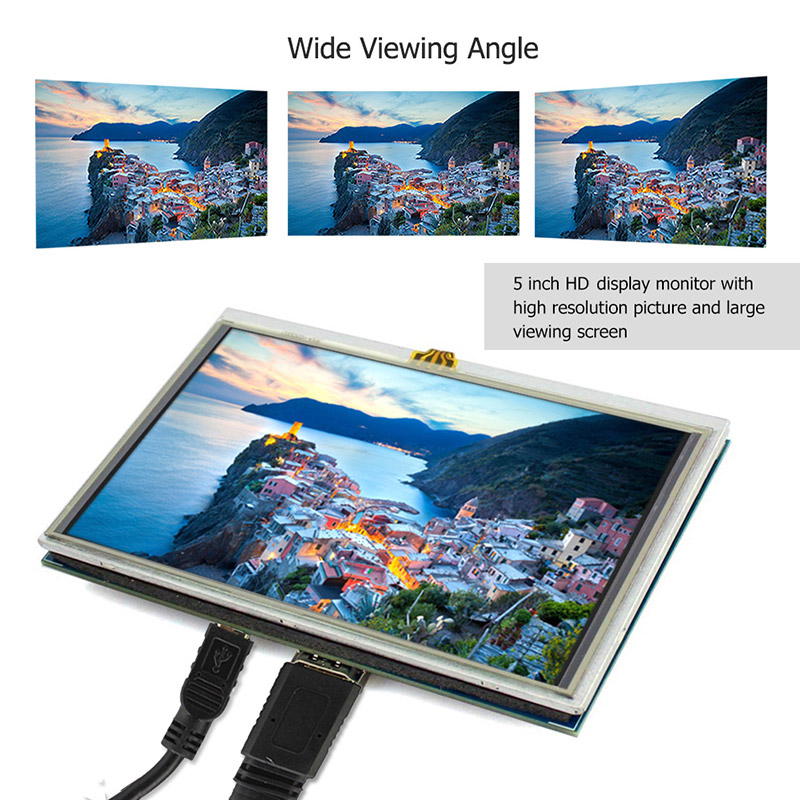
[800*480 HD Resolution] The 5-inch monitor for Raspberry Pi has an 800*480 LCD screen, high-resolution picture, large viewing angle, fast response time, and full-color display. It supports manual backlight control, and the backlight switch can be turned off to lower power consumption.
[Industrial-Grade Resistive Touchscreen] The resistive touchscreen comes with a touch pen for easy use. It also supports gloved hands or non-conductive tools. Ideal for harsh environments (dust, moisture) with 1 million touch lifespan.
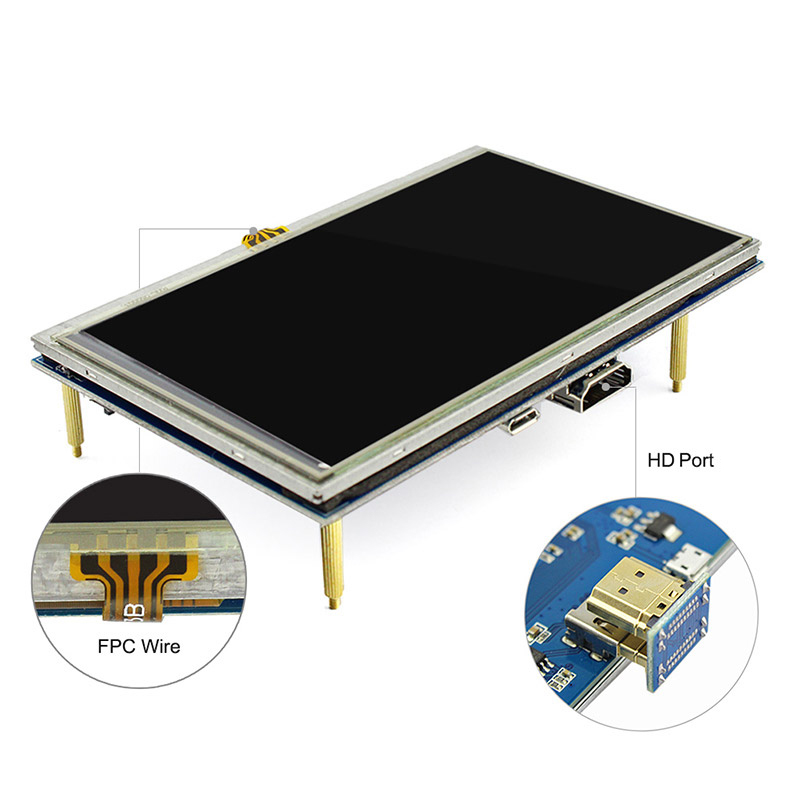
[Multi-Platform Compatibility] Just plug it directly when used as Pi touch screen; compatible with Raspberry Pi 5/4/3B+/3B/2B+/Zero, GPIO for touch function and power supply, HD interface for display.
Buy the upgraded QLED 5.0-inch version, click here.
Frequently Bought Together


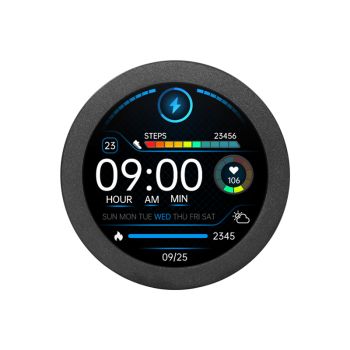
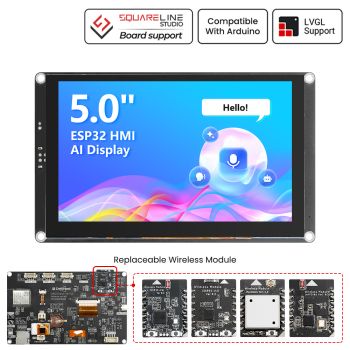

5“ Raspberry Pi Touchscreen Monitor
Now we have this 5-inch TFT display with a touch screen that can provide a high-resolution picture and a large viewing screen for your Raspberry Pi. The small display supports any revision of Raspberry Pi and works perfectly for Raspberry Pi B+/ 2B/ 3B/4/5. It is the low power consumption for the backlight of the screen. The high 800 x 480 resolution can give you a full-color experience, the touch screen allows users to play easily.
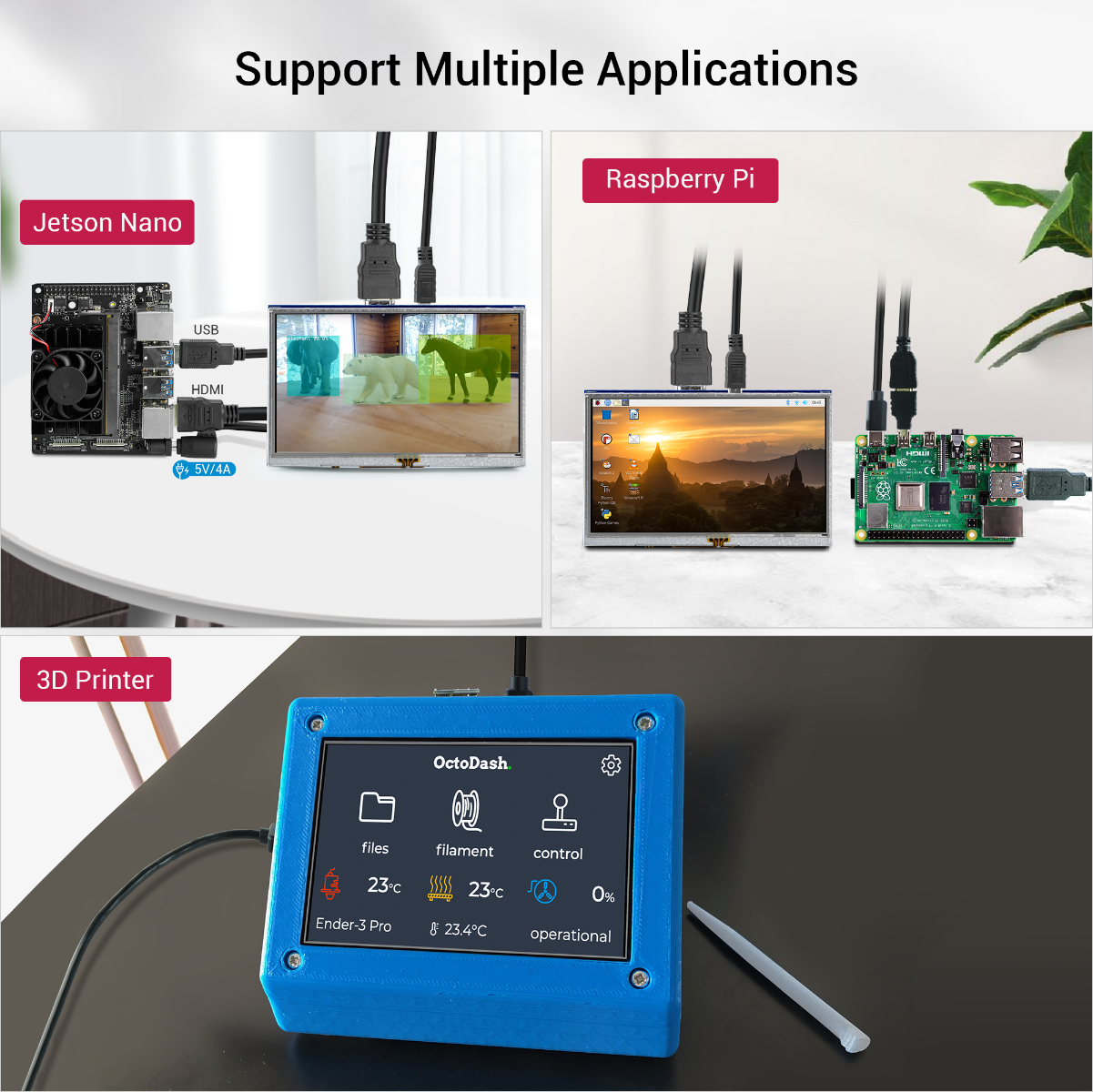
Although the 800 x 480 common mini display is designed for Raspberry Pi, you can use it in others not only for Raspberry Pi.
Note: This mini LCD can also work with standard HDMI-compatible devices such as a PC monitor. Please adjust output resolution to 800*480 and use a 5V 2A power supply to power it; the touch function is not available in this case
OEM customization requests can be discussed for projects.

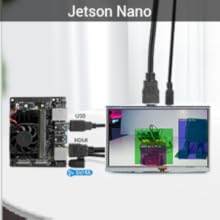
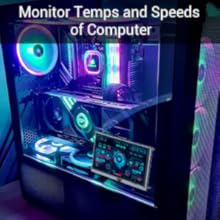
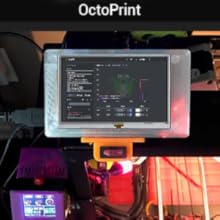
| Fit for Your Creative DIY Projects | |||
 |
 |
 |
 |
| Screen for 3D Printer | PC Sensor Panel | Screen for Raspberry Pi | Monitor for Jetson Nano |
 |
How to install driver to get Touchscreen work? Online installation (RPi need to be connected to the Internet) 1) Log onto the Pi by Putty SSH (User: pi; Password: raspberry) 2) Download the driver from github then execute the following command chmod -R 755 LCD-show cd LCD-show/ sudo ./LCD5-show 3) Wait for a moment after executing, then you can use the corresponding Raspberry LCD. |

Compatible Devices & OS:
1. The monitor can work with standard HDMI-compatible devices (adjust output resolution to 800*480), while the touch function is only available for Raspbian and Ubuntu systems.
2. Touch panel function NOT supported---Retropie, Windows 10 IOT, Kodi, Windows 10/8/7, Jetson Nano.
3. When working with Raspberry Pi 4, for the system image after 2021-10-30, for example, on Bullseye, please modify "dtoverlay = vc4-kms-v3d" to "dtoverlay = vc4-fkms-v3d" in the config file, otherwis,e it may fail to start. But on Buster, please comment out "dtoverlay = vc4-fkms-V3D" by adding #.
Feature
- 5-inch display monitor with video interface features high-resolution picture and large viewing screen.
- Resolution: 800x480 LCD Display with touch function, 5 inches, backlight control to lower power consumption.
- Large viewing angle, fast response time, full-color display. Could provide the driver for Raspberry Pi 2B B+ Raspberry Pi 3B.
- Supporting any revision of Raspberry Pi and works perfectly for Raspberry Pi B+/2B/3B/4B.
Specifications
- Model: RR050
- Resolution: 800 x 480
- USB cable for 5V/ 1A power
- Lcd driver IC: ILI6122+ILI5960
- Refresh rate:60HZ
- Appearance Size:121mm*78mm
- Screen Size:119mm*66mm
Package list
- 5 inch Touch LCD Display x1
- HD connector x2
- Touch pen x1
- User Manual x1
- Screw Pack x1
Wiki & External links
- Specification of inch Resistive Touch Screen
- Datasheet of inch Resistive Touch Screen
- Manual & Wiki link of inch Resistive Touch Screen
- How to install the Image with LCD driver
- How to install the LCD driver
- Post your tech questions in the forum
Write Your Own Review
Bestselling Products You May Like
New Products You May Want



Warranty
Service

VIP Distributor
Discount

Professional
Tech Support
