Currency
Toggle Nav

Everything You Should Know About the Cheap Yellow Display (CYD): A Beginner’s Guide to ESP32 & Crypto Mining
December 23, 2025
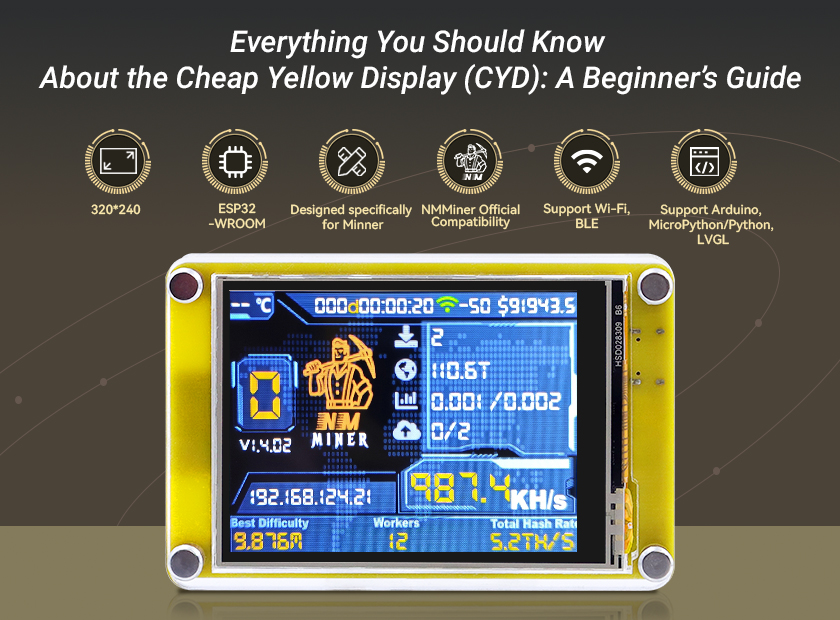
Everything You Should Know About the Cheap Yellow Display (CYD): A Beginner’s Guide to ESP32 & Crypto Mining
If you have ever tried to connect a touchscreen display to an ESP32, you know how difficult it can be. You spend hours fighting with a mess of jumper wires, breadboards, and confusing pinout diagrams, only to end up with a flickering screen and a headache.
But now there is a motherboard that has created a sensation in the industry with its unparalleled affordability, full functionality and ease of use: Cheap Yellow Display (CYD).
So what exactly is the Cheap Yellow Display (CYD), why is everyone talking about it, and what can you do with one?
In this guide, we’ll break down everything a beginner needs to know: from specs and features to project ideas and learning resources.
❤ What Exactly Is the Cheap Yellow Display (CYD)?
The Cheap Yellow Display (CYD) is the nickname for the ESP32-2432S028R development board —— Its official model number is a mouthful, so the developer Brian Lough (witnessmenow) gave it a simpler, more memorable name: “Cheap Yellow Display” (thanks to its bright yellow PCB and budget price tag).
❤ Why do you need the Cheap Yellow Display (such as Elecrow Miner Display)?
1. Unbeatable Price-to-Performance Ratio
For less than $15, you get: An ESP32 with 4MB Flash and 520KB RAM (enough for complex projects), A fully integrated touchscreen (no need to wire separate components), Wi-Fi and Bluetooth capabilities for IoT connectivity, Storage via microSD card, and All necessary circuitry for power and programming via USB.
2. Remarkable Convenience
The CYD eliminates the biggest headache of DIY projects: wiring complexity. Everything is already connected out of the box - no soldering required. Focus on creation, not assembly. You can start programming a functional GUI within minutes of unboxing it.
3. A Thriving Community Has Your Back
What started as a cheap board with minimal documentation has transformed into a community-driven phenomenon. Brian Lough, a prominent maker/YouTuber, noticed the potential of CYD, realizing that while the hardware was great, the documentation was frustrating. So he created a centralized GitHub repository and coined the name "Cheap Yellow Display". From basic "Hello World" demos to complex LVGL graphics libraries. The Discord channel buzzes with new projects daily, and creators worldwide share 3D-printed cases, troubleshooting tips, and innovative applications.
In short: It’s cheap enough to break, powerful enough to hack, and easy enough for beginners to use. That is why it’s on everyone’s workbench right now.
❤ Technical specifications of the Cheap Yellow Display
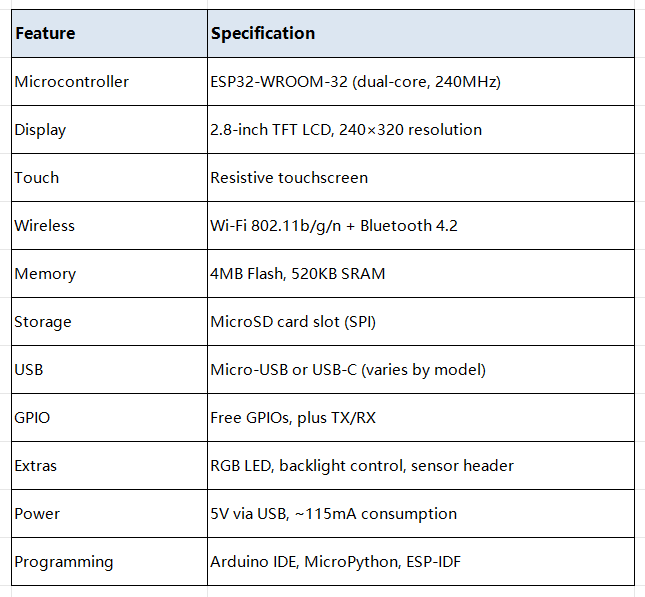
What makes the CYD stand out from other ESP32 boards? Let’s break down its hardware specs—they’re impressive for the price:
❤ What Can You Build with a CYD? (Beginner Projects & Crypto Miner)
The best way to understand CYD's potential is through real projects. Here are beginner-friendly ideas:
1. Smart Weather Station
Display real-time weather data from the internet or your own backyard sensors. Show temperature, humidity, and forecasts on a colorful dashboard.
2. Home Automation Control Panel
Create a wall-mounted display to control your smart lights, view sensor data, and monitor your home temperature.
3. Retro Pocket Game Console
Use the touchscreen as a controller. The ESP32 has enough power to run simple games, and many community members share free game code.
4. Cryptocurrency Tracker & Miner
This is currently the most popular use for the CYD. You can turn this small screen into a device that displays live Bitcoin stats and even "mines" crypto (mostly for fun and education mining).
Many crypto miners use Cheap Yellow Displays to show real-time statistics like hash rate, temperature, and earnings. The compact 2.8-inch screen is perfect for a mining rig monitor.
Displays like the Elecrow 2.8inch ESP32 Solo Miner LCD Display are specifically designed for this purpose.
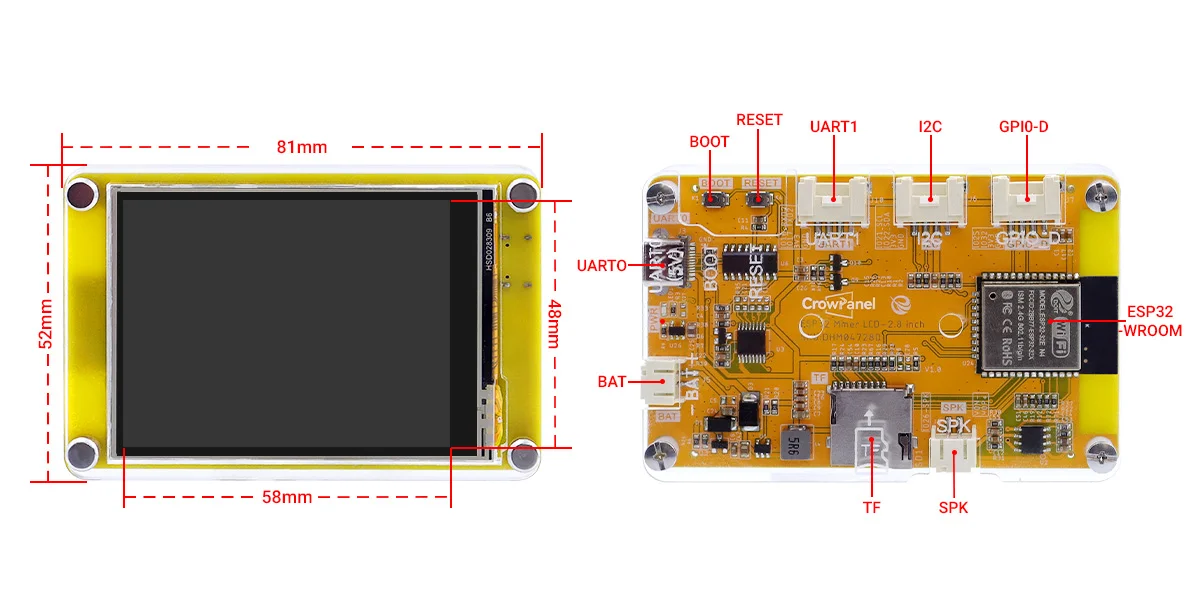
It not only possesses most of the basic advantages of CYD, but also has some unique highlights:
● 1000KH/s Hashrate: Deeply optimized firmware for faster mining than generic CYDs.
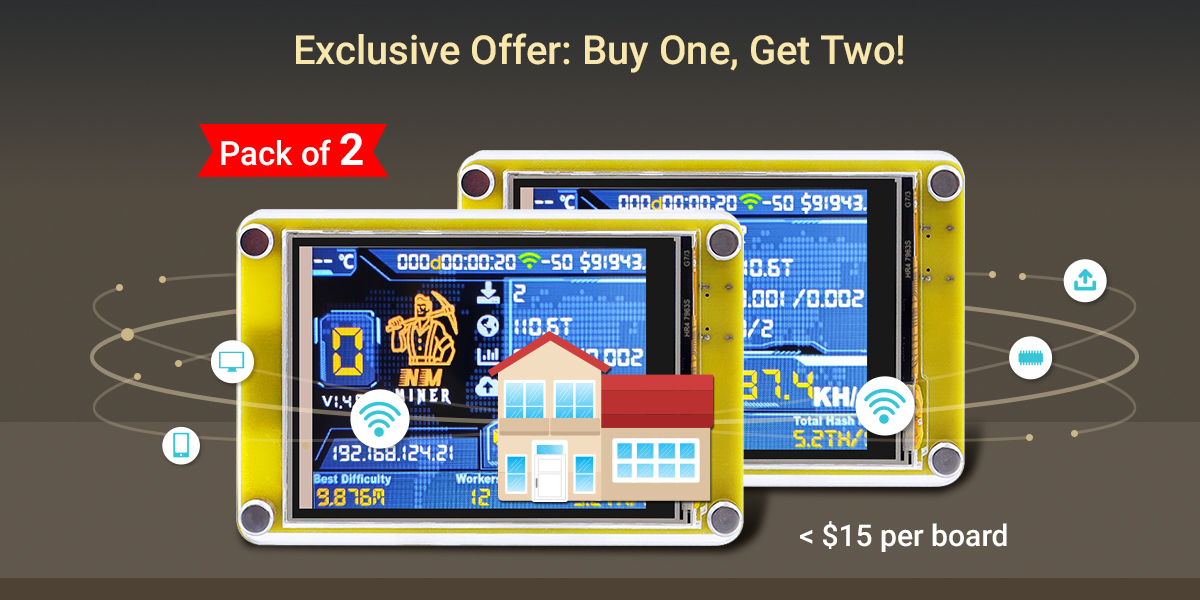
● Unbeatable Deal: 'Buy one, get two!' Our 2-pack costs just $29.90—less than $15 per board.
● Ready-to-Mine: Highly compatible with NMMiner Official software; simply flash to use.
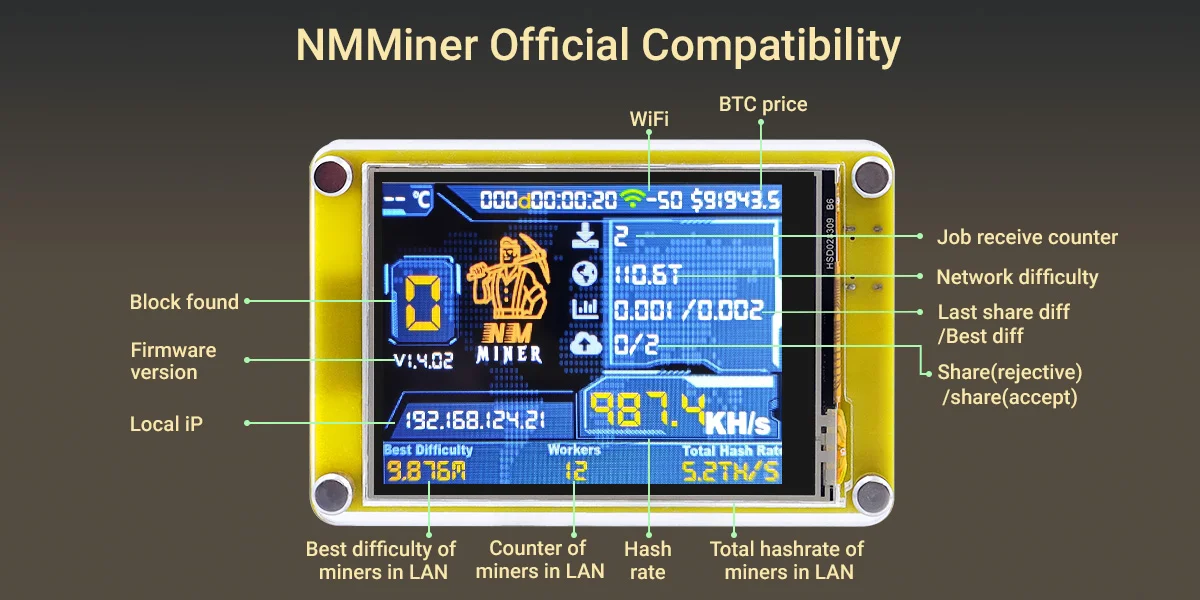
● Support Solo Mining: Built-in WiFi supports independent mining. No external computer is needed. Working with two machines increases the success rate.
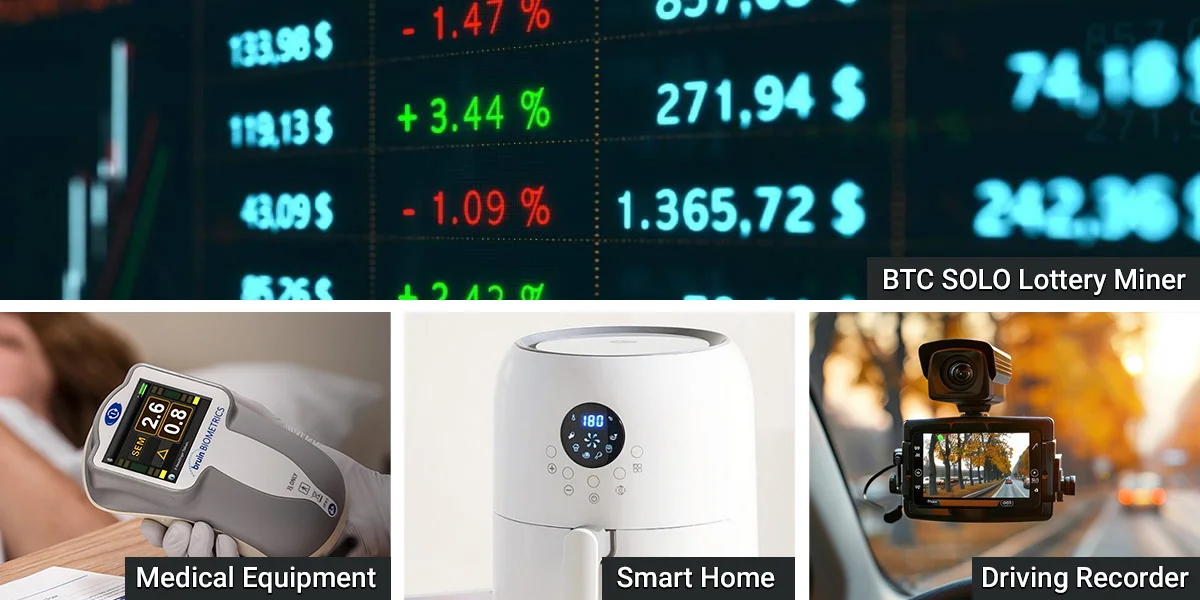
● Wide Applications: Designed specifically for mining, but it is also suitable for smart homes, medical devices, automotive HMIs, home automation, industrial control, and IoT applications.
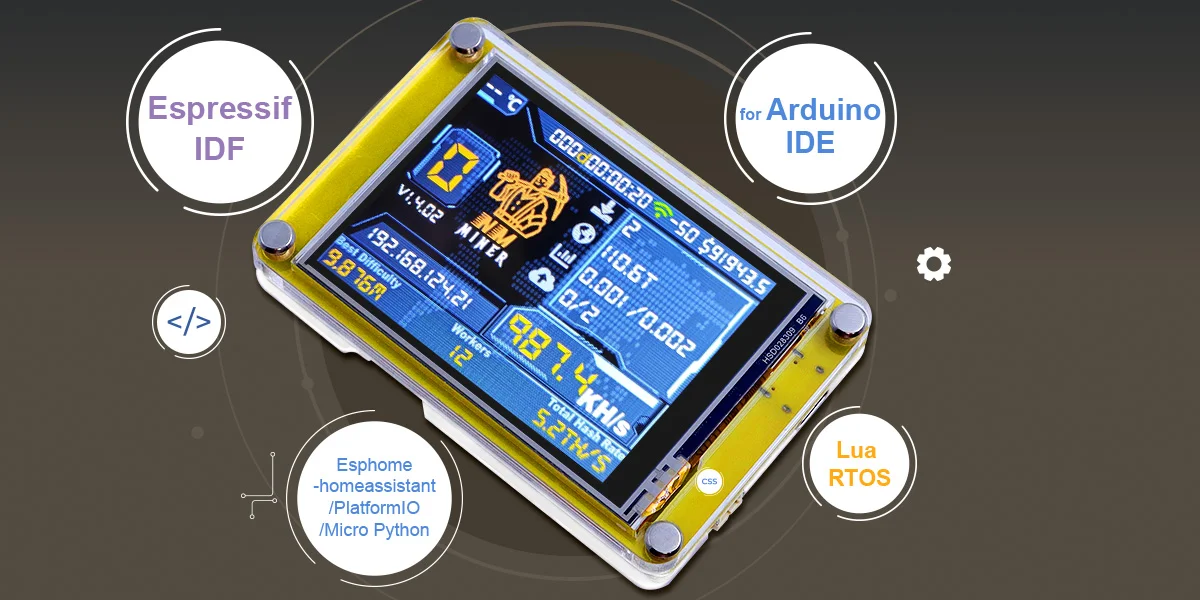
● Beginner-Friendly: Includes 16 step-by-step tutorials, LVGL demo interfaces, and Arduino examples to get you coding fast. Support development environment Arduino IDE, Espressif IDF, Lua RTOS, Esphome-homeassistant/PlatformIO/Micro Python and compatible with LVGL graphics library.
❤ Free Learning Resources
● GitHub Repository: witnessmenow/ESP32-Cheap-Yellow-Display - Start here for code examples
● Discord Community: Active chat for troubleshooting and project sharing. Here is very beginner-friendly—ask questions even if they seem "dumb."
● YouTube Tutorials: Search "Cheap Yellow Display" for visual guides. Highly recommend Brian Lough's channel – he's a namer and promoter for CYD, and his channel features complete tutorials ranging from unboxing to programming.
※ Quick Start Checklist for Beginners
√ Order a CYD board (any version works with these resources)
√ Download Arduino IDE (free from arduino.cc)
√ Clone the GitHub repository (witnessmenow/ESP32-Cheap-Yellow-Display)
√ Join the Discord (for help when you get stuck)
√ Upload the "Hello World" example (takes 5 minutes)
√ Pick one beginner project from the examples folder and modify it
※ Pro Tip for Learning
Don't try to understand everything at once. Start by getting the "Hello World" example working. Then change one thing at a time (text color, position, add a button). Each small success builds your understanding.
These resources are completely free and enough to take you from complete beginner to building your own custom touchscreen projects in a few weeks.
❤ Final Thoughts
The Cheap Yellow Display is popular because it solves real problems: it's affordable, simple, and powerful. Whether you want to build a crypto mining monitor, smart home controller, or just learn about touchscreens, CYD is the easiest way to start.
Ready to build? Get a Cheap Yellow Display, open the Arduino IDE, and join the community of makers creating amazing projects with this little yellow board.
❤ [New] - Join Our Esp32 Display UI Contest Now
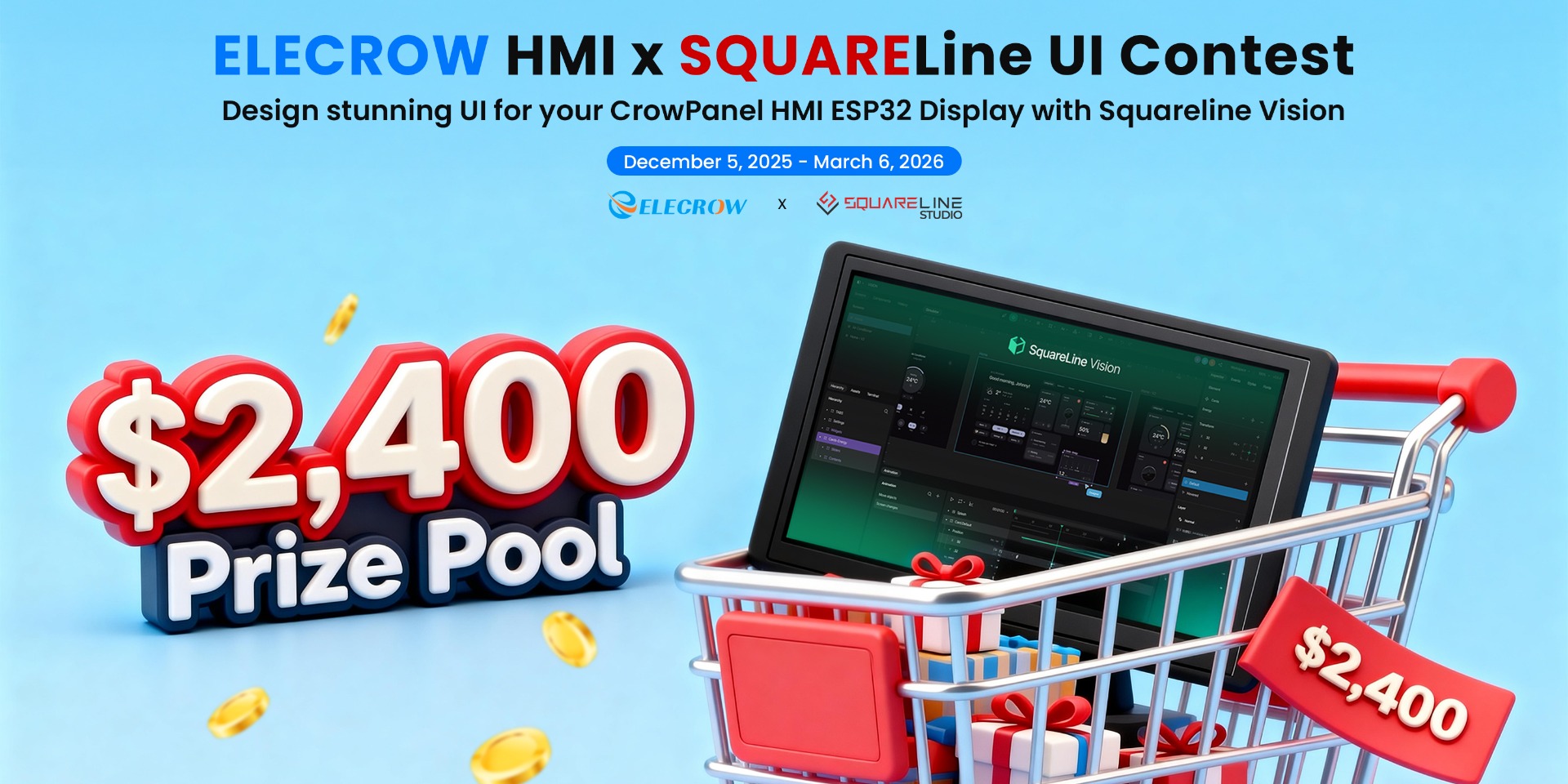
Elecrow and SquareLine are thrilled to announce the Elecrow HMI × SquareLine UI Contest!
※※ Timeline: December 5, 2025 - March 6, 2026
※※ Your Challenge: Design stunning UI for Elecrow ‘CrowPanel ESP32 HMI Displays’ using 'SquareLine Studio/Vision'
This is a great opportunity to win cash prizes, exclusive software license, and have your UI showcased globally, becoming a classic case study and gaining recognition!
Learn More: https://www.elecrow.com/crowpanel-squareline-contest.html