

Story
These days I accidentally came across this small retro Black and White TV with a built-in Radio, so I immediately decided to make some simple useful device with it. Of course, first I decided to check its current condition and functionality.
Let's examine the Radio receiver. As far as I can see, this part of the device is functioning normally and the only thing that needs to be cleaned is the volume potentiometer, possibly with some contactor spray.
Now let's move on to the TV receiver. In a few seconds, a white raster appears on the screen, which is a sign that this part of the device is probably completely functional. We still have to examine the tuner part, by bringing an analog signal to the antenna input. For this purpose, I will use the signal from cable television. This signal is in the VHF-III Band, so now I will start searching for channels.

As I assumed, and the TV receiver is completely functional, but unfortunately nowadays it has no significant use value except as part of some retro TV collection.
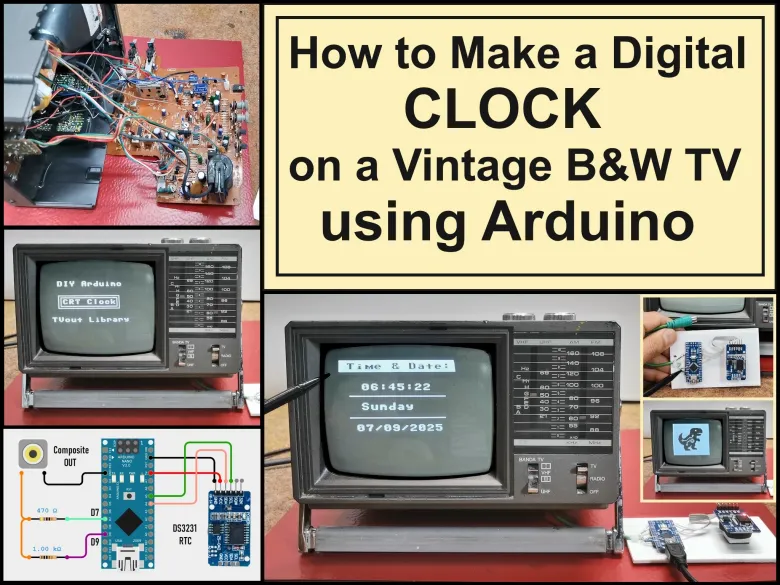
I got the idea to "bring back to life" this small cute device in a way that I would make some kind of clock that would display the time and date on the screen. And of course the most suitable for that purpose is the Arduino microcontroller together with the TVout library with the help of which a composite signal is generated through only two resistors.
Detailed video description at: https://youtu.be/JuSsQqInKgo
The model of this device is "Inno-Hit TV128" but after a long search I was unable to find any service manual or circuit diagram. Many years ago I worked in a TV repair shop and I have relatively extensive knowledge in this area.
By definition the composite input should be located somewhere between the video amplifier and the sync section. After a detailed examination of the PCB and its components I discovered that the video amplifier in this case is TA7678AP IC and the sync section is µPC1379C IC.

After several hours of experimentation I discovered that the composite input is located right after the video output from TA7678AP IC. That video signal passes through this jumper J112.
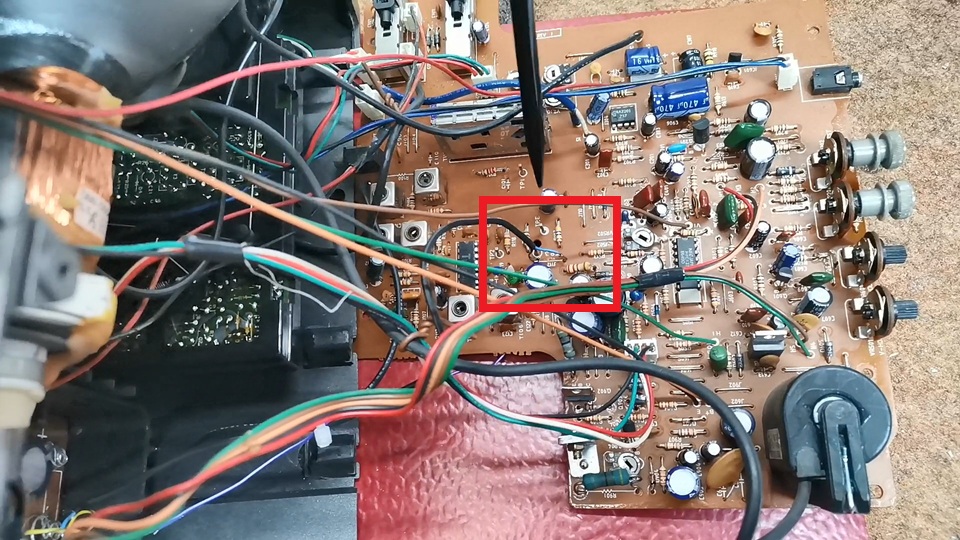
So I need to remove this jumper so that the previous tuner circuit does not affect the signal, and connect the composite input directly to the input of the sync section.
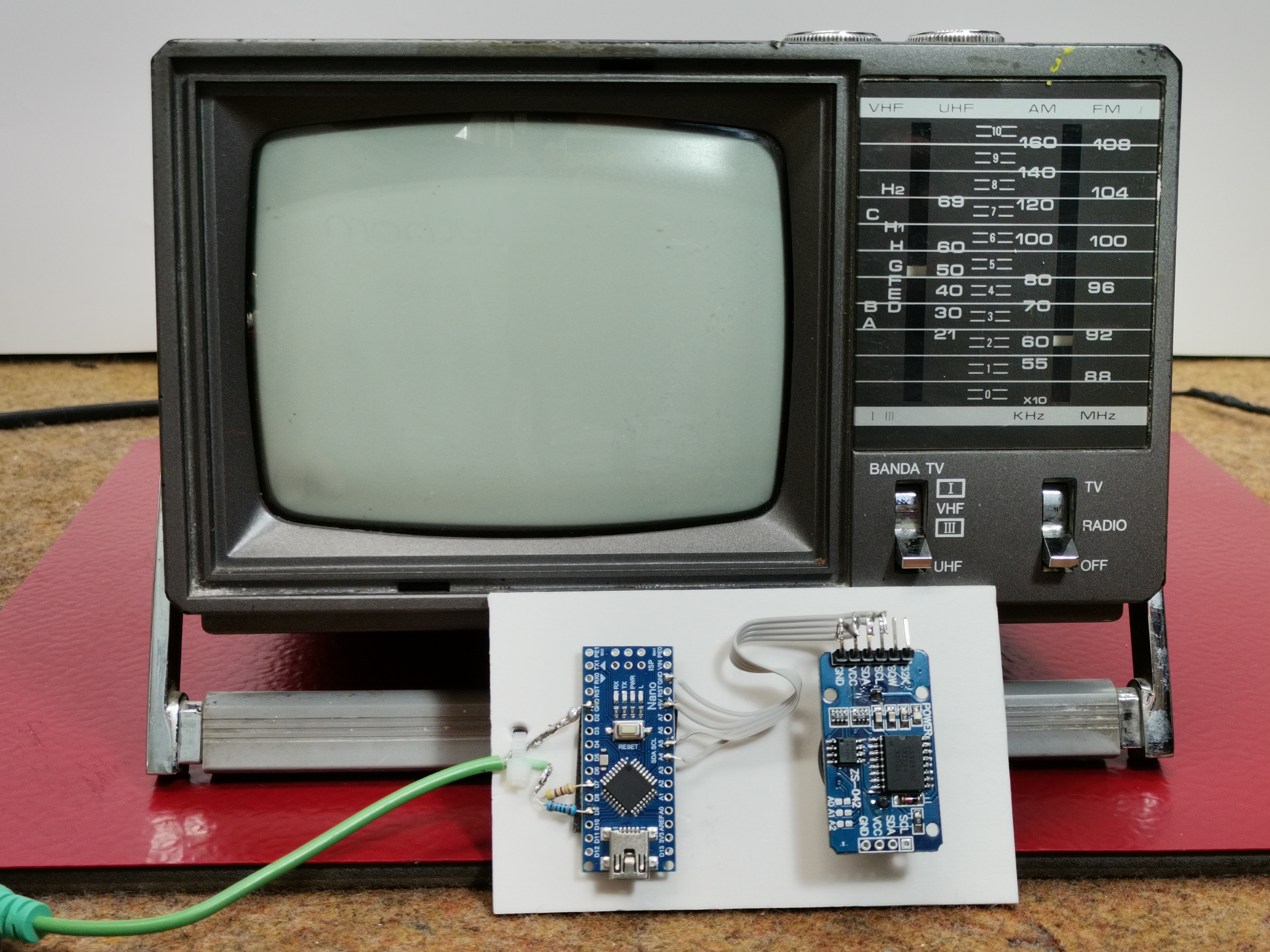
Composite signal generator consisting of an Arduino Nano and 2 resistors, and there is also the DS3231 real time clock module with a built-in battery from which the exact time is read and displayed on the TV screen.
So I need to remove this jumper so that the previous tuner circuit does not affect the signal, and connect the composite input directly to the input of the sync section.
Composite signal generator consisting of an Arduino Nano and 2 resistors, and there is also the DS3231 real time clock module with a built-in battery from which the exact time is read and displayed on the TV screen.
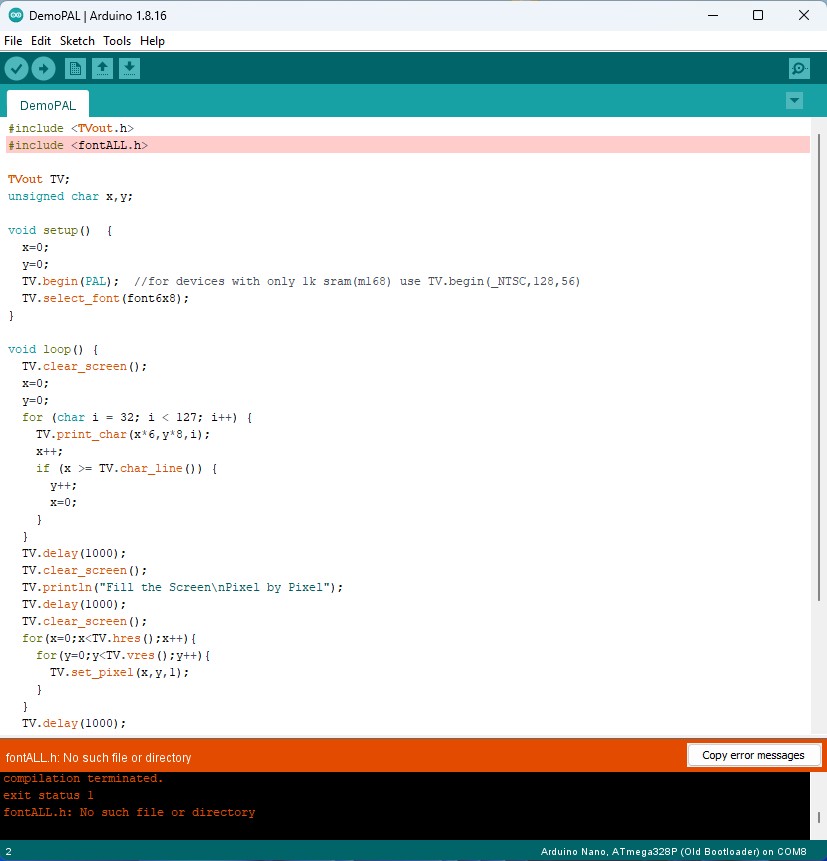
To avoid this, we need to install the two libraries "TVout" and "TVoutfonts" separately, which are given at the end of the text.
Now let's start testing. We bring the composite signal generated by the Arduino to the appropriate input which is connected in the manner explained previously. The switch should be in the "Composite" position. The content is clearly displayed on the screen.
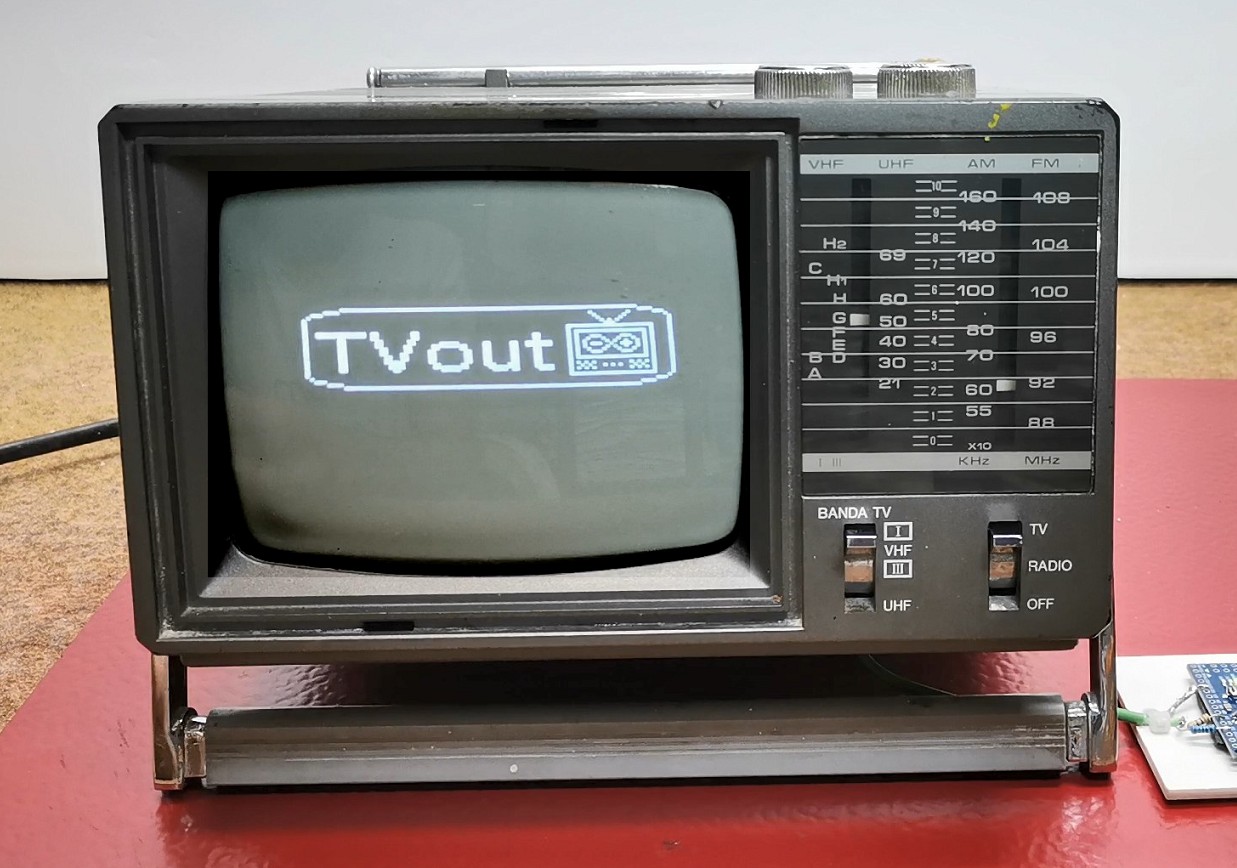
Understandably, now the BAND switch has no function because the tuner section has been omitted. Now you can adjust the brightness and contrast of the image and, if necessary, horizontal or vertical synchronization. And as I mentioned earlier, I created a relatively simple code that will display the time, day of the week and date in digital form. Initially, my idea was an analog clock but due to the extremely low resolution that can be generated by the Arduino, the image was desperately bad.

The code is mainly based on the TVout library so my goal was to introduce several different possibilities such as drawing Logos, rectangles, lines, text borders, as well as black text on a white background.
The exact time and date are read from the DS3231 Realtime Clock module which also has a built-in battery to save time when there is no power.
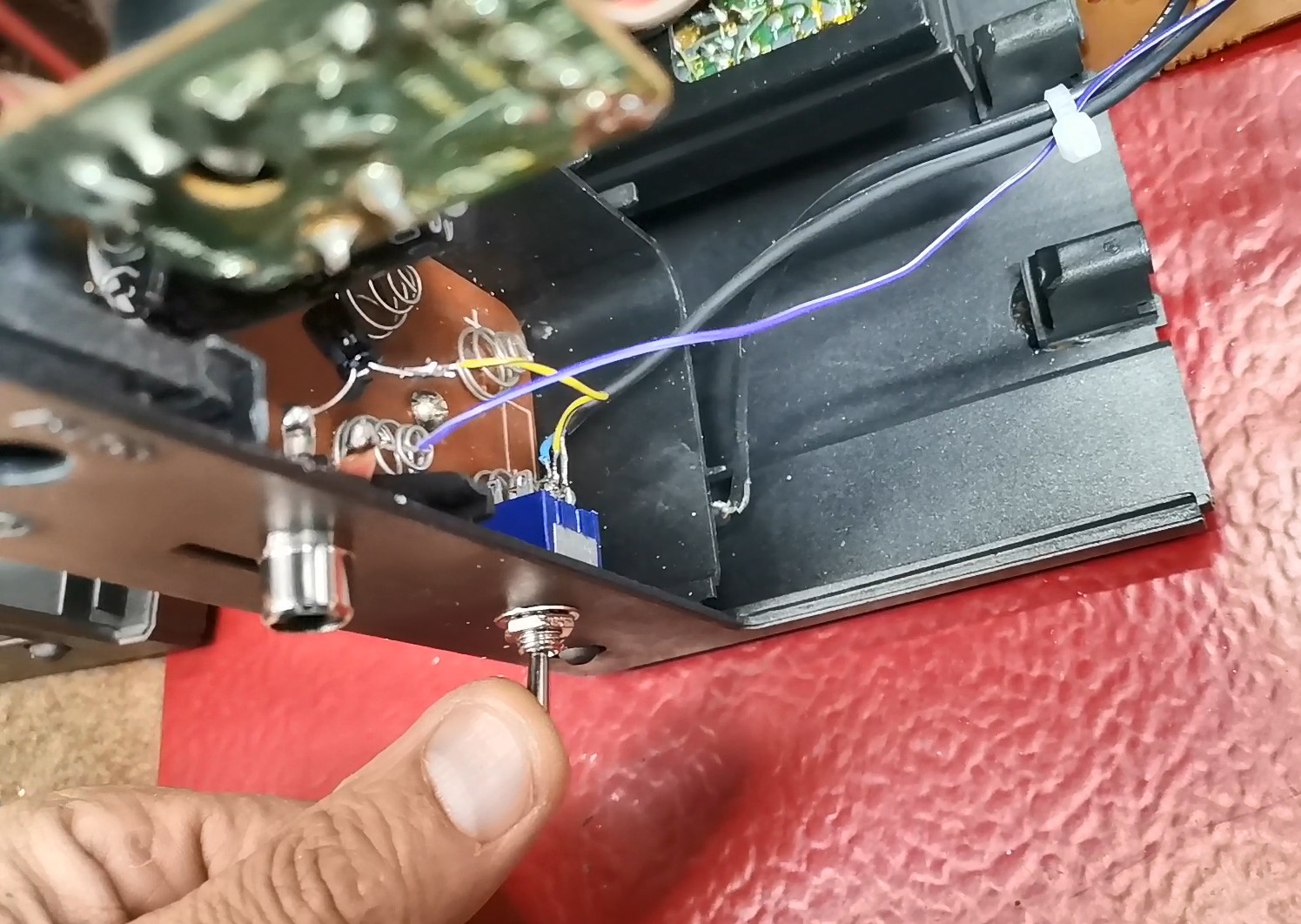
Otherwise, when modifying the TV, I installed a small switch that allows you to choose between standard TV mode and composite video mode.
And finally, a short conclusion. This project successfully transforms a vintage TV into a functional and stylish retro clock. It's a perfect fusion of classic hardware and modern microcontroller simplicity. Also, modifying the small TV without any documentation or schematics was a big challenge for me.