Currency
Toggle Nav

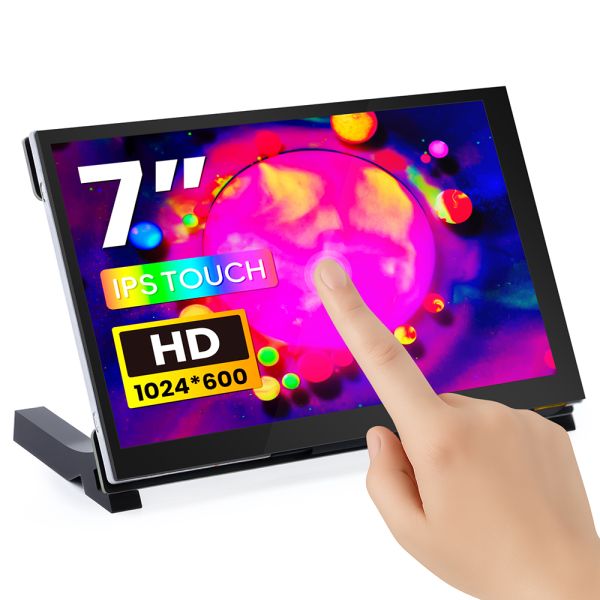


7inch IPS HD Touch Screen-D 1024*600 HD Monitor Compatible with Raspberry Pi/BB Black, etc
$36.90
Availability:
In stock
SKU
DLH05170B
Weight
410g
Related Products:

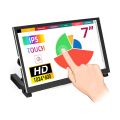
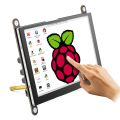
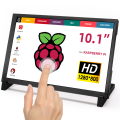

[HD Screen] 7-inch IPS screen, 1024×600 resolution, providing a wider field of view.
[Sensitive Touch] 5-point capacitive touch, USB driverless operation, smooth performance.
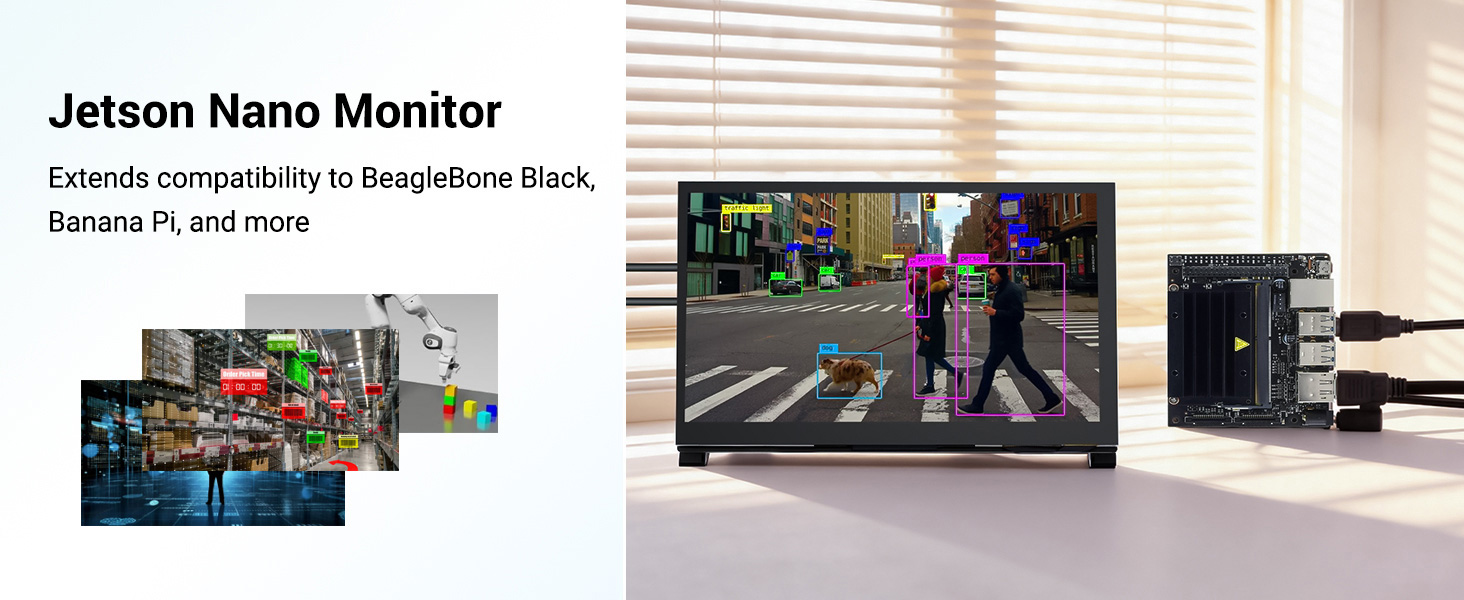
[Raspberry Pi Screen] Can be used as a Raspberry Pi screen, compatible with mainstream mini PCs such as Raspberry Pi 5, 4, 3 B+, BB Black, Banana Pi, and Jetson Nano.
[Professional Functions] Equipped with an OSD menu to adjust brightness and contrast, and supports USB software dimming to meet professional needs.
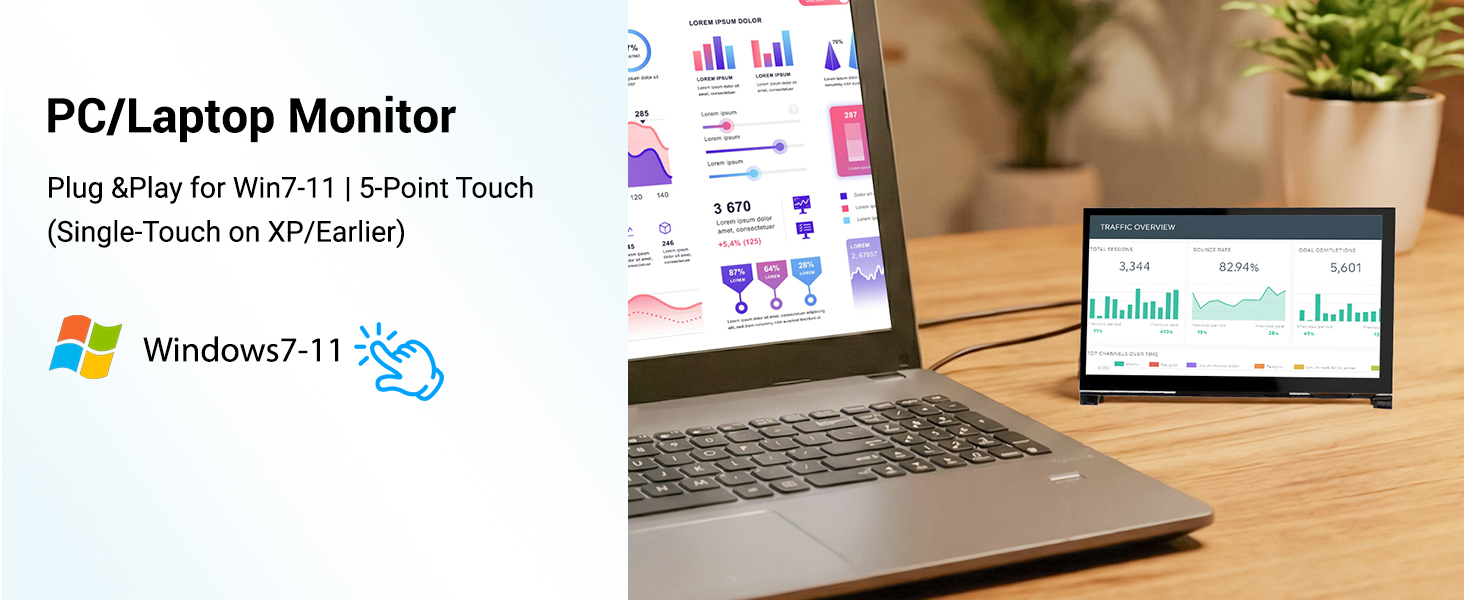
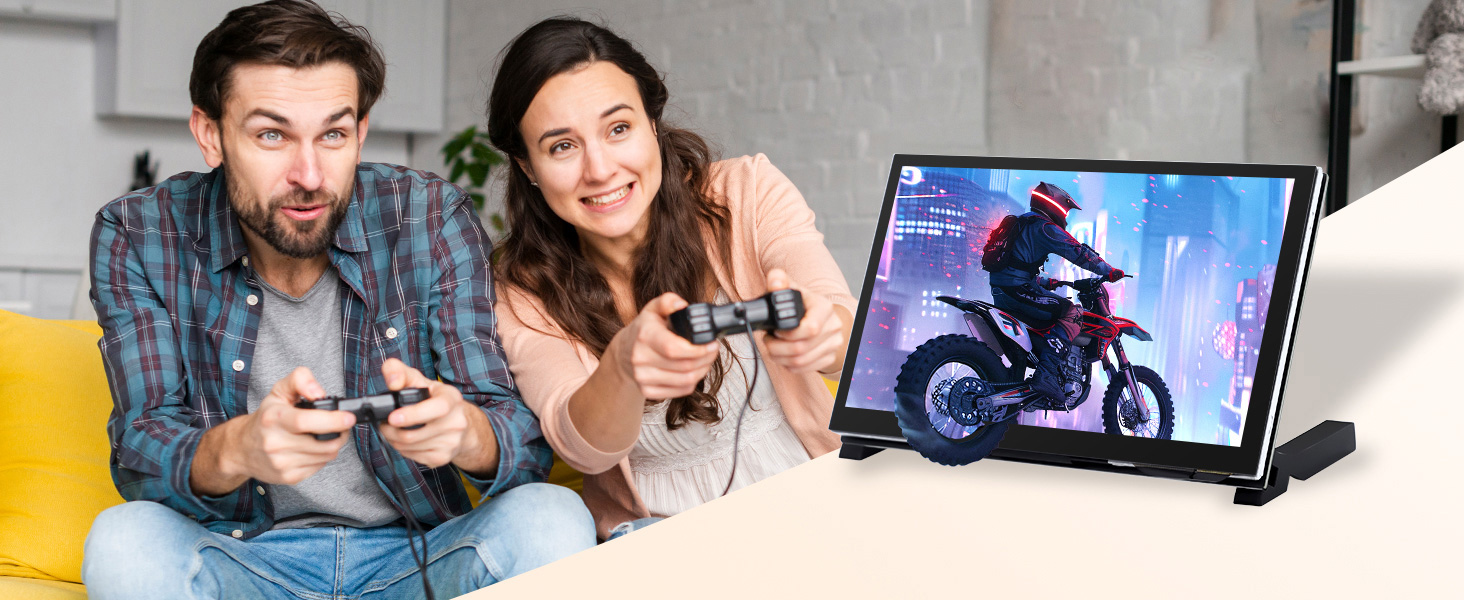
[Wide Compatibility] Compatible with Raspberry Pi, Windows 7/8/10/11 systems, and game consoles such as PS4 and Xbox, offering multiple uses in one screen.
[Integrated Design] Retractable interface, rear mounting holes allow for easy mounting of Raspberry Pi, creating a neat project environment.
[Superior Quality] CE and RoHS certified, ensuring quality and safety.
Send B2B inquiries to info@elecrow.com
Frequently Bought Together


7inch IPS HD Raspberry Pi Display
This 7-inch HDMI display features an IPS panel with a native resolution of 1024×600 and supports up to 1080P, delivering a richly detailed and vibrant visual experience. The screen utilizes a 5-point capacitive touch solution, enabling driverless touch control via USB, providing a smooth and responsive operating experience on Windows and various development platforms. The device also supports USB dimming, with accompanying software allowing for online dimming.
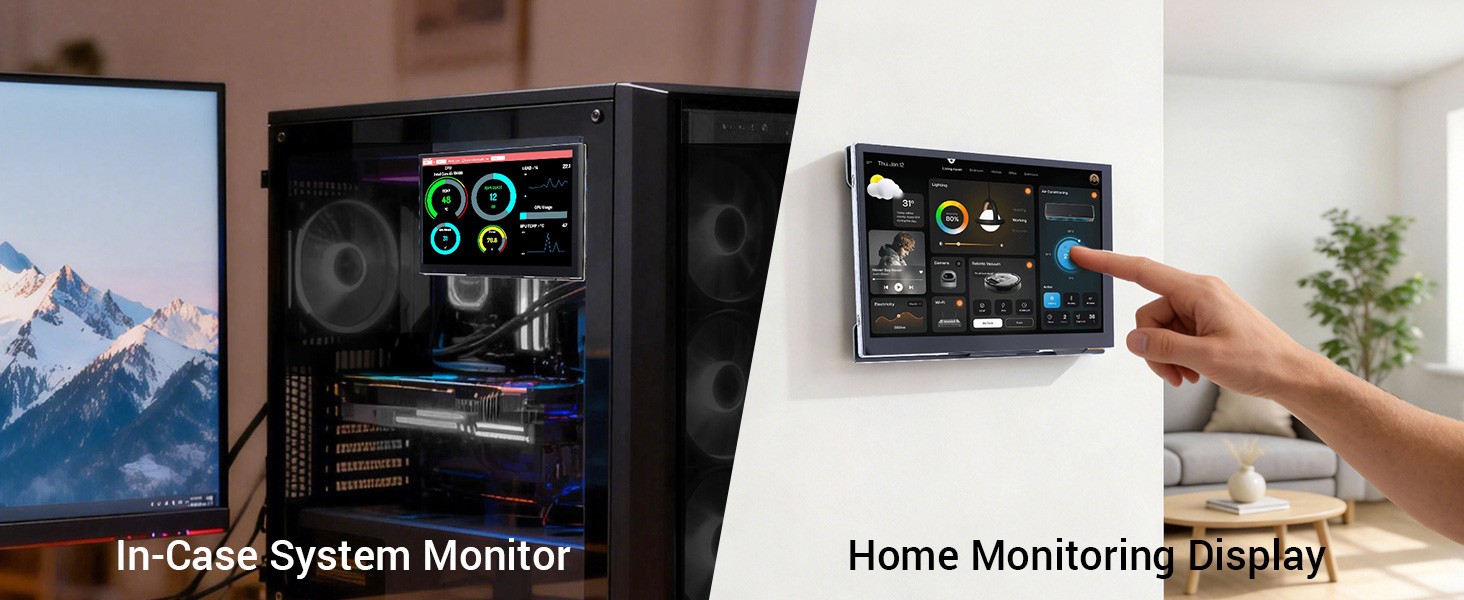
This 7-inch screen features an OSD menu, allowing easy adjustment of parameters such as brightness and contrast. Its excellent compatibility fully supports Raspberry Pi series development boards (compatible with Raspbian/Ubuntu/Win10 IoT systems, supporting multi-touch, driverless), perfectly matching the entire Windows 7 to 11 operating system series (achieving five-point touch, driverless), and can also connect to mainstream gaming devices such as PS4 and Xbox. An acrylic stand is included, and its innovative retractable interface design, along with pre-drilled mounting holes on the back, allows for easy mounting of Raspberry Pi and other development boards directly to the back of the screen, creating an integrated solution.
The 7-inch screen has passed multiple international certifications, including CE and RoHS, ensuring stable and reliable performance in applications such as development and debugging, industrial control, and multimedia entertainment.
Quick Click to where you are interested: #Feature, #Specification, #Documents, #Review.
OEM customization requests can be discussed for projects.
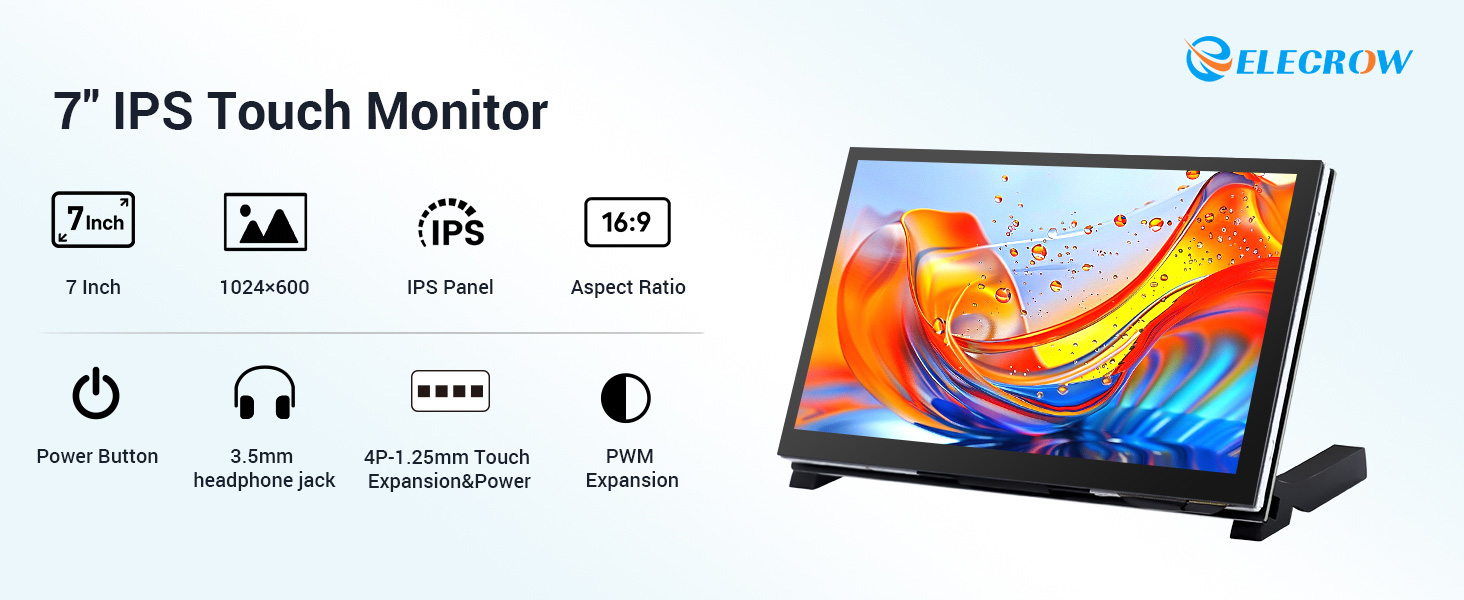
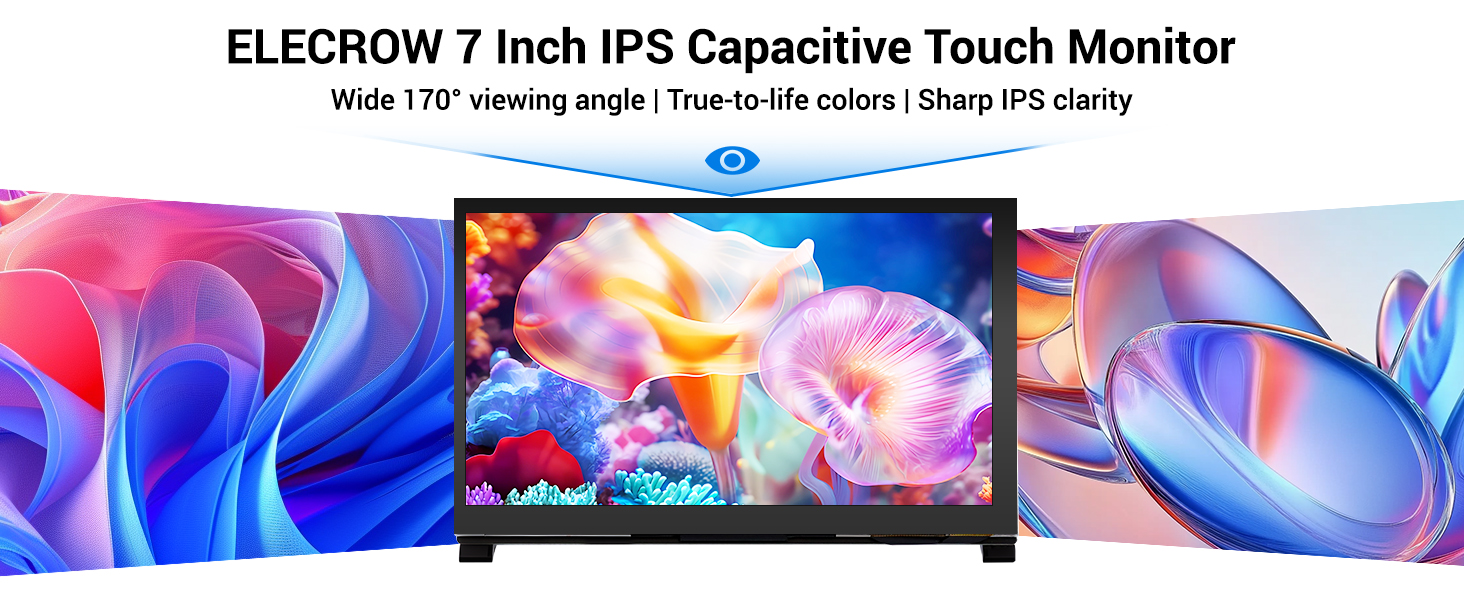
7inch monitor with an IPS Panel, supports capacitive touch.
Supports 5-Point Multi-Touch 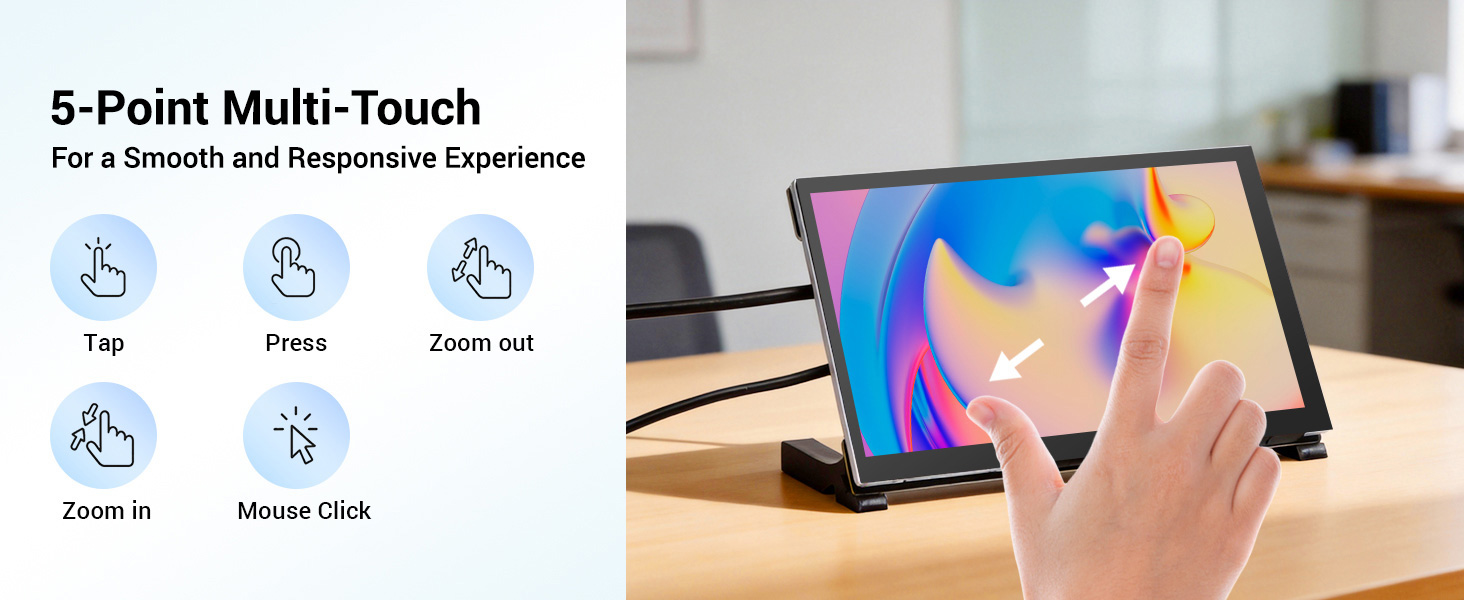
Raspberry Pi Hidden Behind Display 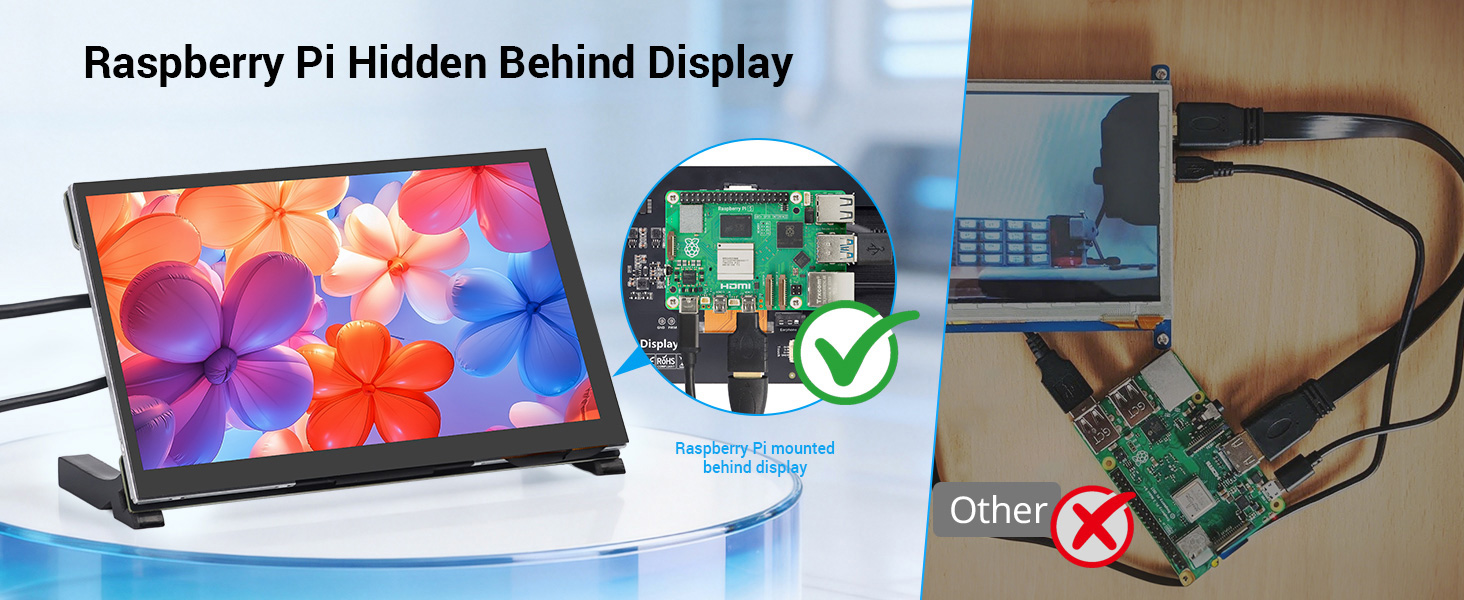
Wide Compatibility 
Hardware Overview 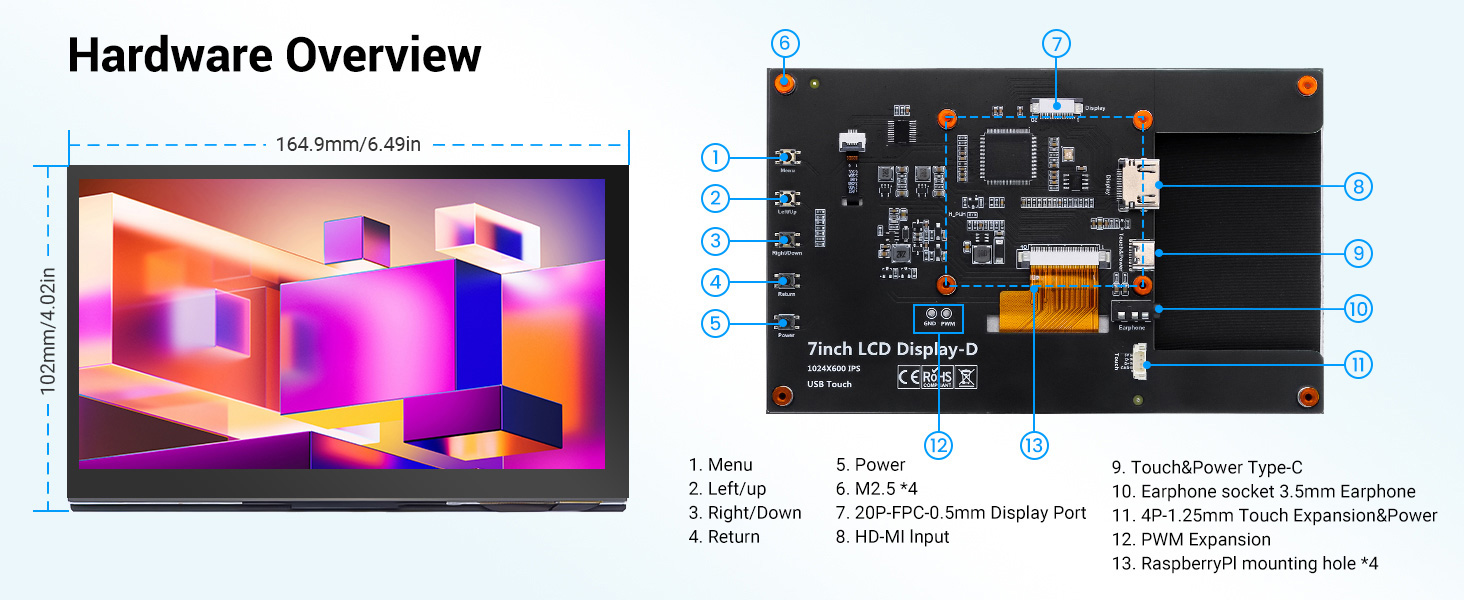
Feature
- High-definition IPS display: 7-inch IPS screen with a 1024×600 physical resolution, supporting 1080P signal input, providing a wide viewing angle and delicate image quality.
- Sensitive touch: 5-point capacitive touch, USB driverless operation, smooth operation.
- Professional functions: Equipped with an OSD menu to adjust brightness, contrast, etc., and supports USB software dimming to meet professional needs.
- Wide compatibility: Compatible with mainstream mini PCs such as Raspberry Pi (3/4/5), BB Black, and Banana Pi; supports Raspbian, Ubuntu, WIN10 IoT, and other systems; supports Windows 7/8/8.1/10/11 systems and game consoles such as PS4 and Xbox.
- Integrated design: Unique recessed interface design, optimized for back-mount installation of development boards such as Raspberry Pi, compact structure, saving space.
- Professional certification: CE and RoHS certified, safe and reliable.
Specification
|
Display size |
7.0inch |
|
Display type |
IPS |
|
Touch IC |
GT911 |
|
Field of view |
170° |
|
Touch Type |
Capacitive 5-point Touch |
|
Resolution |
1024×600 |
|
Backlight Type |
White LED |
|
Backlight Brightness |
320cd/m2 |
|
Refresh Rate |
60Hz |
|
Response Time |
5 ms |
|
Power Voltage |
5V (USB Type-C) |
|
Power Consumption |
2.55W |
|
Video Input Interface |
HD/FPC Display Port |
|
Touch Interface |
USB/4P-1.25mm Port |
|
Active Area |
154.21 x 85.92 mm |
|
Dimensions |
164.90*102.00*15.15 (mm) |
|
Net Weight |
223g |
Hardware Description
|
Name |
Description |
|
Menu/Return |
Open/Close the System Settings Menu; Return |
|
Power |
Connect to the power supply using Type-C cable, only providing power supply function and Touch |
|
Display interface |
Input HDMI signal, commonly used to connect to a computer |
|
HD Interface |
Input HDMI signal, connect using Mini HDMI cable, commonly used to connect to a computer |
|
Earphone |
3.5mm audio output interface for connecting audio devices, such as headphones or audio systems |
|
PWM |
The backlight brightness can be adjusted by using PWM through external wiring |
|
Up/Brightness Increase |
Shortcut key, backlight brightness increase; In the System Settings Menu, Up |
|
Down/Brightness Decrease |
Shortcut key, backlight brightness reduction; In the System Settings Menu, Down |
|
Left/ Volume Reduction |
Shortcut key, Volume reduction; In the System Settings Menu, Left |
|
Right/Volume Increase |
Shortcut key, Volume increase; In the System Settings Menu, Right |
|
Raspberry Pi hole |
2.5mm copper post, which can be used to connect and fix the Raspberry Pi |
Pin Definition of the 20Pin-0.5mm-FPC Expansion Interface
|
Number |
Name |
Description |
Number |
Name |
Description |
|
1 |
NC |
Floating |
11 |
RXC_P |
Clock transmission pin, used to transmit the differential clock signal |
|
2 |
RX0_N |
Data transmission pin, used to transmit the differential data signal of channel 0 |
12 |
GND |
Ground |
|
3 |
GND |
Ground |
13 |
RXC_N |
Clock transmission pin, used to transmit the differential clock signal |
|
4 |
RX0_P |
Data transmission pin, used to transmit the differential data signal of channel 0 |
14 |
NC |
Floating |
|
5 |
RX1_N |
Data transmission pin, used to transmit the differential data signal of channel 1 |
15 |
NC |
Floating |
|
6 |
GND |
Ground |
16 |
HDMI SCL |
IIC clock line, which provides a clock signal for data transmission |
|
7 |
RX1_P |
Data transmission pin, used to transmit the differential data signal of channel 1 |
17 |
HDMI SDA |
IIC data line, used for actual data transmission |
|
8 |
RX2_N |
Data transmission pin, used to transmit the differential data signal of channel 2 |
18 |
GND |
Ground |
|
9 |
GND |
Ground |
19 |
HDMI 5V |
Power pin, providing 5V power supply |
|
10 |
RX2_P |
Data transmission pin, used to transmit the differential data signal of channel 2 |
20 |
HDMI HPD0 |
It is the hot-plug detection signal pin in the HDMI interface |
4Pin-1.25mm Touch Expansion Interface Definition
|
Pin |
Identifier |
Function Description |
|
1 |
5V |
Power pin, providing 5V power supply |
|
2 |
D+ |
Data transmission pin, used to transmit differential data signals |
|
3 |
D- |
Data transmission pin, used to transmit differential data signals |
|
4 |
GND |
Ground pin |
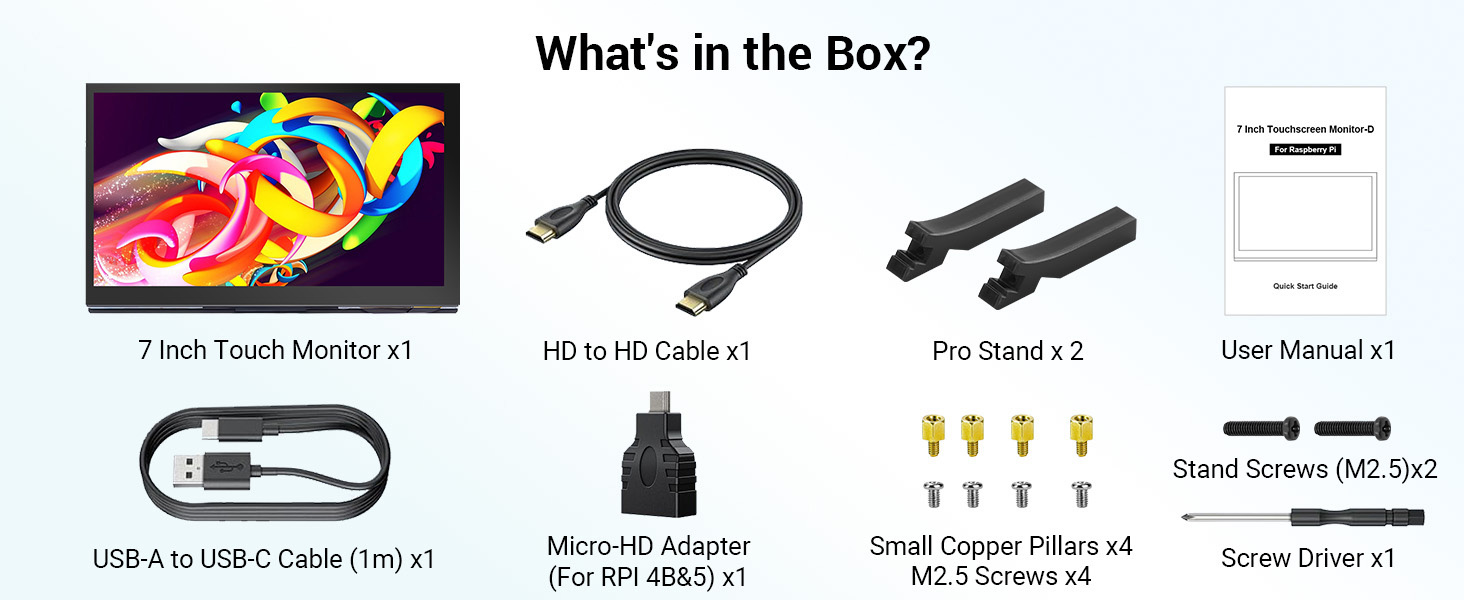
Package List
- 1x 7inch Touch Screen
- 1x HD Cable(1m)
- 1x USB-A to USB-C Cable(1m)
- 1x Micro-HD Adapter(For RPI 4B&5)
- 2x Pro Stand
- 4X RPI Screws Pack (M2.5)
- 2x Stand Screws
- 4x Copper Pillars(M2.5)
Wiki & External links
What do they say?
| Elecrow 7inch IPS HD Touch Screen | |
| Project Author: Makerguides |
Write Your Own Review
Bestselling Products You May Like

New Products You May Want
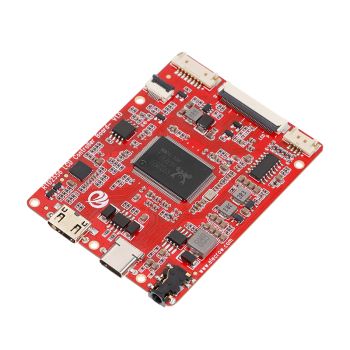
RTD2556 Driver Board/Controller Board for HD Monitor With EDP 30Pin 1920x1080p Touch Function
was
$20.90
Special Price
$14.63


Warranty
Service

VIP Distributor
Discount

Professional
Tech Support

Fast
Delivery
×
 Add to cart successfully!


Add to cart successfully!
Customers Who View This Item Also Bought