Story
1. Use ardiuno IDE with M5Stack unified library
M5Stack core is ESP32 device.
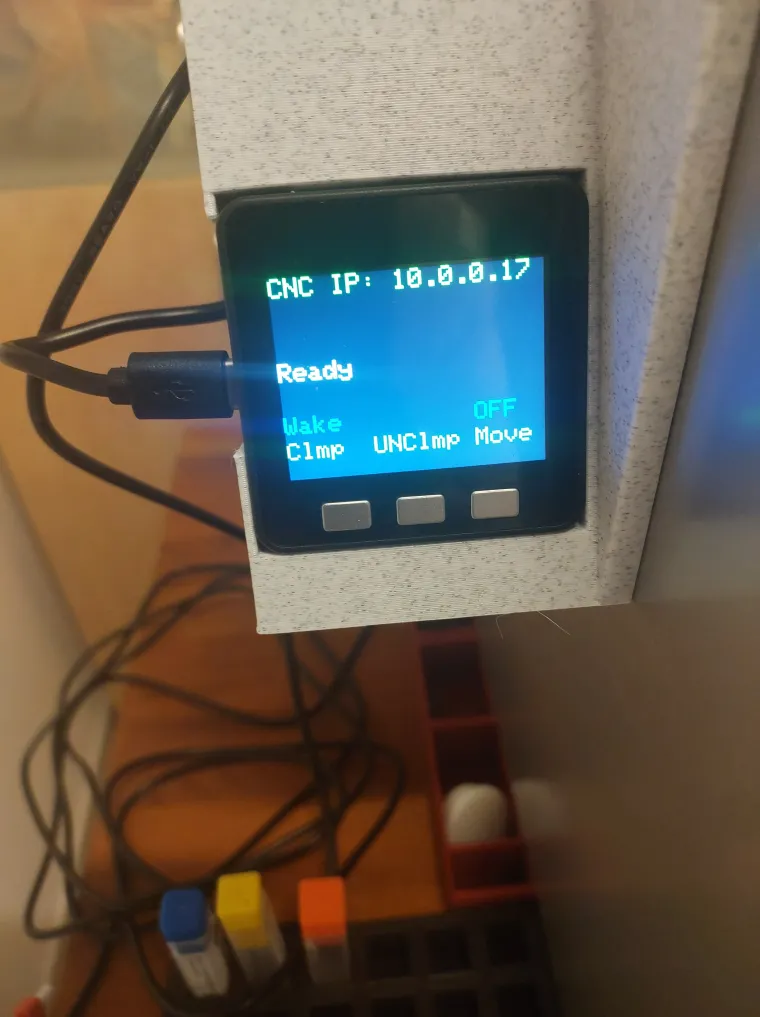
2. The software build on startup internal ARP table, by using ping command, from this ARP table the software find the MAC address of the CNC, and from the MAC's ARP table , it get the IP address of the CNC, and used it for wifi connection.
3. The M5Stack unit need to be in the same wifi network as makera carvera.
4. I use the Carvera_Community_Firmware in my CNC in order to use 3D probe
https://github.com/Carvera-Community/Carvera_Community_Firmware
5. The probe WP500 has only two wires: red and black. The red is the GND !!!!, black is NOpen signal
6. The connection of the 3D probe is done by using the 2-pin connector on the left side table in the carvera CNC.
JST-2mm
7. The GND and Signal NOpen from the probe , come to the 2-pin connector that locate inside the machine table, from the table left side.
8. We Can change the software to support any G or M commands to carvera
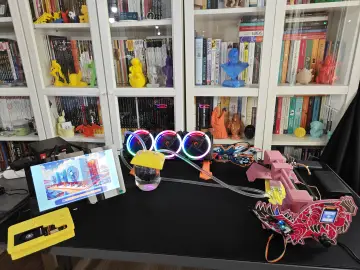
9. The M5 stack has 3 buttons:
A- (left) use to Clamp the probe . or wake up the device after shutdown.
B- (Middle) use to Unclmp the device
C- (right) use to move the CNC routet to the left 100 mm in order to insert the 3D probe.
Long press ( 3 sec) on C button use to shout down the unit and close the wifi connection.
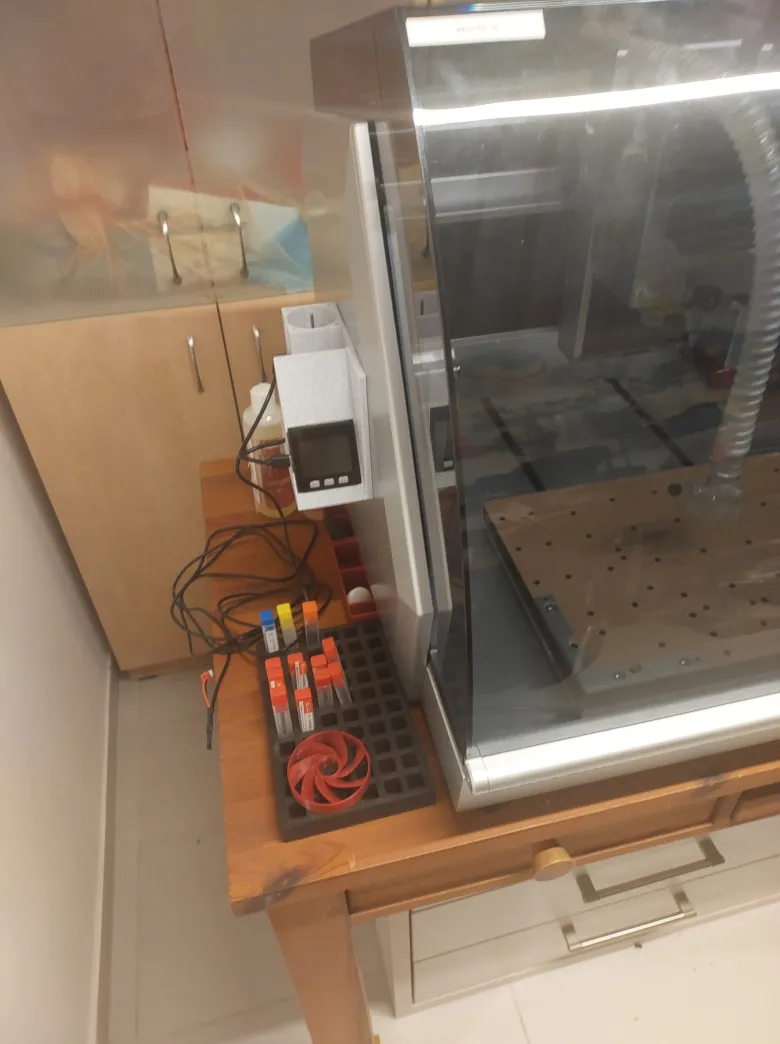
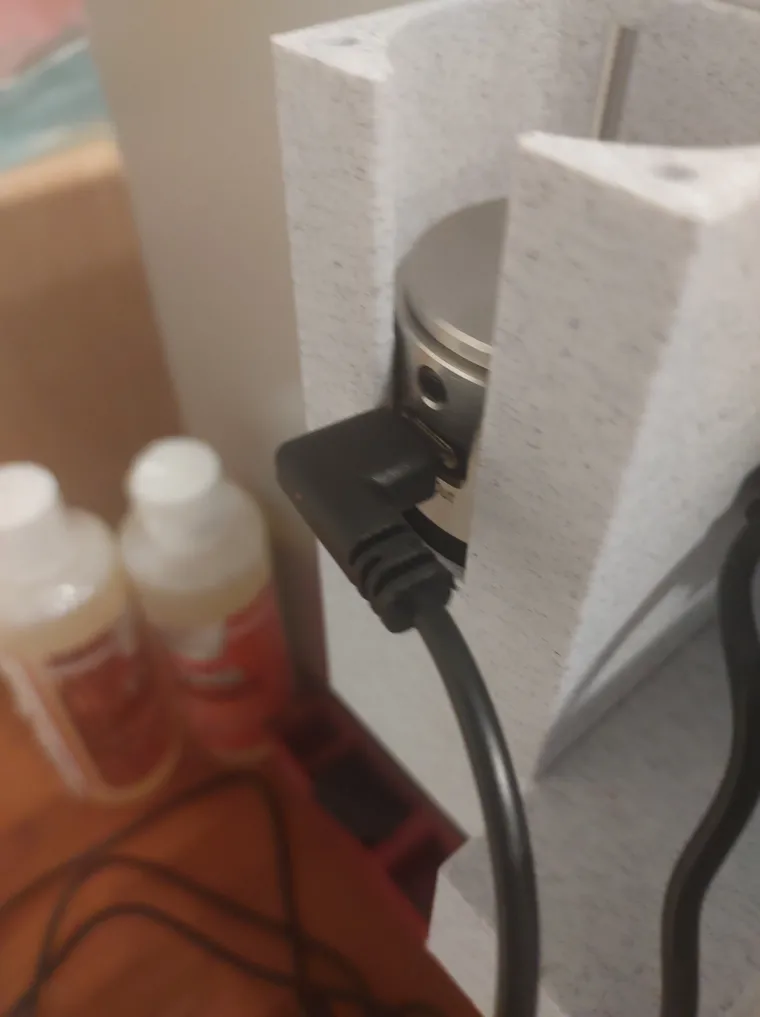
10. If you want that the 5V power to M5Stack unit, will come from the usb port on the Carvera LEFT side:
You need to switch the internal USB connection cable, in the Carvera back pannel, from right side to left side
Or - External 5V power USB-C supply can be used.
11. 3D plastic model (PLA) design in fusion-360