Currency
Toggle Nav



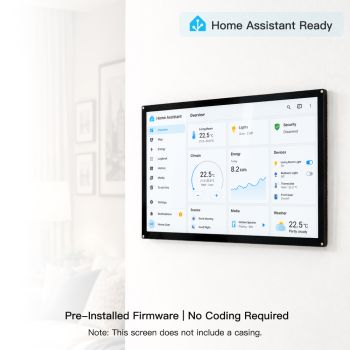
10.1-inch HD Touchscreen | 1520×720 IPS Screen | Designed for Raspberry Pi | 5-point Capacitive Touch
$59.90
Availability:
In stock
SKU
DLH61101B
Weight
800g
Related Products:

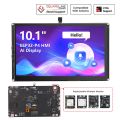

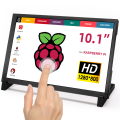

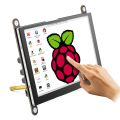
[Raspberry Pi Exclusive] Comes with various adapters and a stand for a tight back-to-back installation, eliminating messy cables.
[Long Strip IPS Screen] 10.1-inch 1520×720 resolution, vertically displaying code/web pages/monitoring data.
[5-Point Capacitive Touch] USB driverless plug-and-play, compatible with Windows/Raspberry Pi OS/Ubuntu.
[Multi-Functional Screen] Raspberry Pi companion, PC secondary monitor, fully compatible with Switch/Xbox game consoles.
[Simple Connection] HD video transmission + USB-powered touch control, with physical buttons to adjust brightness and contrast.
[❤️What you get] 24H Friendly Customer Service and 1 Year warranty.1x 10.1" display,1x HD Cable, 4x Adapters, 1x USB-C Cable, 1x Mounts.
Frequently Bought Together
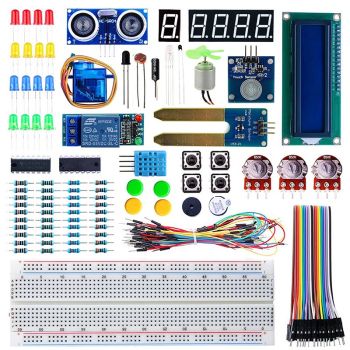
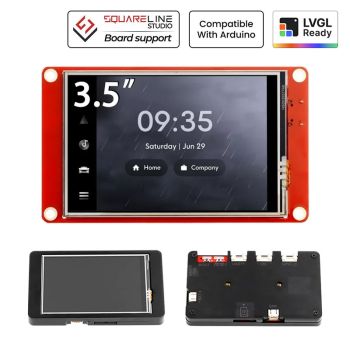
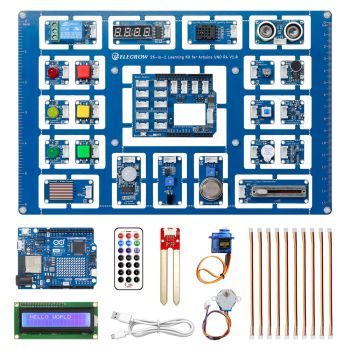
CrowVi VF133 HD 1920x1080 Ultra Thin Display 13.3inch IPS Portable Monitor (non touchscreen)
was
$114.90
Special Price
$99.90


10.1" Long IPS Touchscreen – 1520×720 for Raspberry Pi & PC
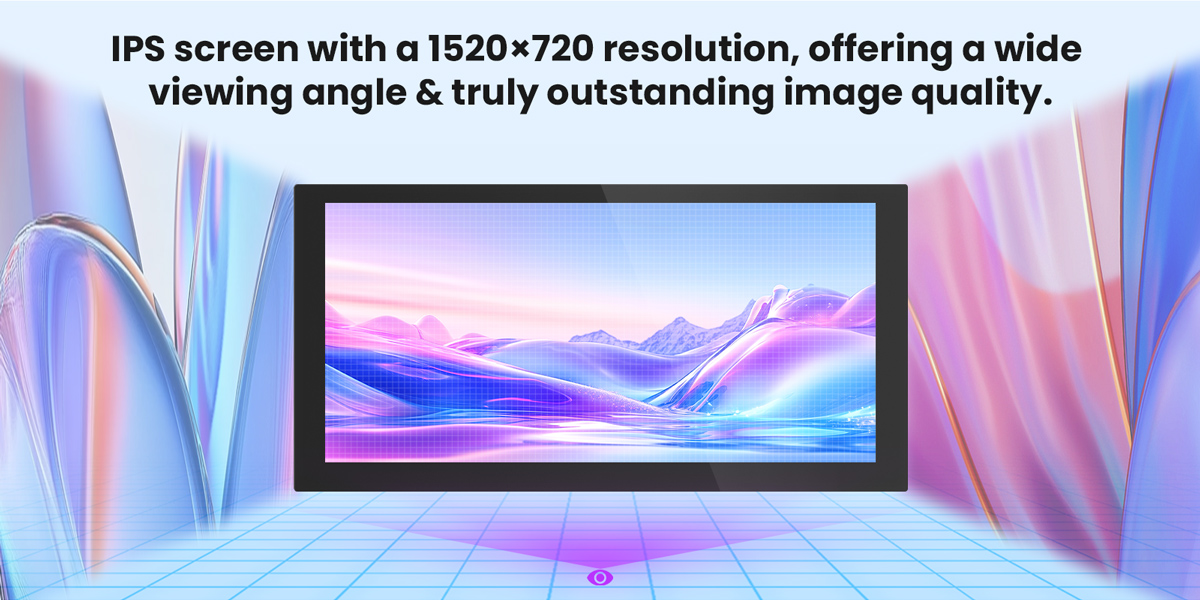
This is a 10.1-inch elongated IPS touchscreen with a resolution of 1520x720, designed specifically for Raspberry Pi and PC secondary display applications. The screen uses an elongated IPS display, naturally suited for displaying code, browsing long web pages, monitoring data, or serving as a secondary timeline for video editing, effectively saving desktop space.
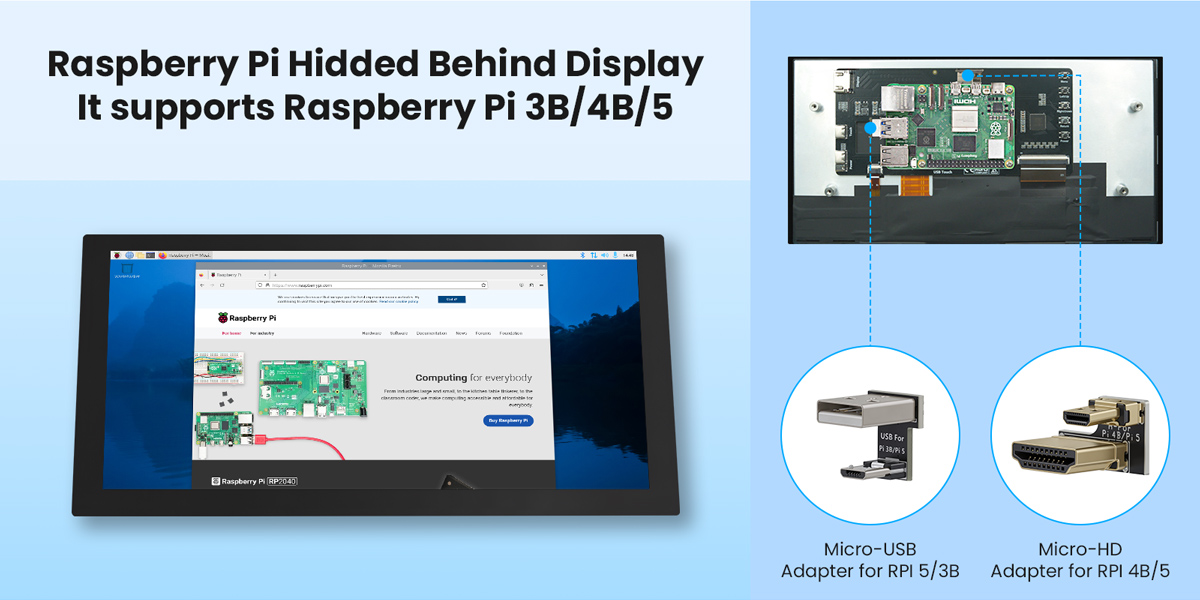
The product comes with a dedicated Raspberry Pi adapter and stand, allowing for a tight, back-to-back installation of the Raspberry Pi and screen. The integrated design is sleek and aesthetically pleasing, completely eliminating the messy cables of traditional separate connections. The screen supports 5-point capacitive touch and is plug-and-play on mainstream systems such as Windows, Raspberry Pi OS, and Ubuntu, requiring no additional driver installation. Physical menu buttons allow for easy adjustment of display parameters such as brightness and contrast. Only one HDMI cable is needed for image transmission, and one USB-C cable is needed for power and touch control, easily covering various scenarios such as development debugging, daily office work, and gaming. Whether used as a dedicated Raspberry Pi monitor, a PC secondary display, or an extended screen for Switch/Xbox game consoles, it can handle the job perfectly.
Quick Click to where you are interested: #Feature, #Interface definition, #Specification, #Documents.
OEM customized requests can be discussed(based on MOQ), you can contact us at service@elecrow.com.




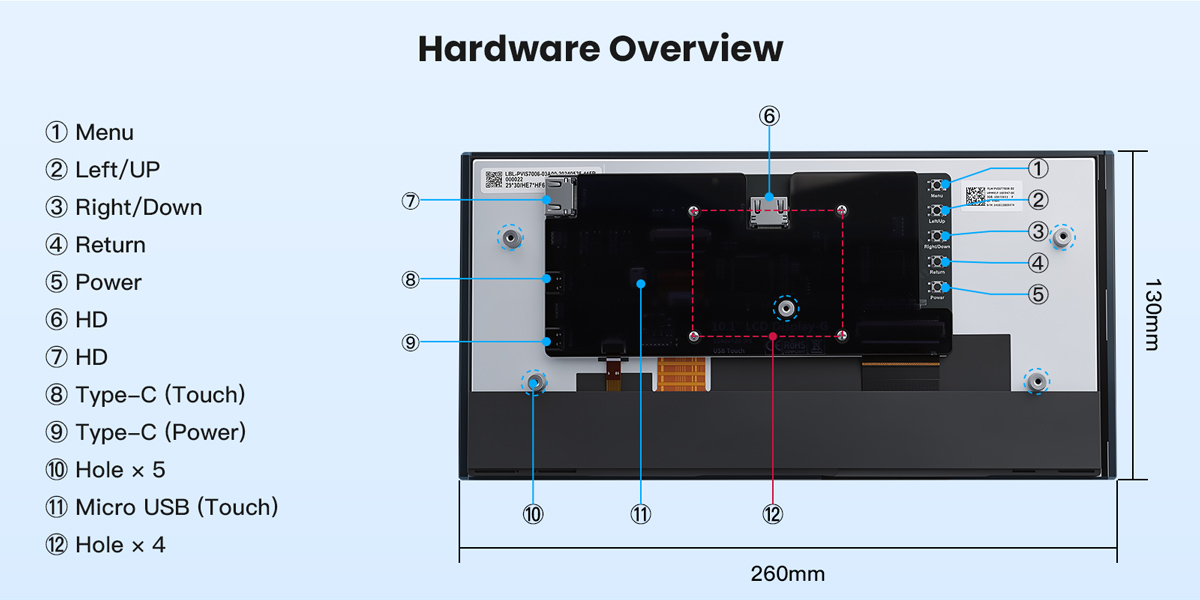
Hardware Overview

Feature
- Simple Connection for Raspberry Pi: Comes with adapters and stands to allow for a tight, back-to-back installation of the Raspberry Pi (3B/4B/5) and the screen, resulting in a clean and aesthetically pleasing integrated appearance.
- High-Efficiency IPS Screen with Long Shape: 10.1-inch long, elongated IPS screen with a resolution of 1520×720, ideal for vertically displaying code, browsing long web pages, or serving as a secondary timeline for video editing.
- USB Driverless 5-Point Touch: Capacitive touch technology supports 5-point touch; plug and play with mainstream systems, no additional drivers required.
- Wide Compatibility, Multi-Functional Display: Not only the perfect companion for the Raspberry Pi, but also a perfect secondary screen for a PC, and also supports game consoles such as the Switch and Xbox.
- Simple Interface and Convenient Operation: Only requires HD for image transmission, USB for power, and touch control; the device features physical menu buttons for easy adjustment of parameters such as brightness and contrast.
Interface Definition
|
Interface Name |
Function Description |
|
Menu |
Display OSD settings menu / Select key |
|
Left/UP |
Move selection when setting menu |
|
Right/Down |
Direction key -> (Backlight quick adjustment key) |
|
Return |
When setting the display menu, go back to the previous level. |
|
Power |
Turn on or off the LCD display to reduce power consumption |
|
HD |
For HD high-definition video input, use a adapter to connect to the Raspberry Pi |
|
HD |
For HD high-definition video input, connect the main device using an HDMI cable. |
|
Type C(Touch) |
For touch and power supply (5V) |
|
Type C(Power) |
Power supply (5V) |
|
Hole × 5 |
The fixed copper pillar can be used for the fixed installation of this product. |
|
Micro USB(Touch) |
Connect the Raspberry Pi using a adapter for touch functionality. |
|
Hole × 4 |
Used for fixing the Raspberry Pi |
Specification
|
Screen |
|
|
Panel Size |
10.1 inch |
|
Panel Type |
IPS |
|
Touch Screen Type |
Capacitive touch screen |
|
Resolution |
1520xRGBx720(pixels) |
|
Active Area |
232.85(W)x108.86(H) |
|
Touch IC |
GT9110 |
|
Video Input Interface |
HD |
|
Brightness(TYP) |
280 cd/m2 |
|
Backlight Adjustment |
Button adjustment |
|
Other |
|
|
Power Voltage |
TYPE-C(5V) |
|
Power |
3.45W |
|
Operating temperature |
-40~85(℃) |
|
Storage temperature |
-40~95(℃) |
|
Module Size |
260.14(W)x130(H)x16.93(D)(mm) |
|
Net Weight |
470g |
Package List
- 1x10.1 inch HD Display
- 1x Micro-USB Adapter for RPI 4B
- 1x Micro-HD Adapter RPI 5/4B
- 1x Micro-USB Adapter for RPI 5/3B
- 1x Micro-HD Adapter for RPI 4B/5
- 1x USB-C to USB Cable (1m)
- 1x HD to HD Cable (1m)
- 1x Acrylic Mounts
- 1x Screw Pack(M2.5)
Wiki & External links
Write Your Own Review
Bestselling Products You May Like

New Products You May Want

NESPi Retro Gaming Case for Raspberry Pi 2B/3B/B+ with Built-in Safe Shutdown
was
$19.47
Special Price
$14.60


Warranty
Service

VIP Distributor
Discount

Professional
Tech Support

Fast
Delivery
×
 Add to cart successfully!


Add to cart successfully!
Customers Who View This Item Also Bought