Currency
Toggle Nav

From Zero Code to Smart Home: Build a Control Panel with Elecrow CrowPanel
July 17, 2026
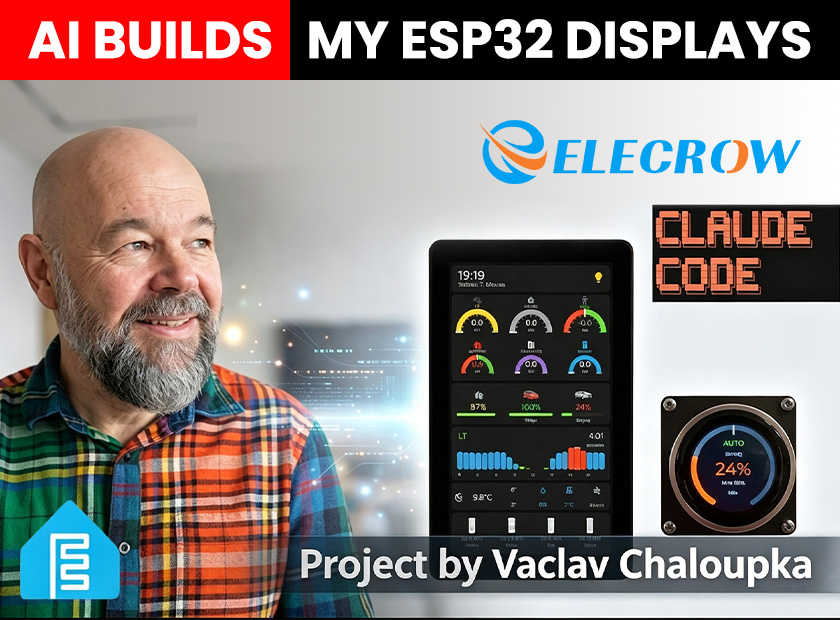
Still reaching for your phone every time you want to check your solar production or adjust your EV charging? In a smart home, control should be effortless — not another app to open.
Maker Vaclav Chaloupka recently completed a project that's turning heads. He used Elecrow CrowPanel displays and an AI coding assistant to build two smart home control panels — without writing a single line of code himself.
One panel went in his hallway, becoming the family's information hub. The other went in his garage, controlling his EV charging. What makes this project special isn't the complexity of the technology — it's how Elecrow CrowPanel makes creating something like this easier than you'd ever imagine.
This article walks you through Vaclav's project and shows how Elecrow hardware, combined with AI tools, can help you build your own smart home control solution.
Why Makers Love Elecrow CrowPanel
Let's look at the two devices Vaclav chose — two of Elecrow's most popular products.
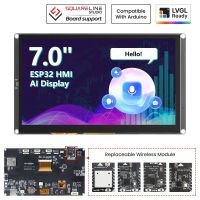
CrowPanel Advance 7-Inch — Your Home Information Hub
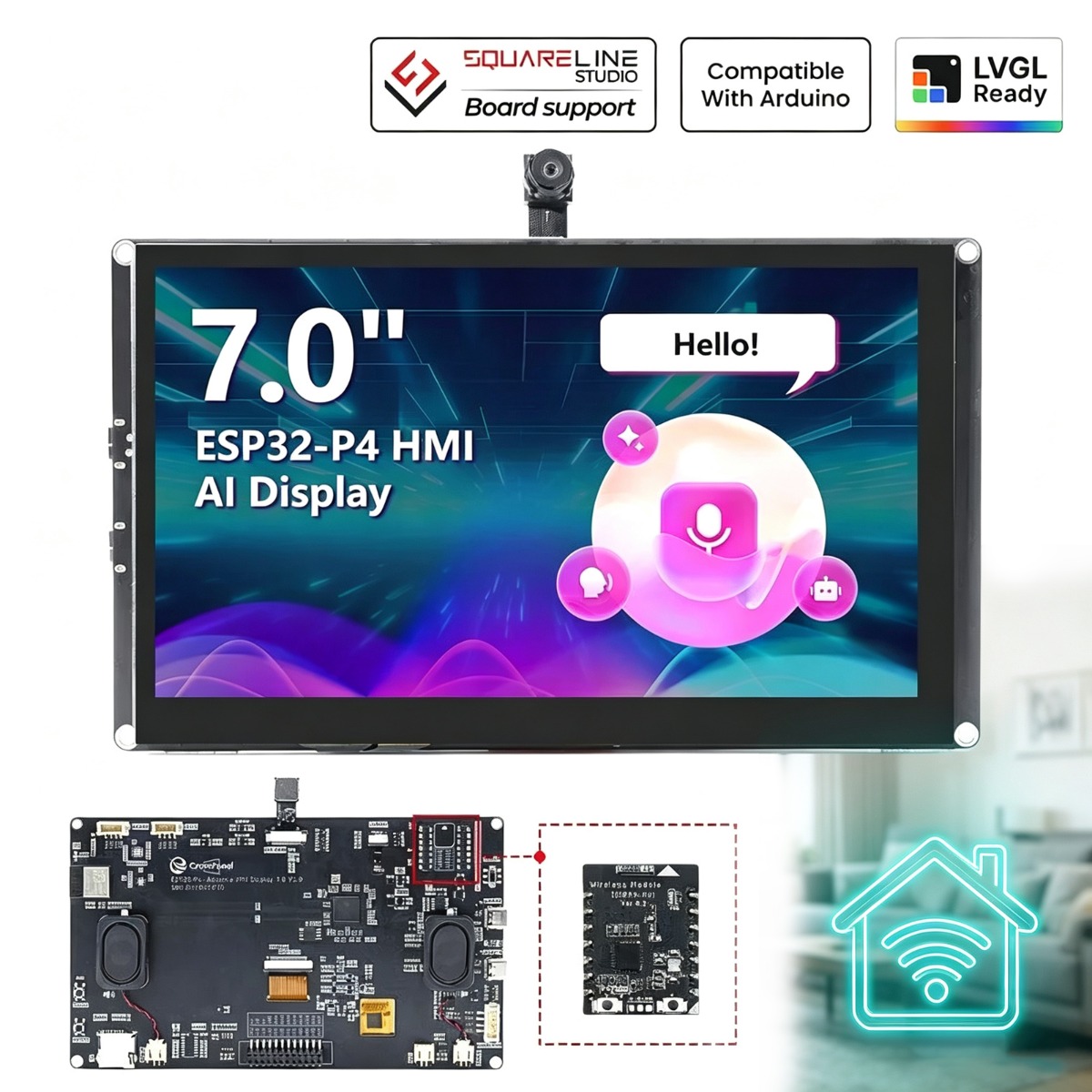
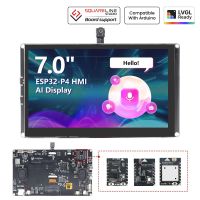
The Elecrow CrowPanel Advance 7-inch HMI Display is Elecrow's flagship product. It's powered by an ESP32-P4 dual-core processor running at up to 400MHz, with a 7-inch IPS touchscreen (1024×600 resolution), 16MB Flash, and 32MB PSRAM. It supports swappable wireless modules (Wi-Fi 6, LoRa, Zigbee, etc.) and an optional 2-megapixel camera for facial recognition.
Whether you're building a complex UI, running smooth animations, or doing AI vision processing, this display handles it with ease.
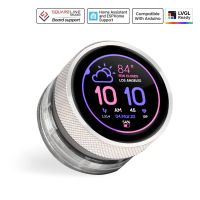
CrowPanel 1.28-Inch Rotary Display — Minimalist Interaction at Its Best
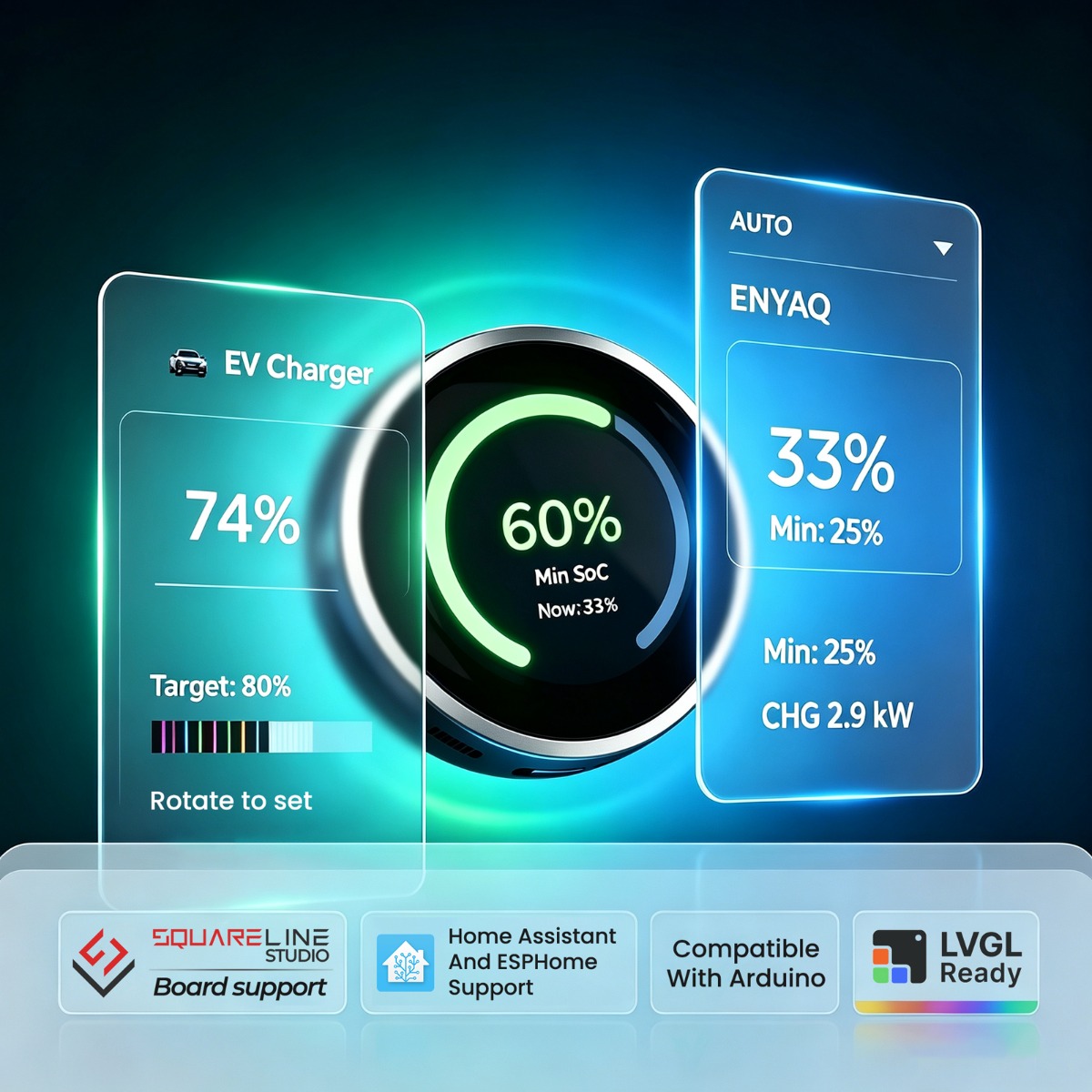
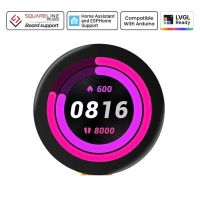
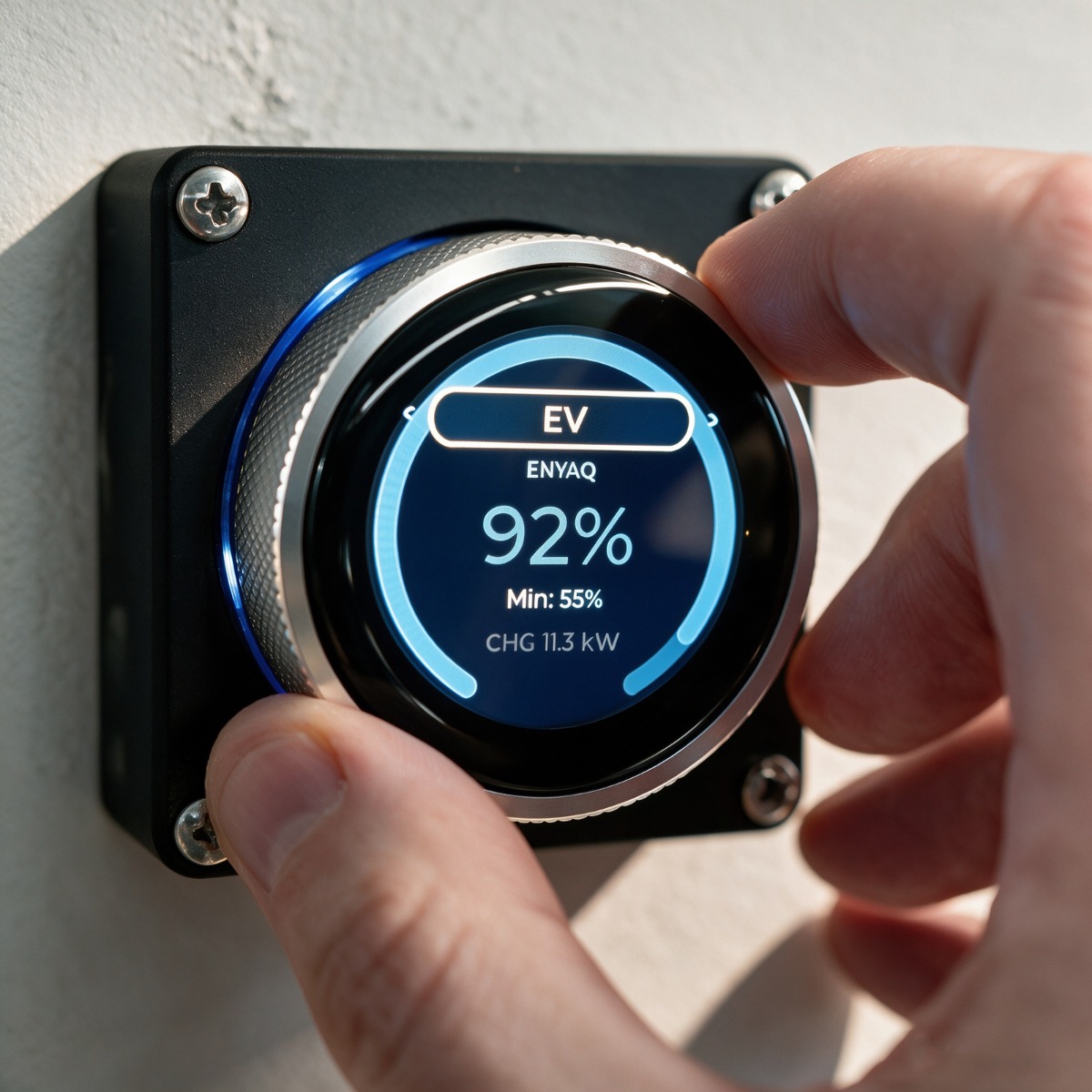
The small display in the garage is the Elecrow CrowPanel 1.28-inch Rotary Display. It runs on an ESP32-S3 processor with a 1.28-inch round IPS touchscreen (240×240 resolution) and a physical rotary knob.
That little knob provides something a touchscreen can't: tactile feedback. You can feel what you're adjusting without staring at the screen.
More Than Hardware: Elecrow's "Ready-to-Use" Ecosystem
Elecrow understands what makers really want: something that works out of the box, not something you spend three days troubleshooting.
Official LVGL Partnership — Faster UI Development
Elecrow is now an official LVGL partner. All Elecrow CrowPanel displays come with native LVGL support. You can use LVGL's rich library of widgets and styles to build professional-looking interfaces right away.
Native ESPHome Support — Seamless Home Assistant Integration
For Home Assistant users, Elecrow CrowPanel's native ESPHome support is a game-changer. You integrate the display into Home Assistant using simple YAML configuration files — no complex C++ code required. Elecrow even provides official example configurations to get you started fast.
Multiple Development Environments — Pick Your Favorite
Whatever you're comfortable with, Elecrow CrowPanel supports it:
- ESPHome (with Home Assistant)
- Arduino IDE
- MicroPython
- ESP-IDF
- PlatformIO
- SquareLine Studio (visual UI design)
Vaclav's Project: Two Ways to Use CrowPanel
Scenario 1: Hallway Information Hub (7-Inch)
Vaclav replaced his old display with the 7-inch CrowPanel and turned it into the family's most useful information dashboard:
- Time, date, weather, and temperature
- Home energy flow — see solar, grid, home usage, and battery at a glance
- EV charging status — current battery level and estimated completion time
- Real-time electricity pricing
- Waste collection reminders — color-coded bins tell you what to put out today
Waste collection is handled with three visual states: full color for today, half-color for tomorrow (meaning it's time to pull the bin out in the evening), and gray for inactive days.
"This is part of my broader design principle," Vaclav explains. "Active controls get full visual attention. Otherwise I decrease their transparency to 70% — so when there's no solar at night, the solar power icon is dimmed, same for grid import/export and battery charging or discharging. The gray bin color is the same concept."
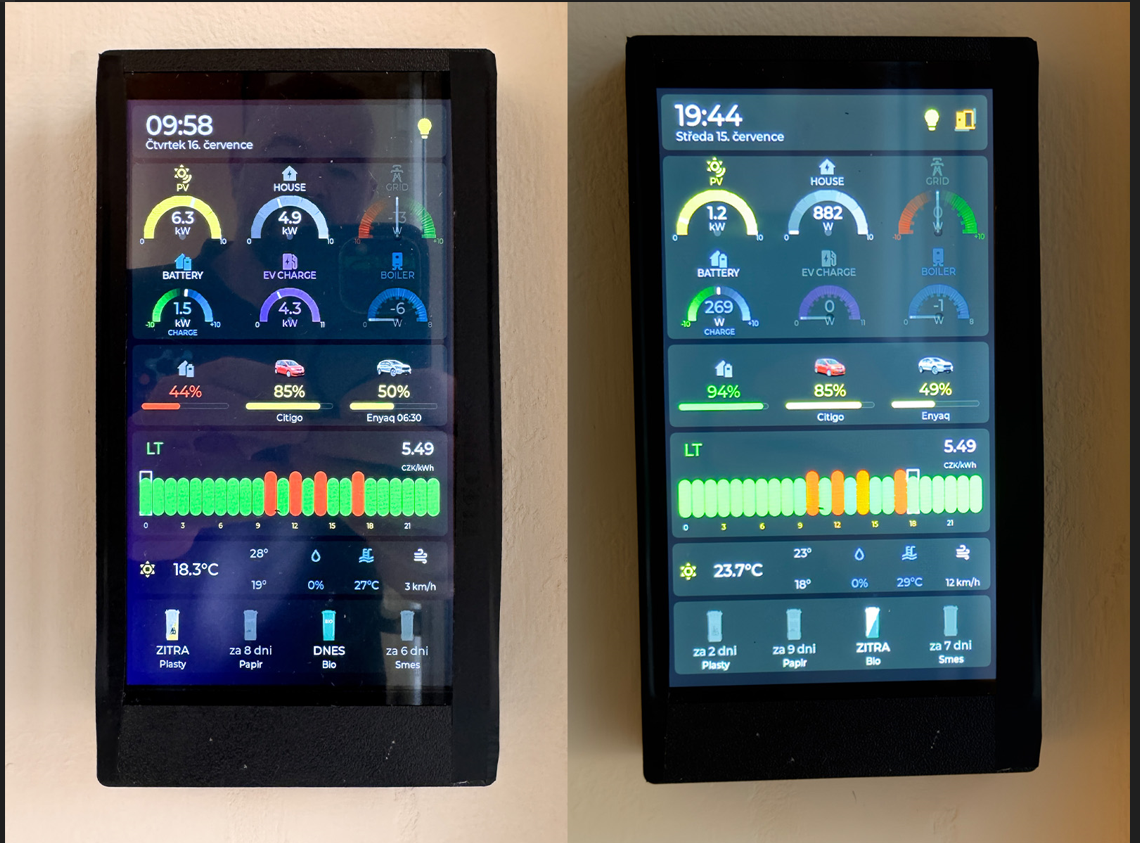
Vaclav's 7-inch hallway dashboard in full operation — showing solar generation (6.3 kW), EV charging (4.3 kW), real-time electricity pricing, current weather and today's forecast, and color-coded waste collection reminders (bio waste today, plastics tomorrow). Note how active elements are displayed in full color while inactive states are dimmed to 70% transparency.
Scenario 2: Garage Minimalist Controller (1.28-Inch Rotary)
This tiny round display does one thing — and does it perfectly: adjust the EV target charge level.
Turn the knob, and the arc on the screen grows or shrinks. That's it. No menus, no confusion.
Vaclav initially designed the rotary interface with a moving dot to indicate the target. But he later changed it to a growing arc — a more intuitive visual metaphor that grows as you turn the knob, making the interaction feel natural and immediate.
Vaclav's wife saw it and said: "It's just like a washing machine — you don't need instructions to use it."
That's great hardware design: so intuitive it explains itself.
AI-Assisted Development: The "Cheat Code" for CrowPanel Users
Here's what makes Vaclav's project truly different: he didn't write a single line of code.
He used Claude Code (an AI coding assistant) to handle everything — from UI design to code generation — by simply describing what he wanted in plain language.
But Vaclav didn't just let the AI design freely — he gave it a set of design principles that reflect his preferences. For example, the UX Designer Agent follows rules like:
- Use color only for active/abnormal states; inactive elements are dimmed to 70% transparency
- Maintain clear visual hierarchy with consistent spacing and typography
- Always display critical information (time, energy status) in the most prominent positions
- Use icons that are immediately recognizable over generic placeholders
These principles are defined in the UX Designer Agent's configuration file, which Vaclav has open-sourced. You can view the complete design guidelines here:
UX Designer Agent — Design Principles
He gave the AI:
- A requirements document (in Markdown) describing what each display should show
- ESPHome and LVGL documentation so the AI knew the syntax
- Photos of his cars and trash bins to replace generic icons
The AI took on four roles:
- Planner — analyzed requirements and made a plan
- UX Designer — generated UI mockups (in SVG format)
- Architect — figured out the technical approach
- Coder — wrote the complete ESPHome YAML configuration
The Planner Agent started by asking Vaclav about layout priorities — whether the 24-hour electricity price chart or the energy flow diagram should get more screen real estate. This kind of decision-making shows how the AI didn't just generate code blindly — it surfaced design trade-offs for human input.
How to Start Your Own CrowPanel Project
Step 1: Choose Your CrowPanel
| If you want... | Recommended model |
| A full-featured home information hub | CrowPanel Advance 7/9/10.1-inch(ESP32-P4) |
| A minimalist dedicated controller | CrowPanel Rotaty 1.28-inch (ESP32-S3) |
| An ultra-low-power decorative display | CrowPanel E-Paper Series (ESP-S3) |
| A voice-interactive AI assistant | CrowPanel Advance 4.3/5-inch (ESP32-S3) |
Browse the Elecrow CrowPanel full lineup and pick the display that fits your project.
Step 2: Get Vaclav's Open-Source Tools
This gives you the complete ESPHome + LVGL Skills and four AI Agents.
Step 3: Start Creating
The AI didn't just generate code once and stop. For example, the Coder Agent generated the YAML for the 7-inch display, which compiled successfully on the second attempt — after the AI fixed a syntax error Vaclav had pasted back into the chat. This iterative debugging workflow saved hours of manual troubleshooting.
Whether you're a student, an engineer, or just someone who loves tinkering, Elecrow has a product for you. Join the Elecrow Project Community and you can:
- Explore and learn from makers around the world
- Share your own projects and earn commissions
- Redeem Elecrow Coins for gifts and discounts
Frequently Asked Questions
Do I really need programming experience to build a CrowPanel dashboard?
No. As Vaclav's project demonstrates, AI coding assistants like Claude Code can handle all the code generation. You just describe what you want in plain language, and the AI writes the ESPHome YAML and LVGL configuration for you.
What is ESPHome and why does it matter for CrowPanel?
ESPHome is an open-source framework that lets you control ESP32-based devices (like CrowPanel) through Home Assistant using simple YAML configuration files. Elecrow provides native ESPHome support, so you can integrate your display into a smart home system without writing C++ code.
Which CrowPanel should I choose for my smart home project?
It depends on your use case. The 7-inch Advance is ideal for information dashboards with rich UI, energy monitoring, and weather displays. The 1.28-inch Rotary is perfect for single-purpose controllers where tactile feedback matters — like adjusting EV charge levels, thermostat settings, or volume control.
Can CrowPanel work without Home Assistant?
Yes. While ESPHome integration is the easiest path for Home Assistant users, CrowPanel also supports Arduino IDE, MicroPython, ESP-IDF, and PlatformIO for standalone projects.
Where can I find example projects and community support?
Check out Vaclav's open-source tools, the ESPHome LVGL documentation, and join the Elecrow Project Community to connect with makers worldwide.
Summary: Elecrow CrowPanel — Making Creativity Accessible
Vaclav's project shows exactly what Elecrow CrowPanel is all about: powerful hardware + open ecosystem + a low barrier to entry.
- Hardware powerful enough: ESP32-P4 / ESP32-S3 processors, IPS touchscreens, rich interfaces
- Ecosystem open enough: LVGL partnership, native ESPHome support, multiple development options
- Easy enough to get started: out-of-the-box examples, an active community, and now — AI-assisted development
Whether you're building a home information hub, a device controller, or just a creative project, Elecrow CrowPanel can turn your idea into reality.
Resources
- Vaclav Chaloupka's original video: Watch on YouTube
- Open-source toolset: ha-development on GitHub
- ESPHome LVGL documentation: ESPHome LVGL Docs
- Elecrow CrowPanel full lineup: Shop CrowPanel
Related Products
-
 CrowPanel Advance 5inch HMI|ESP32-S3 AI-Powered IPS Touch Screen (800x480) Support LVGLAs low as $32.90 was $50.90