Currency
Toggle Nav

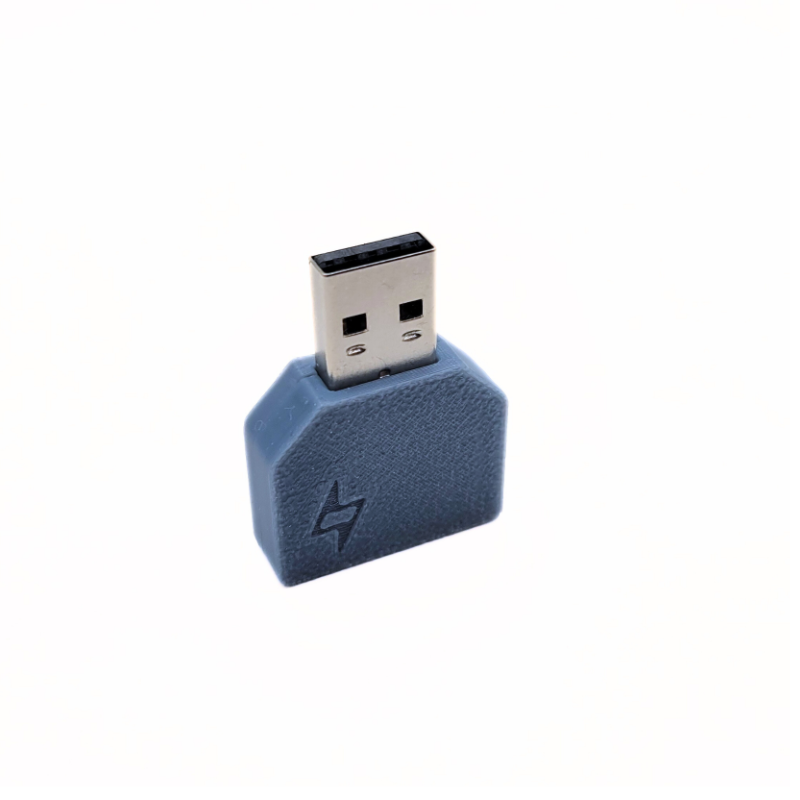


Fast Charge injection AndroidAuto/CarPlay
$12.00
Availability:
In stock
SKU
PDA03903P
Weight
50g
Related Products:
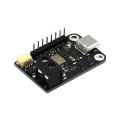

Enable fast charge for your phone while using Android Auto and Car Play
Frequently Bought Together
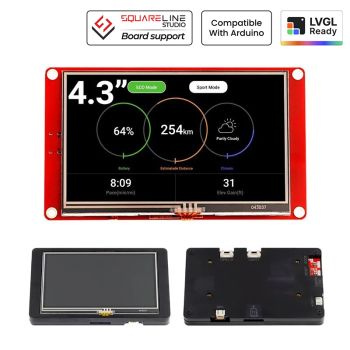
CrowPanel ESP Terminal - ESP32 3.5inch 480x320 Parallel RGB Touch Display
was
$33.90
Special Price
$28.90


Applications
- Enable fast charging for your phone while using Android Auto and CarPlay. Reduce charge time and phone temperature. Require the user to have a car charger that supports USB-C to USB-C Power Delivery. If your charger has USB-C output, it should support Power Delivery (PD).
- Allow power down for AAWireless with a USB port with always-on functionality. Splitting the power supply to a normal USB port that will turn off with your car, while allowing data to pass through from AAWireless to your head-unit. Require your AAWireless to have a USB-C connector.
Note: Using 1ft cable from the charger to the adapter board will give you the best aesthetic and ease of cable management. From the adapter USB-C out, any good quality cable less than 10 feet will work. You can get the 25cm (10") red cable from the demo.

Recommend cable
- 3ft Anker Powerline USB-C to C
- 3ft Anker Generic USB-C to C
- Apple USB-C to Lightning cable
- 3rd party USB-C to Lightning cable (C94 connector)
Design
- USB-A: Plug into your Android Auto/CarPlay port
- USB-C (marked): Connect to your charger via USB-C to USB-C
- USB-C out: Connect to your mobile devices
Case material: PETG - Good up to 70C or 158F for automotive use in a mild summer month.
List of tested devices:
- iPhone 15/16/+ (**see FAQ**)
- Samsung S23/Ultra
- Samsung S22/Ultra
- Samsung S21/Ultra
- Samsung Galaxy S20+
- Samsung Galaxy S10
- Samsung Galaxy S8
- iPhone 14 (Pro/Max)
- iPhone 13 (Pro/Max)
- iPhone 12 (Pro/Max)
- iPhone X
- Google Pixel 6 Pro
- Google Pixel 9 Pro
List of not-working devices (reported by users)
- Motorola Edge 2021
Recommended plug order
- Plug the adapter into your Android/CarPlay port
- Plug in the USB-C power cable from your 12V PD source to the adapter
- Plug in one end of the USB-C Out to the adapter
- Plug in the other end of the USB-C Out to your phone
Troubleshoot
- Step 1: Rotate one USB-C cable at the adapter. You should see the phone start charging. Now, unplug the phone and replug it back in.
- Step 2: Ensure your USB-C power cable is USB-C to USB-C. USB-A to C will not provide quick charge, but only 5V at 1A.
- Step 3: Ensure your USB-C out cable supports both data and power. Plug your device into a laptop using the cable, and you should see the device recognized.
Detail specification
- USB-A port supports full-speed/high-speed USB 2.0
- USB-C ports support up to 28V at 5A continuous
Schematic
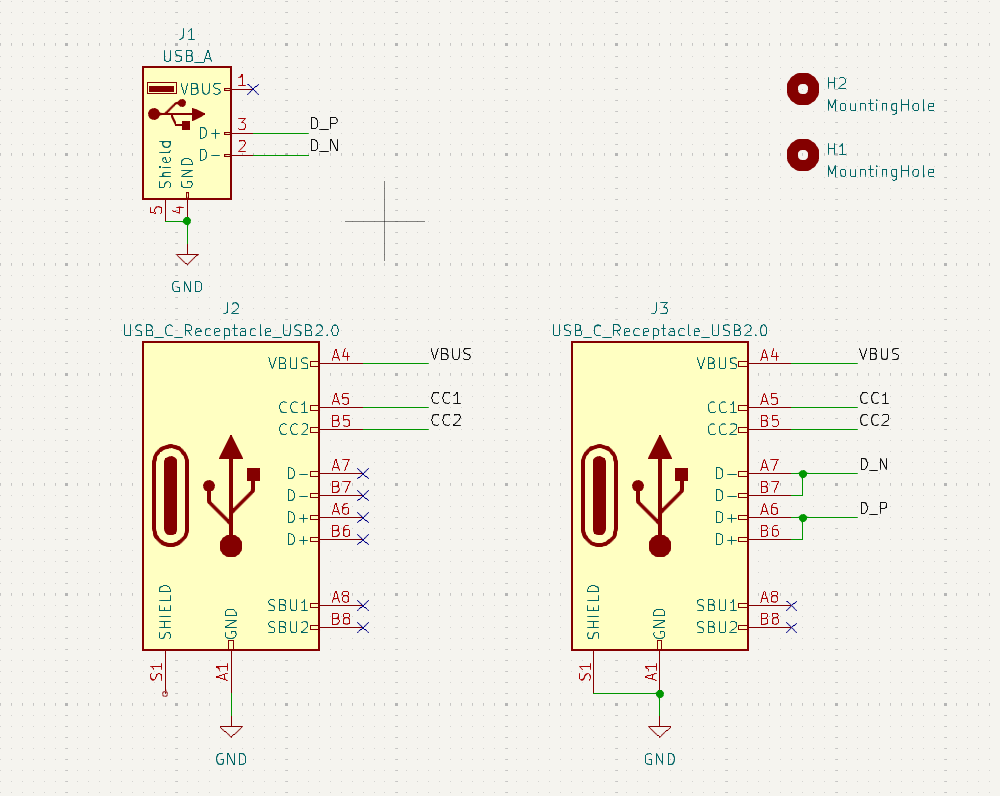
Note: Due to the design of the USB-C Receptacle. You might have to rotate 180 degree the Power plug to have a connection. Do not mix 5A cable and 3A cable for PD, this can cause your 3A cable to fail if pulling too much current.
Frequently asked questions
Will it work on iPhone 15/16/+ with USB-C?
Through other user tests and support, the USB-C iPhone will work, but require some additional connection. You will need:
- Apple USB-C to Lightning cable(C91) or 3rd-party MFi-certified USB-C to Lightning cable (C94).
- Apple USB-C to Lightning adapter
It is important to use a genuine adapter. 3rd party adapter will not provide a good charging rate.
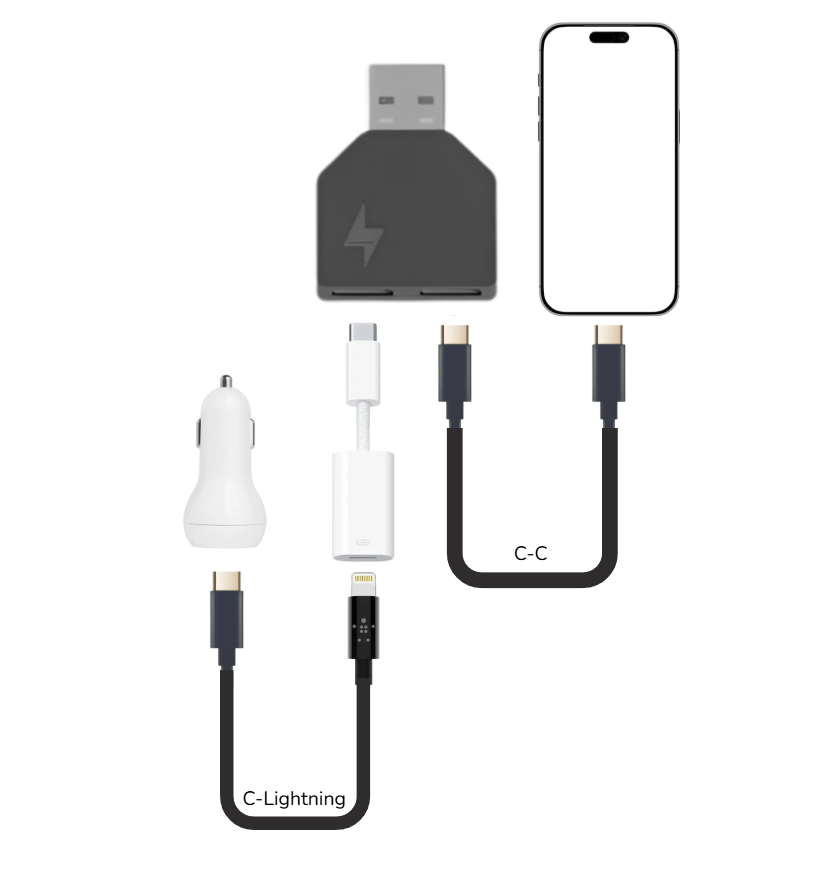
Which AndroidAuto wireless adapter will work?
We have had positive reports on AAWireless, which has a USB-C input. No USB-A wireless adapter has been tested or reported working by our customers. There should be no other USB-C adapter in between, but only the fast charger adapter here.
Why I got slow charge or no charge at all
Try to rotate one of the USB-C heads 180 degrees at the adapter. Also, make sure that you are using USB-C to USB-C for all cables. USB-A will not work in this application.

What are the differences between the Lightning connector
Check out this short blog post on Lightning connector
Write Your Own Review
Bestselling Products You May Like

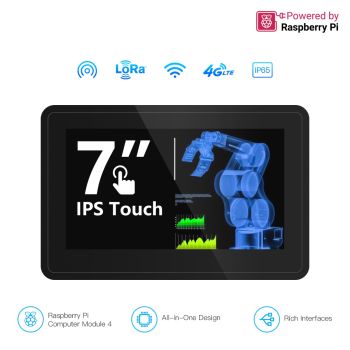
Pi Terminal- 7inch Raspberry Pi CM4 Industrial HMI Panel (IPS, 1024x600) With Rich Interfaces, 4G/LoRa/GPS/WiFi/BLE
was
$179.90
Special Price
$152.92


New Products You May Want

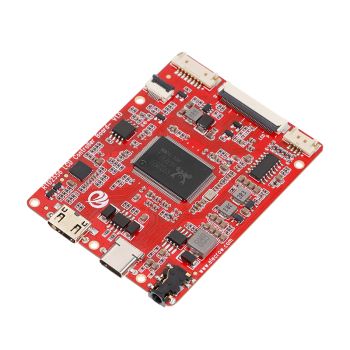
RTD2556 Driver Board/Controller Board for HD Monitor With EDP 30Pin 1920x1080p Touch Function
was
$20.90
Special Price
$14.63

Warranty
Service

VIP Distributor
Discount

Professional
Tech Support

Fast
Delivery
×
 Add to cart successfully!


Add to cart successfully!
Customers Who View This Item Also Bought