Currency
Toggle Nav



MicroBCI (EEG with STM32)
$325.00
Availability:
In stock
SKU
PIA24024P
Weight
100g
Related Products:


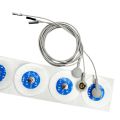


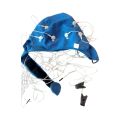
MicroBCI – measure EEG with STM32 via NUCLEO-WB55
Frequently Bought Together


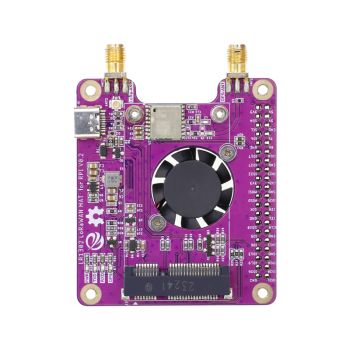
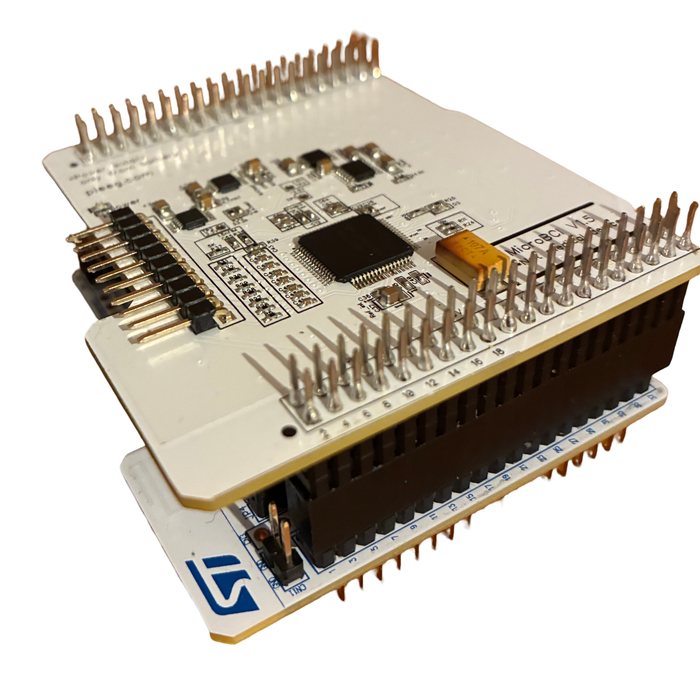
MicroBCI: Measure EEG with STM32, a Brain-Computer Interface Shield for NUCLEO-WB55
Measure brain (EEG), muscle (EMG), heart (ECG) and eye (EOG) signals on 8 channels with research-grade 24-bit precision, using the STM32 NUCLEO-WB55 development board. MicroBCI is a low-cost, open-source shield that brings brain-computer interfaces into the familiar STMicroelectronics ecosystem. Plug it on, connect the electrodes, and stream signals wirelessly over Bluetooth to Python, Android or your browser.
Note: the STM32 NUCLEO-WB55 board, electrodes, EEG cap and power bank are not included. See "What you also need" below.
Why MicroBCI?
- BCI in the STM32 ecosystem. Works with the NUCLEO-WB55, so you can develop with familiar ST tools and extend the firmware for your own project.
- Research-grade signal quality. Built on the Texas Instruments ADS1299, the same 24-bit analog front end used in professional EEG systems.
- Wireless. The NUCLEO-WB55's built-in Bluetooth LE streams data, so there's no cable between you and the computer.
- Ready-made software. Python SDK, Android app, ready-to-flash firmware, and support in PiEEG Cloud (browser) and PiEEG Server.
- Fully open source. Firmware, SDKs, Android app source, datasets and manuals on GitHub. No subscriptions.
- Low cost. One of the most affordable ways to start with an 8-channel ADS1299 EEG device.
What you can do with it
- Build brain-controlled devices and robots
- Track stress, focus and meditation
- Create games and entertainment apps controlled by brain and muscle signals
- Record muscle (EMG), heart (ECG) and eye movement (EOG) signals for sports and health projects
- Teach neuroscience and embedded development with real hardware
Features
- 8 biosignal channels, plus reference and bias electrode inputs
- TI ADS1299 analog front end, 24-bit resolution, all channels sampled simultaneously
- Sample rate from 250 SPS to 16 kSPS (250 SPS in the provided firmware)
- Programmable gain: 1, 2, 4, 6, 8, 12, 24
- SPI link between the ADS1299 and the STM32
- Bluetooth LE streaming via the NUCLEO-WB55
- Works with dry and wet (Ag/AgCl) electrodes via a standard 2.54 mm header
- Easy programming with the open-source Python SDK
Specifications
| Channels | 8, plus reference and bias |
| Analog front end | Texas Instruments ADS1299 |
| Resolution | 24-bit per channel |
| Sample rate | 250 SPS (provided firmware), up to 16 kSPS |
| Gain | 1, 2, 4, 6, 8, 12, 24 |
| Signals | EEG, EMG, ECG, EOG |
| Compatible board | STMicroelectronics NUCLEO-WB55 (STM32WB55) |
| Wireless | Bluetooth LE (via the NUCLEO-WB55) |
| Electrode connector | 2.54 mm pin header (dry or wet Ag/AgCl electrodes) |
| Power | 5 V power bank via the Nucleo's USB port |
| Software | Python SDK, Android app, STM32 firmware, PiEEG Cloud, PiEEG Server |
Package includes
- 1 x MicroBCI shield
What you also need
- STM32 NUCLEO-WB55 development board
- Small 5 V power bank to power the board during recording
- 8 EEG electrodes (dry or wet) with 2.54 mm connectors, plus 2 ear-clip electrodes for reference and bias. The 8-channel EEG cap kit includes all of them.
- A computer with Bluetooth (Python or Chrome / Edge), or an Android phone
- A USB cable to flash the firmware once with the free STM32CubeProgrammer
How to connect
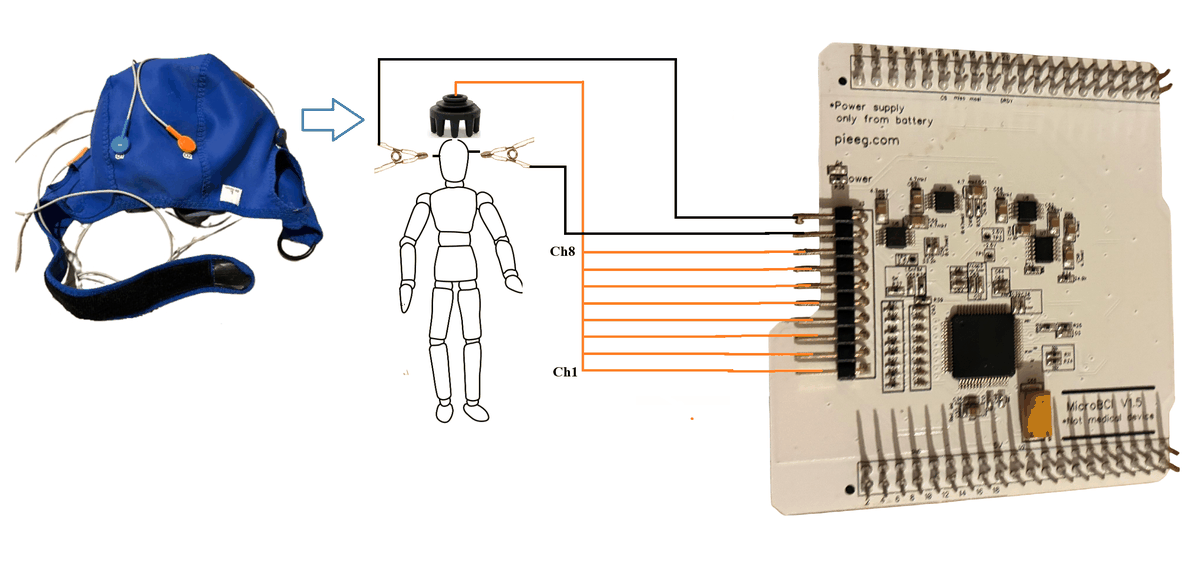
Get started in 4 steps
- Flash the Bluetooth stack and the MicroBCI firmware to the NUCLEO-WB55 once with STM32CubeProgrammer.
- Plug MicroBCI onto the Nucleo (match the pin marked in the guide) and connect the electrodes and ear clips.
- Power the Nucleo from a power bank. It starts sending data over Bluetooth.
- Run the Python script, open the Android app, or go to cloud.pieeg.com, and watch your brain signals live.
Step-by-step guide: docs.pieeg.com/hardware/devices/microbci · Video guide on YouTube
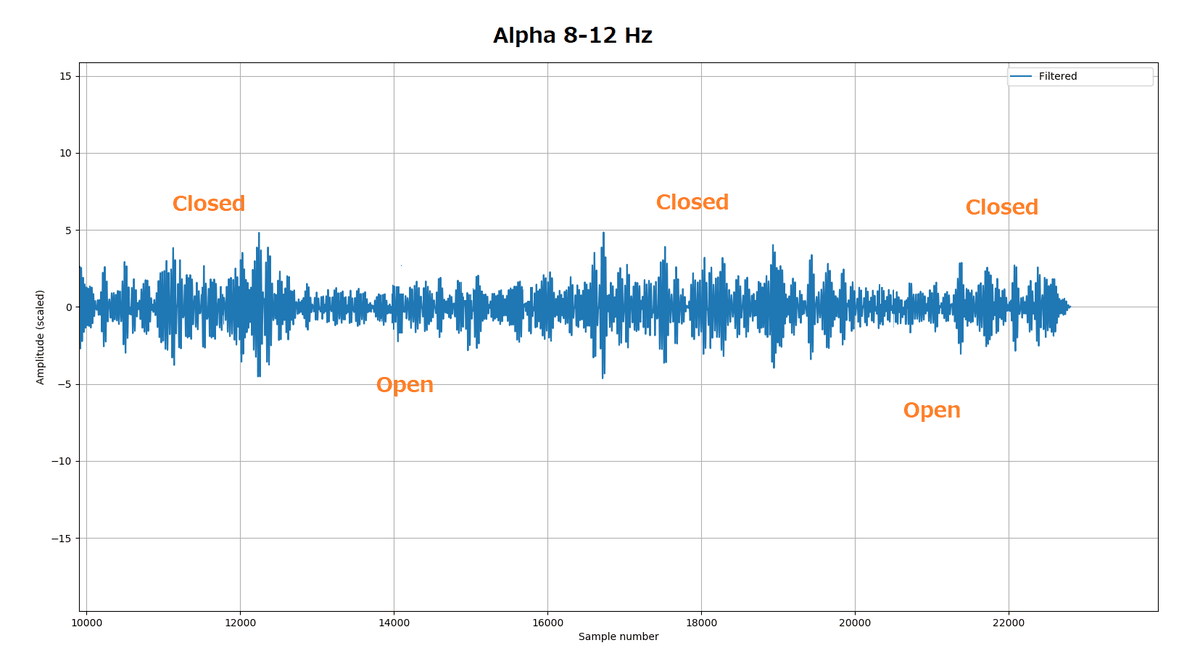
Real signals: alpha test
Recorded with dry electrodes, no gel, at 250 SPS: eyes closed and open, filtered 8-12 Hz. The alpha rhythm rises when the eyes close.
Documentation & Links
- MicroBCI Documentation: setup, firmware, wiring, software, specifications, troubleshooting
- MicroBCI on GitHub: firmware, Python SDK, Android app, datasets, manuals
- Video: how to start with MicroBCI
- pieeg.com · Community on Discord · pieeg@pieeg.com
Important safety notice
MicroBCI is not a medical device and is intended for research, education and engineering only. While electrodes are on a person, power the Nucleo from a battery (power bank) only. Connect it to a computer only to flash the firmware, with no electrodes on anyone. Please read the liability notice and the safety guide before use.
Write Your Own Review
Bestselling Products You May Like


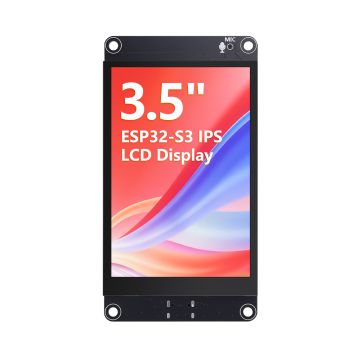
CrowPanel ESP Terminal - ESP32 3.5inch 480x320 Parallel RGB Touch Display
was
$33.90
Special Price
$28.90
New Products You May Want

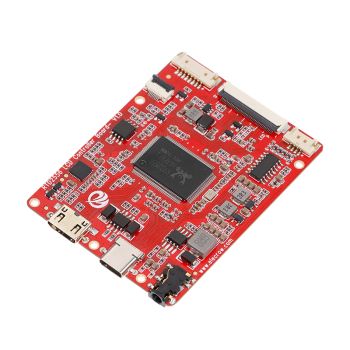
RTD2556 Driver Board/Controller Board for HD Monitor With EDP 30Pin 1920x1080p Touch Function
was
$20.90
Special Price
$14.63

Warranty
Service

VIP Distributor
Discount

Professional
Tech Support

Fast
Delivery
×
 Add to cart successfully!


Add to cart successfully!
Customers Who View This Item Also Bought