











Story
Stage 1(Hardware)
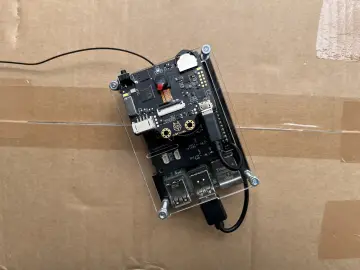
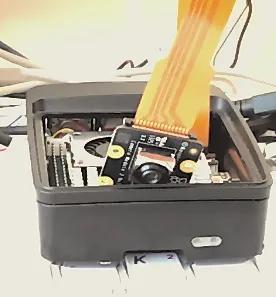
I have included Hardware links at the bottom. I recommend all of them, as they will ensure the Pi 5 remains stable.
Stage 2(Software)
After, get a clean OS onto a storage device and then, open it as rootfs, or root. navigate to /home/(user) and create a new file named Exec.service . Inside type:
[Unit]
Description=My Python Script on Boot
After=network.target
[Service]
Type=simple
User=pi
ExecStart=/usr/bin/python3 /home/pi/path/to/spy.py
Restart=on-failure
StandardOutput=journal
StandardError=journal
[Install]
WantedBy=multi-user.target
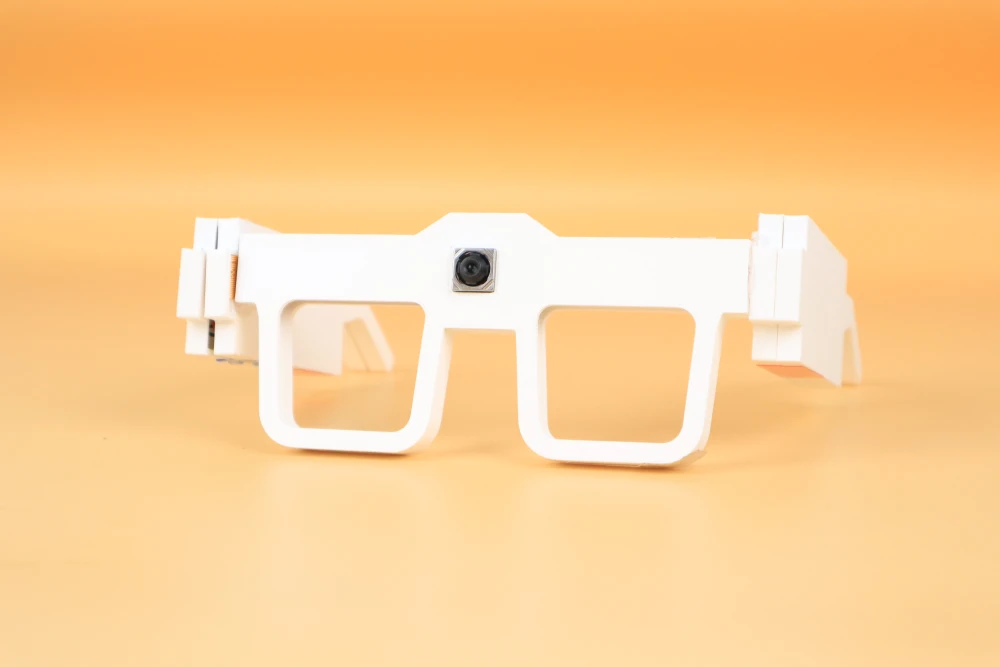
This is the code that will enable the Python script running a HTML on (pi hostname).local (or a port if there is one). for the python, I will include a spy.txt, which you need to rename to spy.py. If you have inserted the camera, booted your Pi with these script, It should show an IR image of what the camera is looking at in (pi hostname).local (add :(port) if you are using a port)
Enjoy!