Story
Device Overview
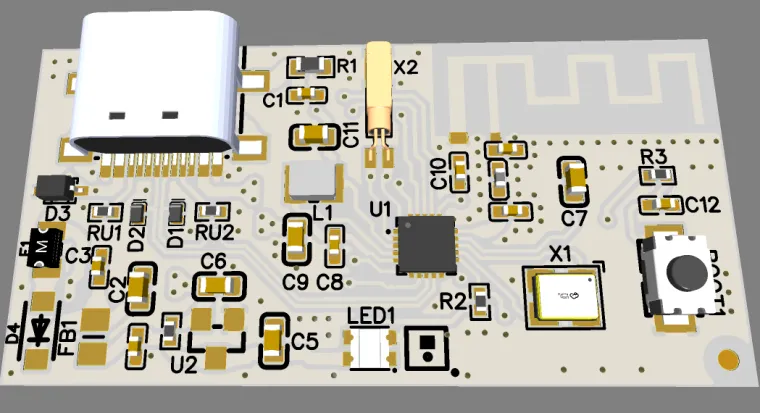
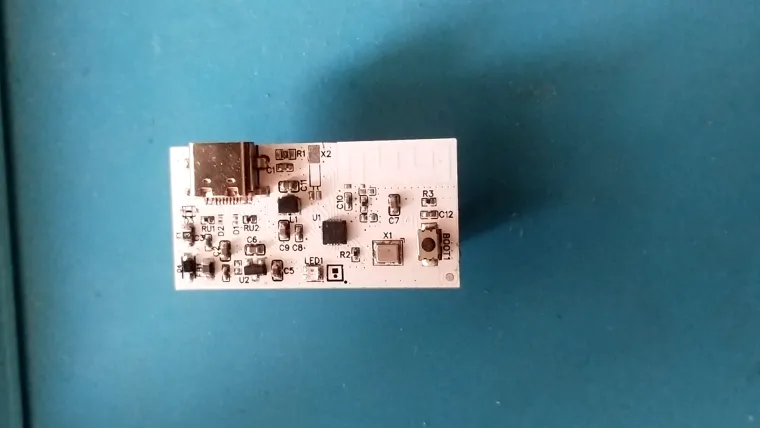
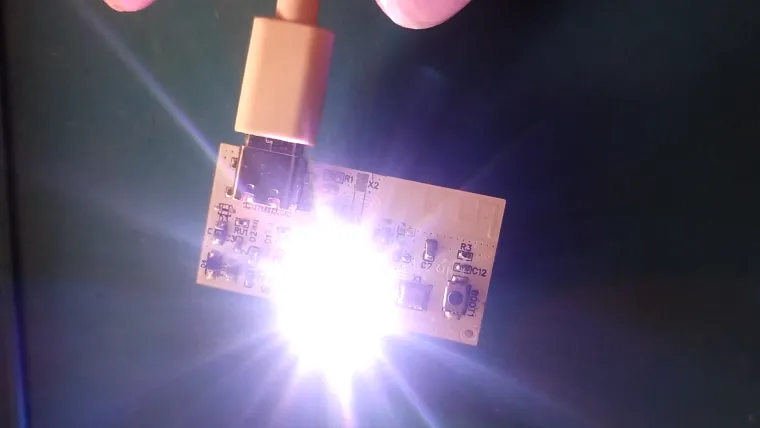
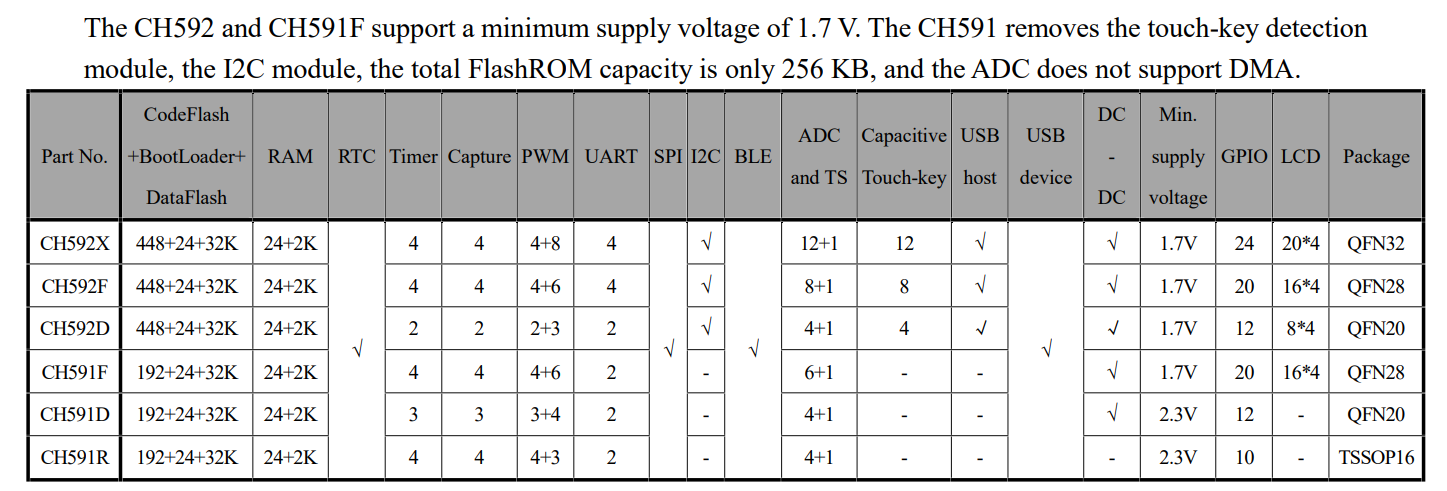
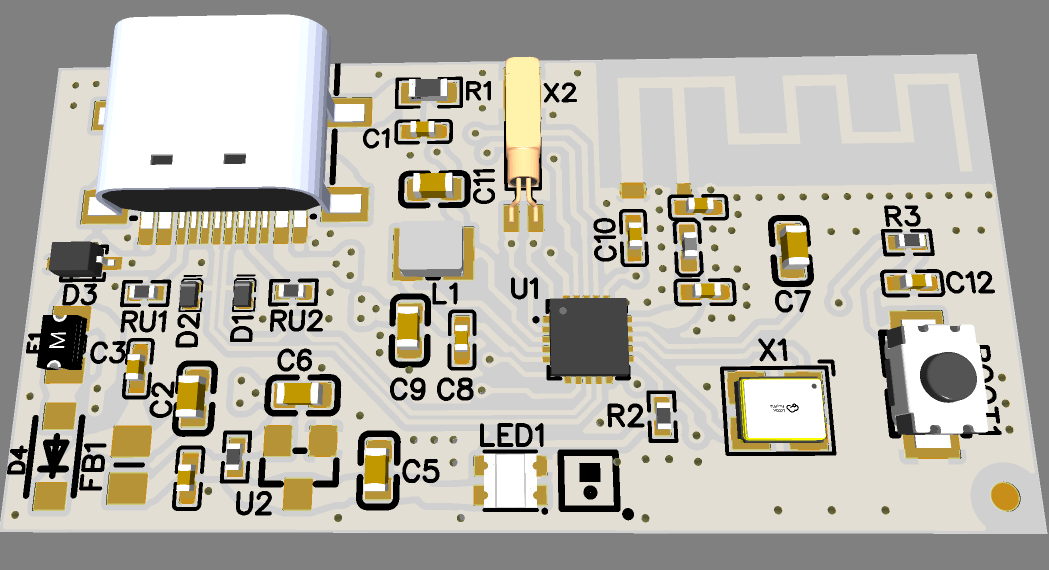
The CH591D module-Bluetooth Low Energy (BLE) and USB-C connectivity, making it ideal for low-power wireless applications that also require USB communication .
Technical Specifications
| Parameter | Value / Description |
|---|---|
| Microcontroller | CH591D |
| Flash | 192+24+32 KB |
| RAM | 24+2 KB |
| Bluetooth | BLE 5.4 |
| USB | USB 2.0 Full Speed (via USB-C connector) |
| Power Supply | 3.3 V (via USB-C ) |
| USB Connector | USB Type-C |
| Interfaces | UART, , SPI, ADC, GPIO |
| ADC | 4+1 |
| GPIO | 12 |
| Programming | Support ICP, ISP and IAP, support OTA wireless upgrade |
| Antenna | PCB |
| Board Size | 40*20mm |
Connection & Pins
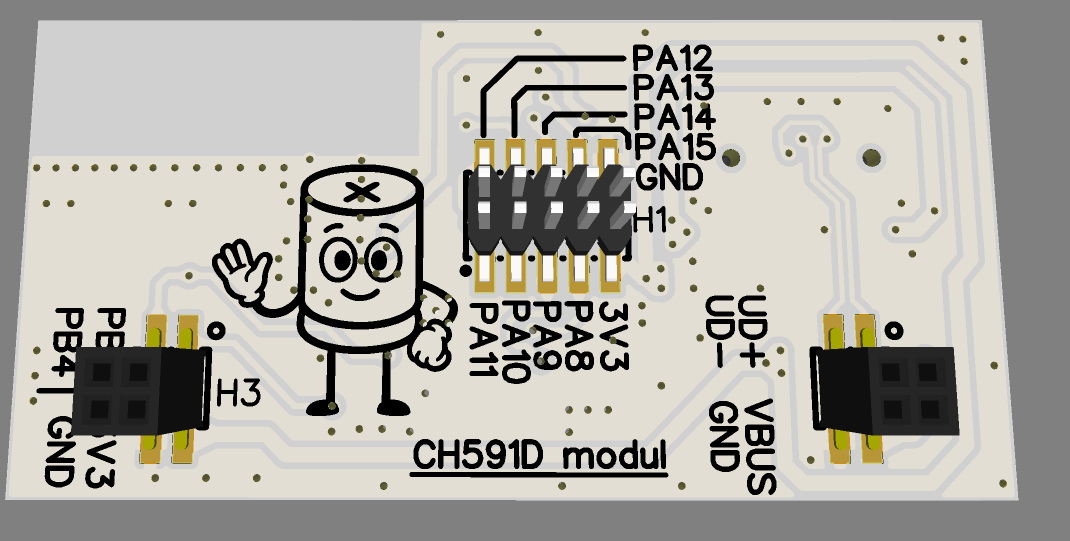
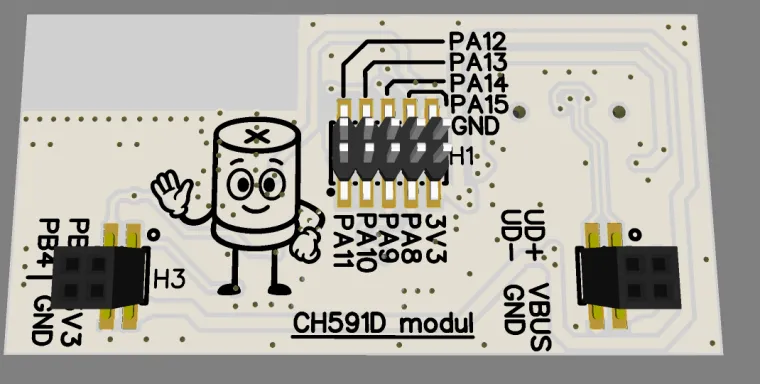
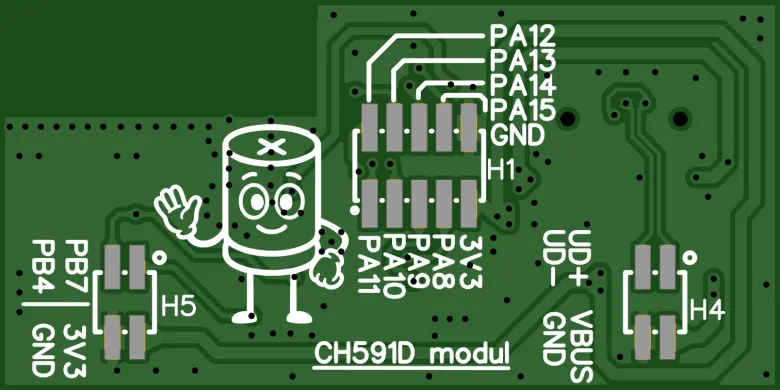
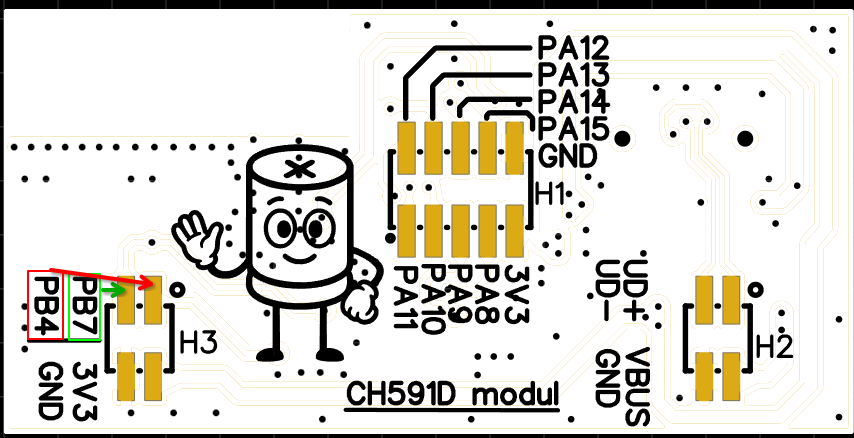
Fail:
- the description of Pb4 and Pb7 is reversed
| Pin | Function |
|---|---|
| USB-C | Power and USB communication |
| VCC | USB VBUS |
| GND | Ground |
| RX / TX | UART communication |
| PB7 | BOOT |
| GPIOx | Multi-function (ADC, SPI) |
Use Cases
-
Wireless controllers or macro keypads( IMK8K )
-
Portable BLE-enabled gadgets
-
USB-HID device development
-
IoT modules with BLE notifications
-
Development and testing of BLE applications
Software Support
-
IDE: MounRiver Studio (official from WCH)
- WCHISPTool
-
Available libraries: BLE(HID,MESH...), USB HID, UART, SPI...
- Datasheet...
- WCH Tools,drivers
Programming Steps:
1. Preparation
-
Download and install MounRiver Studio from: https://www.wch.cn
-
Create a new project for CH591D:
-
File → New → Project → CH591
-
Select target chip:
CH591D
-
2. Write Code
-
Write your C code (e.g., LED blink).
-
Make sure you have a
main()function. -
Save your
.cfile in thesrcdirectory.or
- Download example
- Unzip
- Moun River Studio > Open existing project
- Edit ...
-
Generating HEX File
-
Right-click your project in MounRiver → Build Project
-
The generated
.hexfile will be located at:ProjectFolder/output/ch591.hex
-
3. USB DFU Boot Setup
-
CH591D can be programmed over USB if PB7 is pulled to GND during power-up.Steps:
-
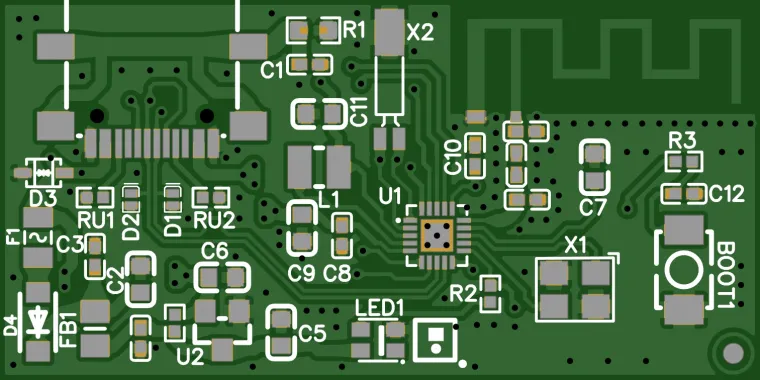
Press and hold the button BOOT1 (PB7 = GND)
-
Plug in the USB cable
-
Release the button
-
-
The device will show up as WCHISP (depends on OS)
4. Uploading to Chip
-
In MounRiver go to: Tools → WCHISPTool
Or use standalone WCHISPTool -
Load the HEX file and click Download
-
The firmware will be flashed over USB
-
wchisp - WCH ISP Tool in Rust
-
wchisp -tested on Kubuntu:
Quick Guide to Program CH591D with wchisp
1. Install dependencies
2. Install wchisp tool
3. Add udev rule (if not done yet)
Create
/etc/udev/rules.d/50-wchisp.ruleswith:Reload rules:
4. Connect CH591D via USB and check detection
or
5. Check MCU info (verify access)
6. Flash hex/bin file
Use absolute or relative path without leading
./:
Prototype Notice
NOTICE: This CH591D module is a development prototype. It may contain limitations, experimental firmware, or test components. Intended for development, debugging, and testing only.