







Story
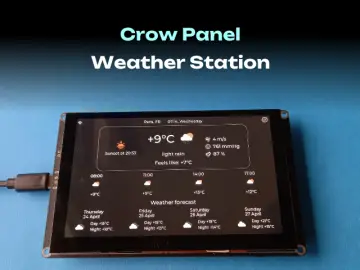
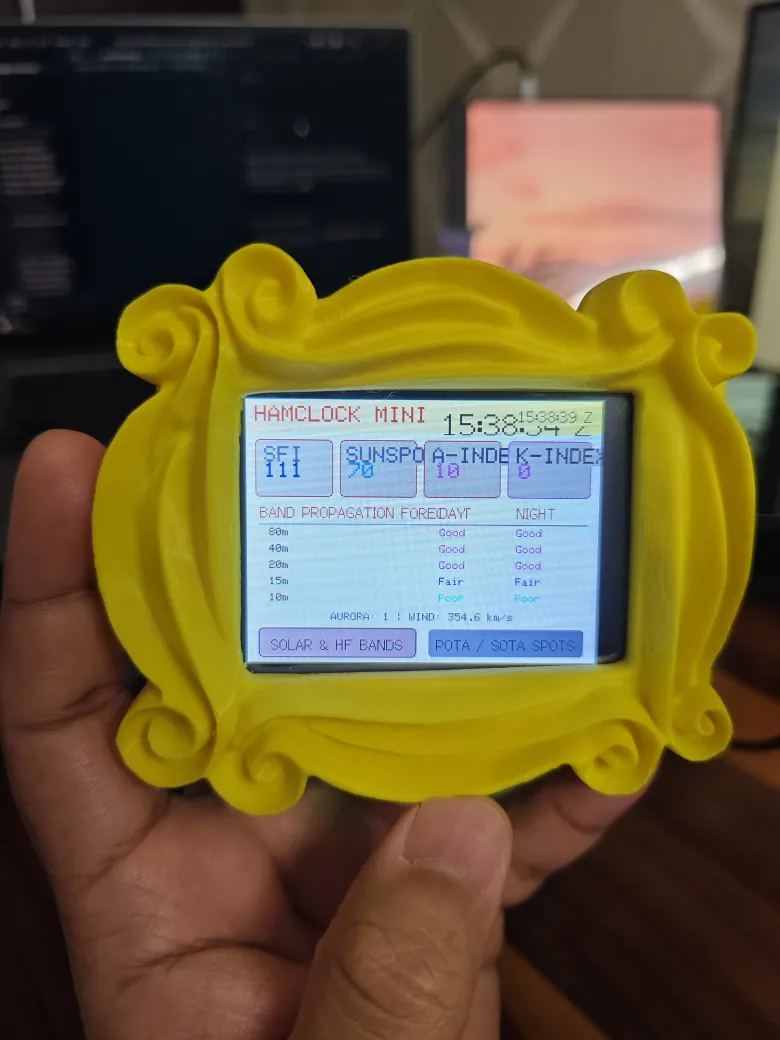
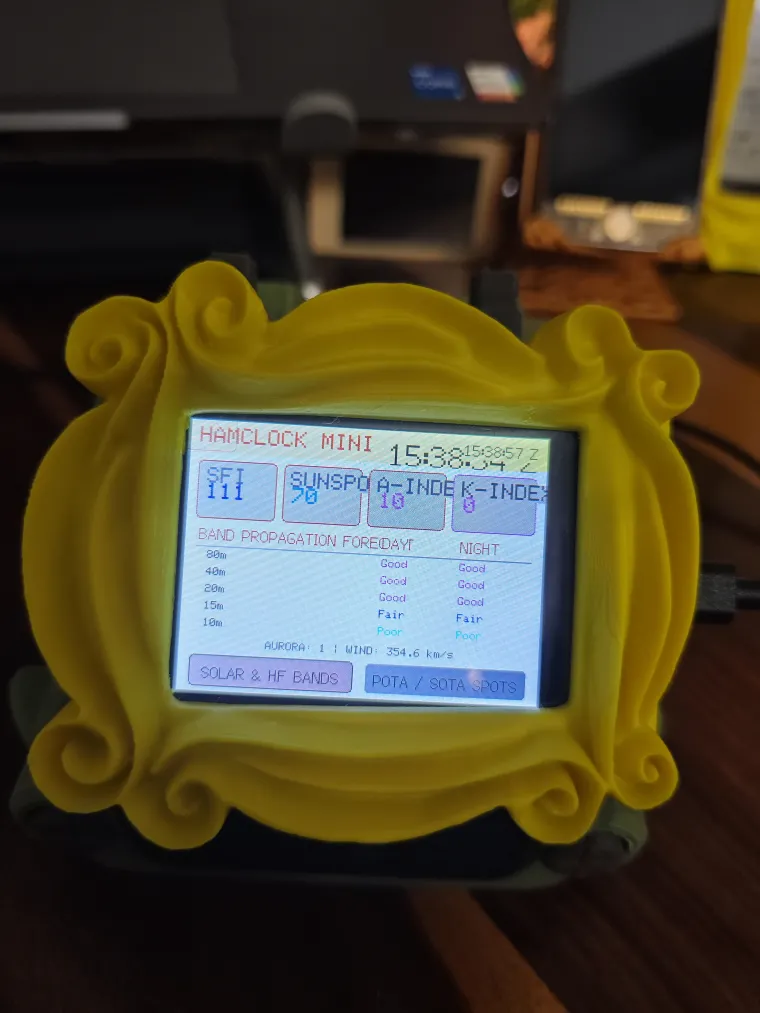
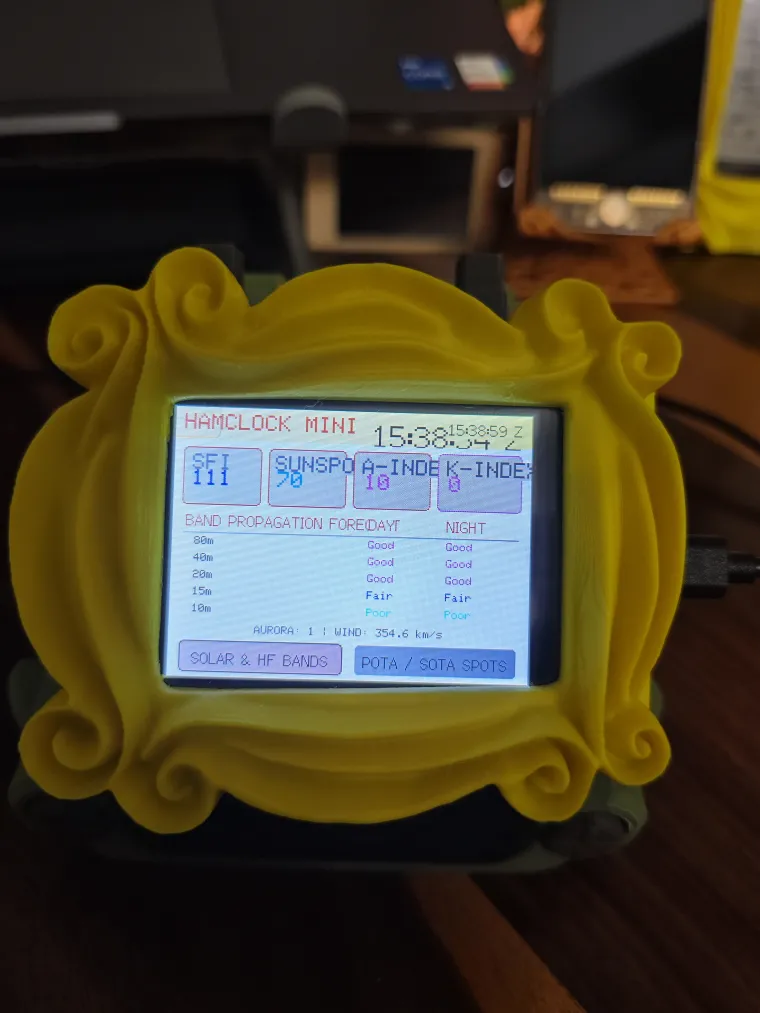
Overview A dedicated amateur radio dashboard built for the Elecrow CrowPanel ESP32 HMI 2.8-inch display (ESP32-2432S028R). Designed by IamNotIntoTech, this project turns your screen into a fully functional HamClock Mini. It streams 100% real live space weather, HF band propagation conditions, and POTA (Parks on the Air) DX spots directly to your shack desk, utilizing real-world telemetry with zero simulated data.
Features
-
Streams 100% real live space weather and geomagnetic conditions directly from NOAA / HamQSL, displaying SFI, SSN, A-Index, K-Index, Aurora activity, and Solar Wind speed.
-
Uses the onboard RGB LED to provide dynamic alerts based on live geomagnetic storm thresholds: Green (Quiet), Yellow (Unsettled), and Red (Geomagnetic Storm Warning).
-
Displays a real live HF Band Propagation Matrix indicating calculated day and night conditions across the 80m, 40m, 20m, 15m, and 10m amateur bands.
-
Fetches real-time POTA live DX spots directly from the official POTA API, displaying the activator callsign, operating frequency, mode, and official park reference.
-
Calculates and displays real-time Great Circle Haversine distance and forward azimuth beam heading relative to your station's location.
-
Features a synchronized UTC Atomic Clock via NTP, with a flicker-free 1-second differential update.
-
Includes Calibrated Touch Controls to quickly switch between Solar Conditions and POTA live spots, providing acoustic feedback (GPIO 26) and visual highlighting on selection.
Hardware
-
Elecrow CrowPanel ESP32 HMI 2.8-inch display (ESP32-2432S028R)
-
USB data cable and 2.4 GHz Wi-Fi network
Build and upload First, install VS Code and the PlatformIO IDE extension. Clone the project repository and open the elecrow_projects/13-hamclock-mini directory.
To secure your network and location data, you must configure a local secrets file. Create a file named secrets.h in the appropriate include folder based on the project structure (it is git-ignored for security). Enter your 2.4GHz Wi-Fi credentials and your Station Reference Coordinates (which default to the Paris Eiffel Tower / JN18eu).
Connect your Elecrow display via USB, allow PlatformIO to install the necessary dependencies, and click Build and Upload (or run pio run -t upload --upload-port COM5 in your terminal, adjusting the COM port as needed for your system).
Source code and license GitHub repository (Star repo for more upcoming project)
Consider supporting us for advanced level projects
YouTube Tutorial & Channel:
https://youtube.com/@IamNotIntoTech
The project is shared under following:
- 💻 Source Code: GNU Affero General Public License v3.0 (AGPL-3.0)
- 🎨 3D Models, Enclosures, Artwork, Graphics & Media: Creative Commons Attribution-NonCommercial-NoDerivatives 4.0 (CC BY-NC-ND 4.0)
- 💼 Commercial Licensing: All 3D models, animations, and branding are the intellectual property of Tushar Aggarwal. Commercial use, physical sales, or redistribution requires purchasing a commercial license or donating via GitHub Sponsors / Gumroad. See LICENSE for details.