










Story
Overview
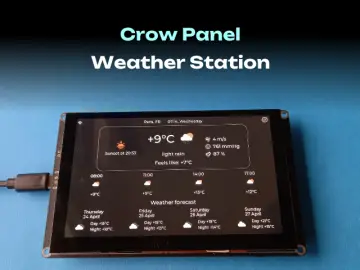
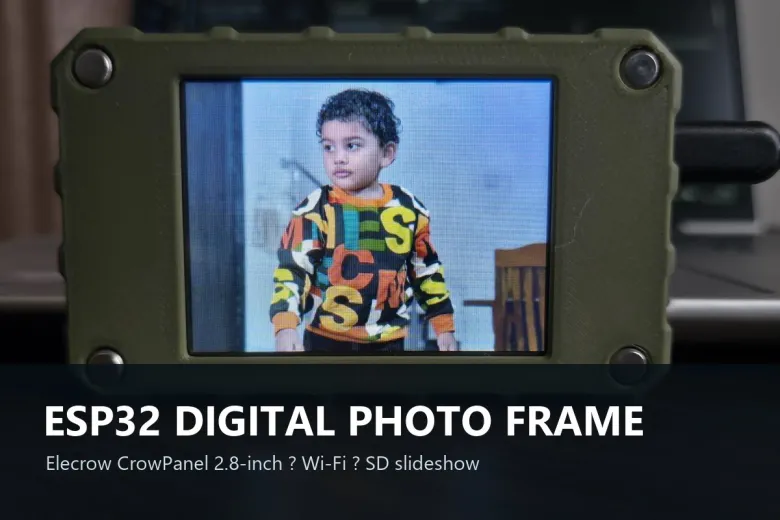
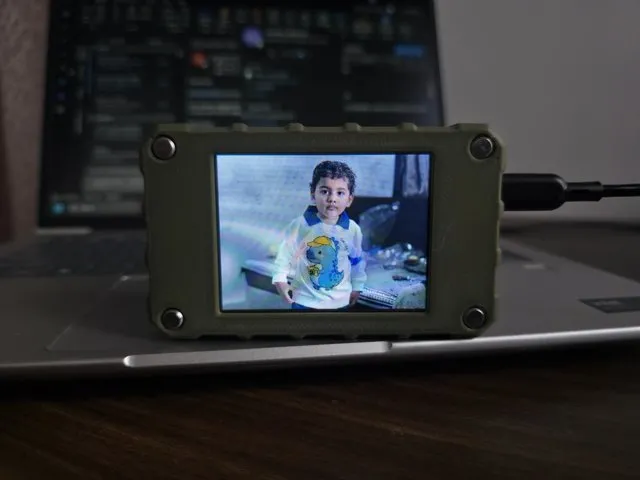
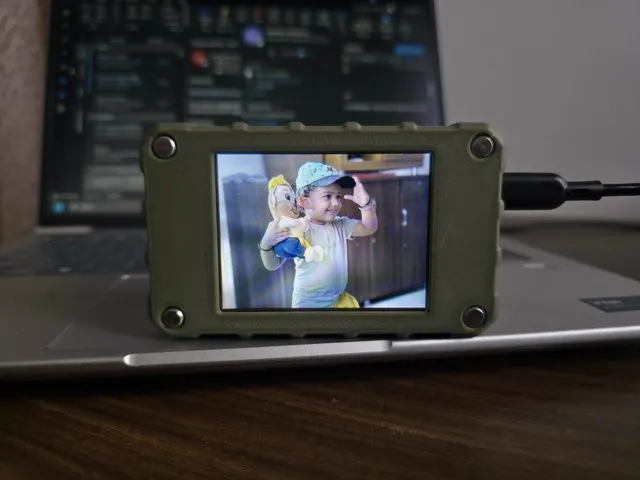
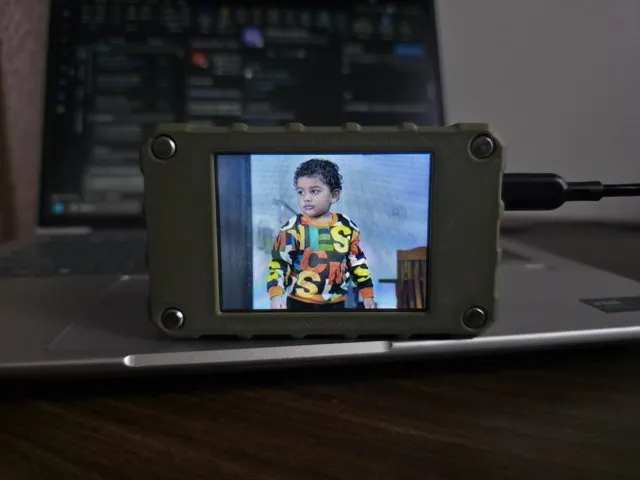
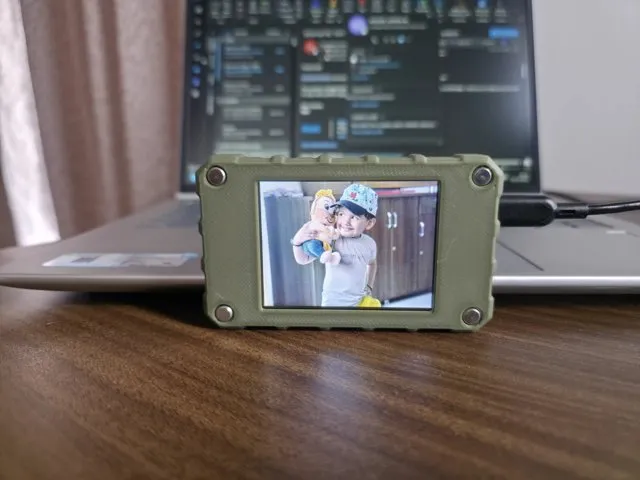
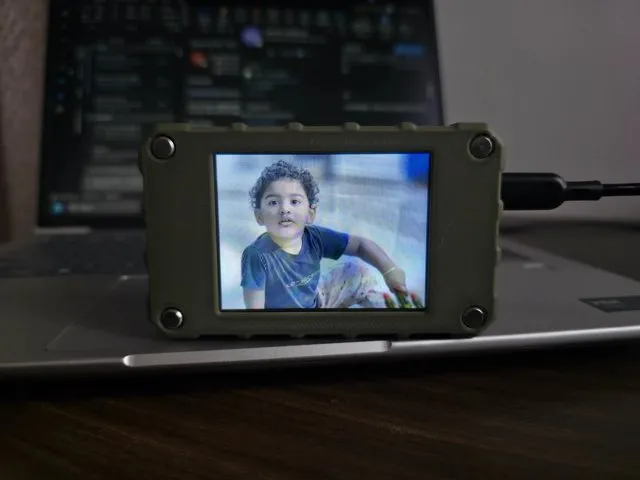
This open-source project turns the Elecrow 2.8-inch ESP32 CrowPanel display into a Wi-Fi-connected digital photo frame. Photos are stored on a microSD card and shown as a slideshow on the 320 × 240 ILI9341 display. A responsive web dashboard lets you upload, organize, and control photos from a phone or computer on the same network.
Features
- Browser dashboard with drag-and-drop, multi-photo uploads streamed directly to the SD card.
- JPEG, PNG, and BMP slideshow with automatic fit, letterbox, or crop/fill modes.
- Instant, wipe, blinds, curtain, and fade transitions; sequential or shuffle playback and configurable slide timing.
- Remote play/pause, next/previous, photo selection, and gallery management.
- Wi-Fi setup captive portal when home network credentials are not configured.
- Separate SPI buses for the TFT display and microSD card.
Hardware
- Elecrow CrowPanel / ESP32 2.8-inch 320 × 240 ILI9341 display (ESP32-WROOM-32)
- FAT32 microSD card
- USB data cable and 2.4 GHz Wi-Fi network
Build and flash (PlatformIO recommended)
- Install Visual Studio Code and the PlatformIO IDE extension.
- Open the
PlatformIOfolder containingplatformio.ini. - Optionally copy
include/secrets.h.exampletoinclude/secrets.hand set default Wi-Fi credentials. Keep private credentials out of version control. - Let PlatformIO install dependencies, then Build and Upload to an ESP32 Dev Module over USB.
- Open the serial monitor at 115200 baud for startup and diagnostic messages.
The Arduino IDE sketch is a legacy reference mirror; use the PlatformIO firmware for the current implementation. Insert a FAT32 microSD card, then connect to the device-hosted PhotoFrame-Setup access point if initial Wi-Fi setup is needed. Once connected to your home network, visit the device IP in a browser to upload photos and control playback.
Security: Wi-Fi credentials are stored in ESP32 NVS. The setup AP uses a default password and the web dashboard is unauthenticated unless optional HTTP Basic authentication is configured. Keep the device on a trusted local network and do not expose its services to the internet.
Source code and license
Source code: https://github.com/papercodeIN/Elecrow. Shared under the MIT License.