












Story
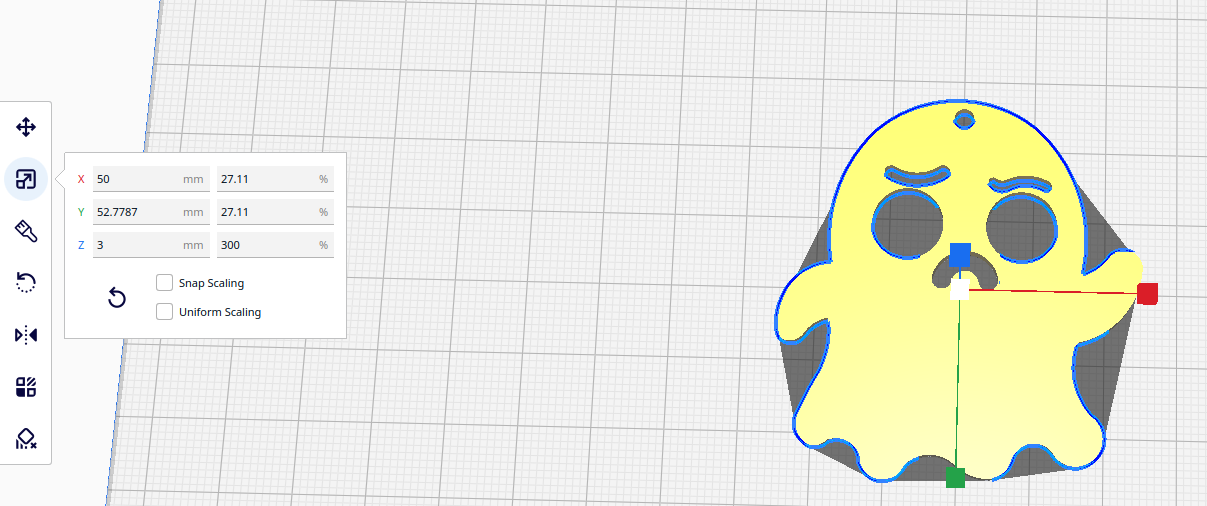
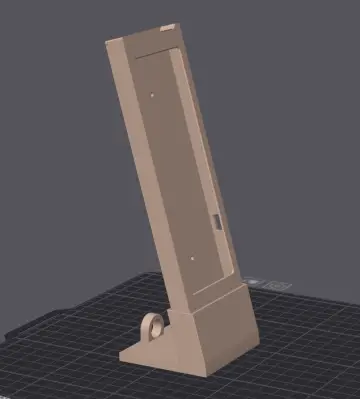
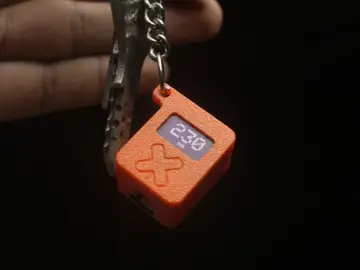
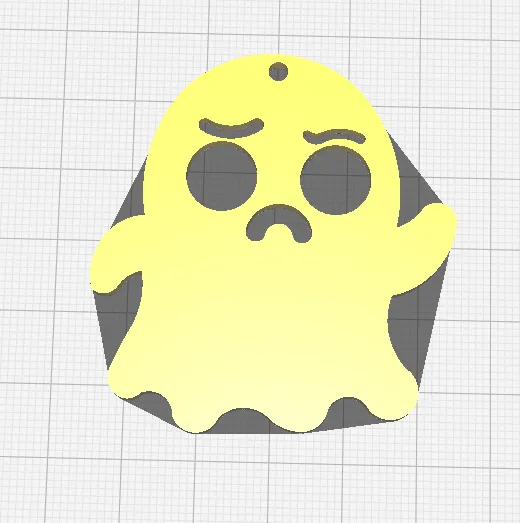
The 3D model is too large for a keychain, so its size will need to be reduced before printing.
How to Change Object Size in Ultimaker Cura
- Open Ultimaker Cura and load your 3D model.
- Select the object on the build plate.
- Select the Scale tool from the left toolbar.
- You will see the X, Y, and Z dimensions of the object.
- To resize the object proportionally, keep Uniform Scaling enabled.
- Enter the desired scale, for example 150% to make the object 1.5 times larger.
- If you want to change the dimensions independently, disable the lock and adjust X, Y, or Z separately.
- Check the model and click Slice.
- After slicing, check the estimated print time and material usage.
Tip: If you want to increase an object's height from 20 mm to 30 mm while keeping the proportions, set the scale to 150%.