

Story
Stroy
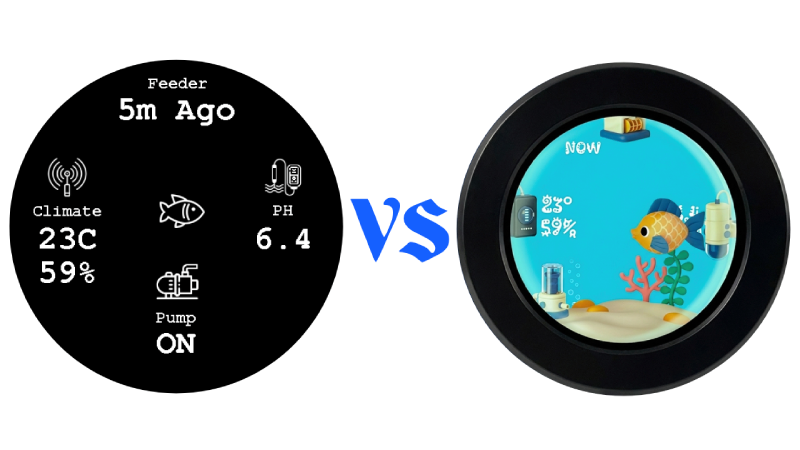
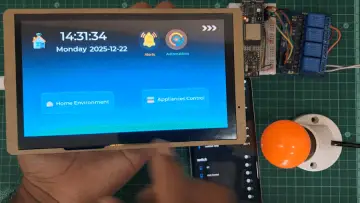
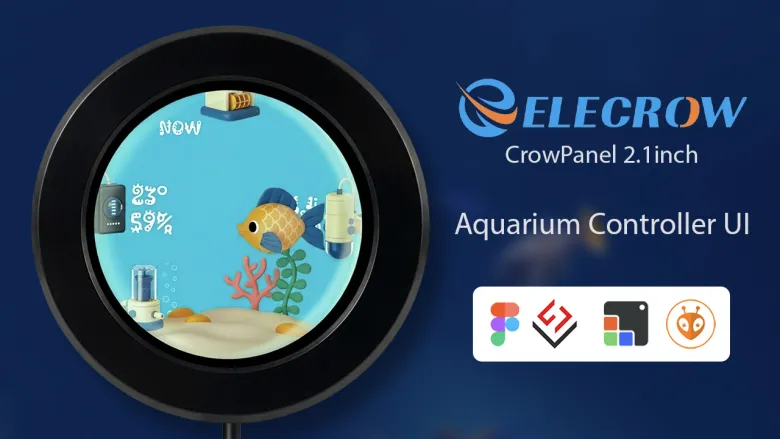
Nowadays, most HMI devices use the ESP32-S3, offering more memory and better performance. Earlier projects often relied on TFT_eSPI or Adafruit GFX, where every element had to be drawn manually. Animations were limited, transitions were basic, and building a polished interface required a lot of custom code.
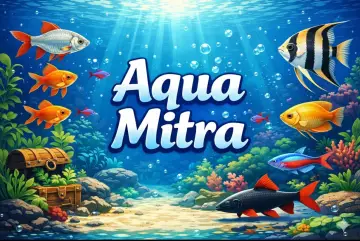
With LVGL, the workflow changes completely. It provides ready-made widgets, styles, states, and smooth animations that bring mobile-app-level quality to embedded HMIs. I’ll try to explain how I created this aquarium controller UI using LVGL with SquareLine Vision, featuring clean layouts, state-based components, and seamless animations.
UI Planning
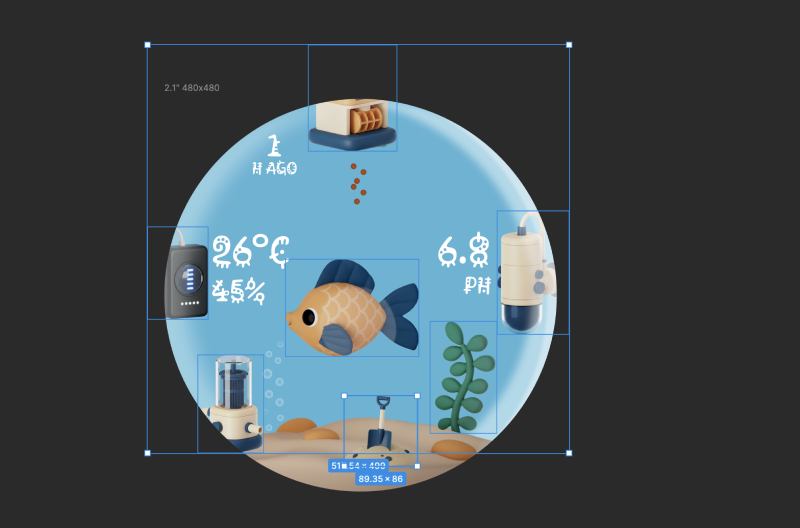
I used Figma and Photopea to plan the UI design and create the required icon elements. Creating icons is much easier now, with many AI tools available to generate consistent designs. I used Google Nano Banana to create the icons.
Creating the LVGL UI
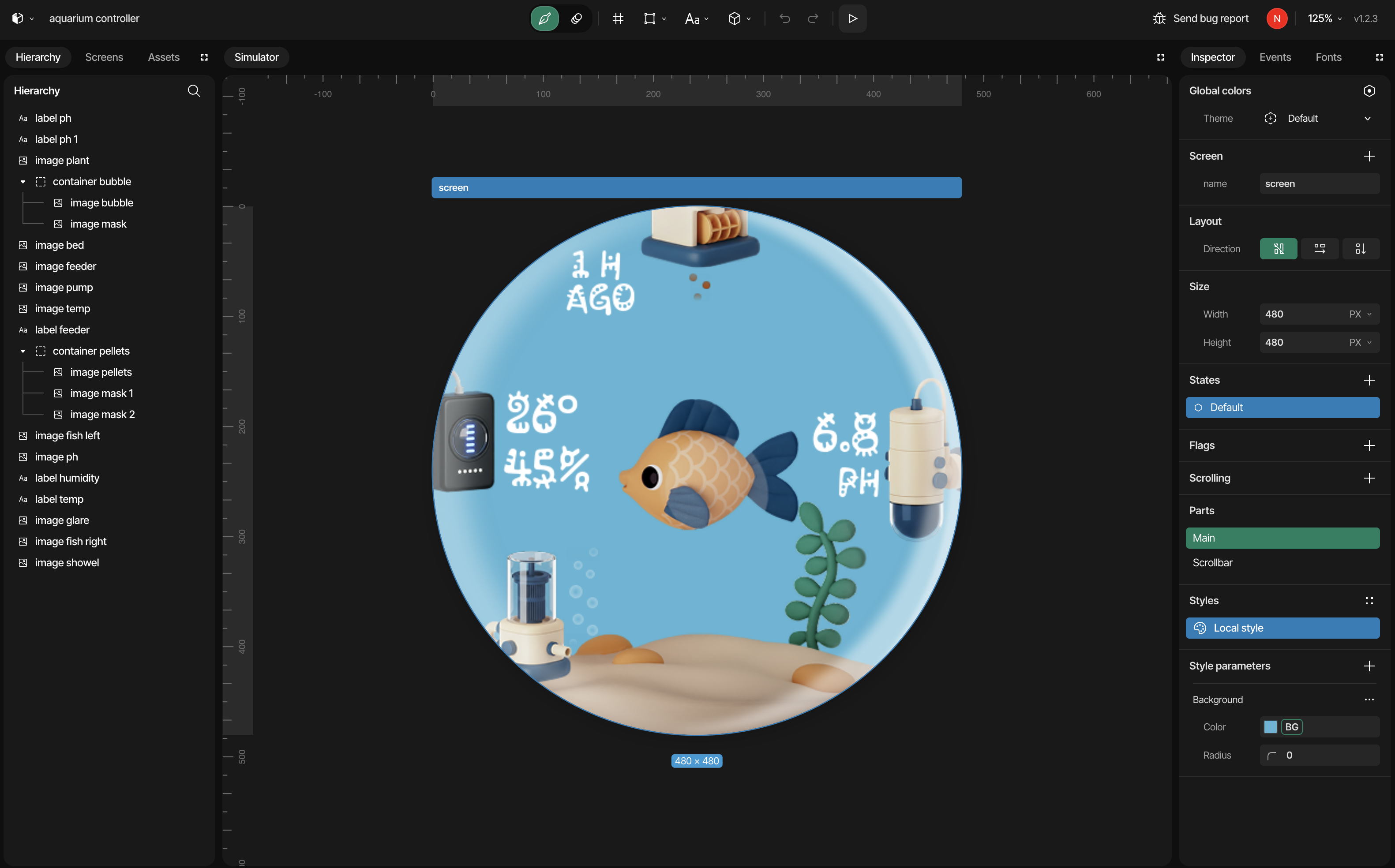
I used SquareLine Vision to create the LVGL UI. It’s an easy and efficient tool for generating well-structured UI code. SquareLine Vision also offers good animation support, LVGL states, and many other useful features.
Library Setup and Code Implementation
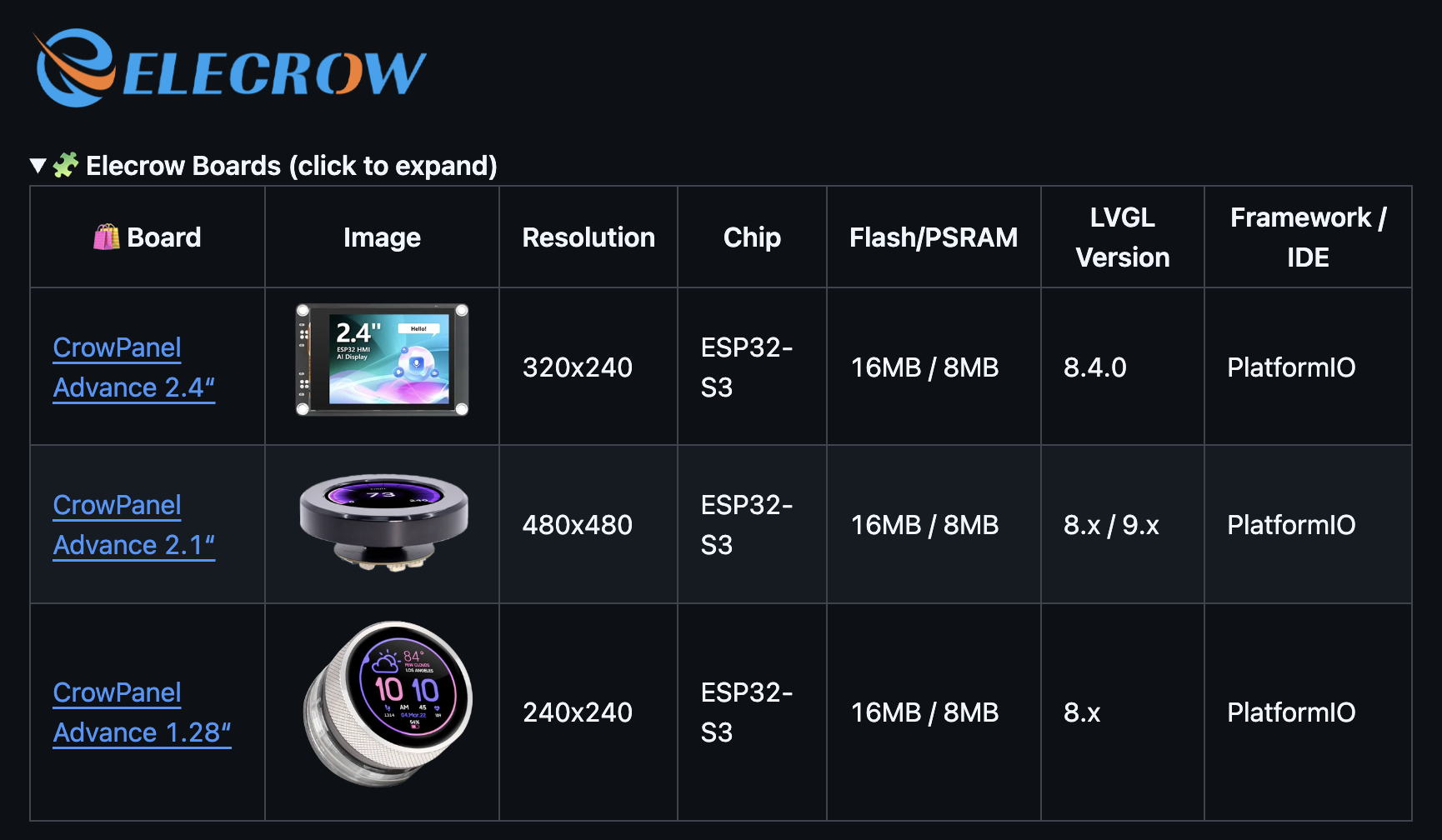
I used the manufacturer’s example as a reference to implement the UI I created. Based on that example, I built a minimal LVGL template. You can find it on my GitHub.
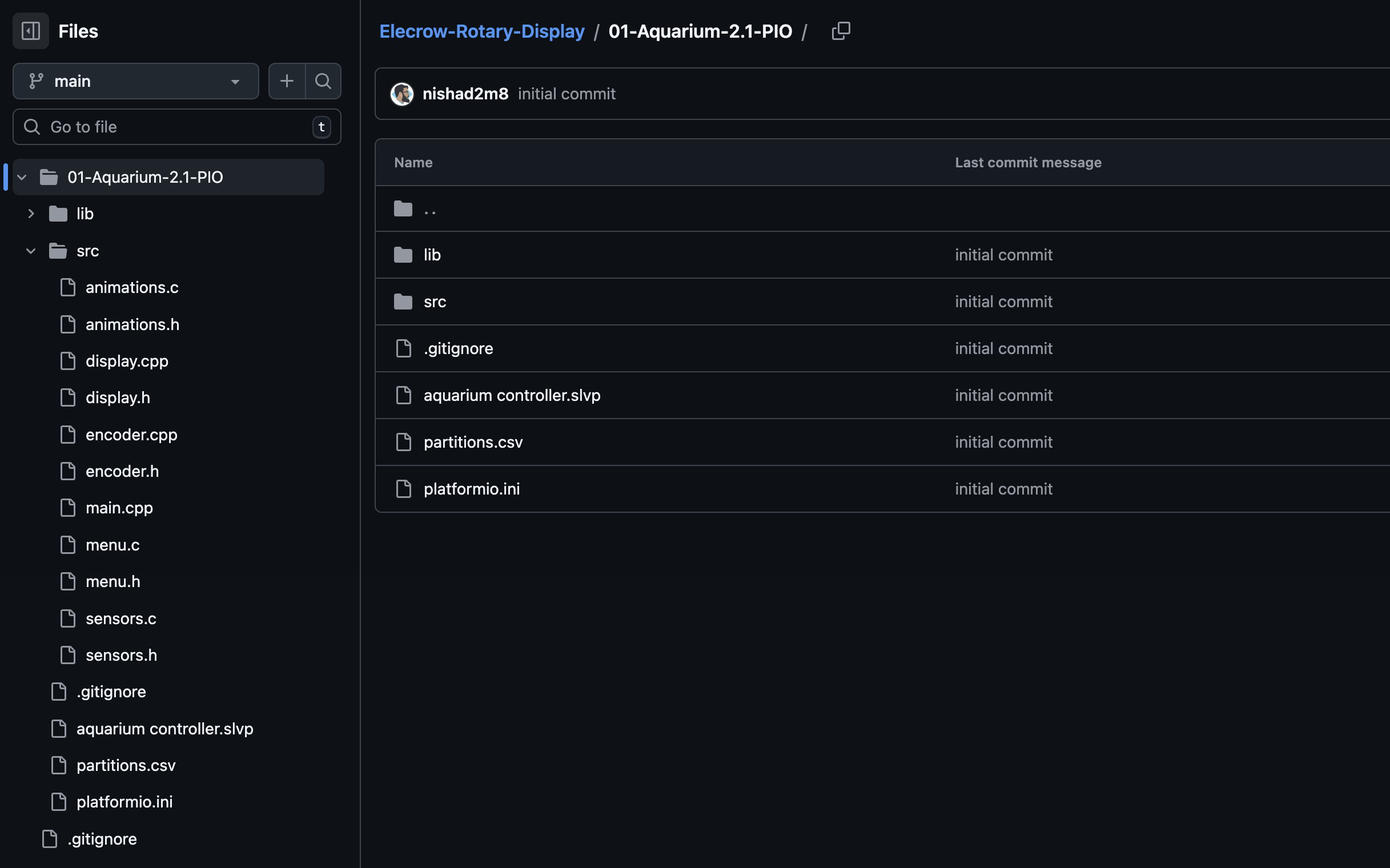
Using the board setup and LVGL flush, I implemented the UI created with SquareLine Vision and added some functionalities to make everything work. You can find the code on my GitHub and the full video on my YouTube.