Story
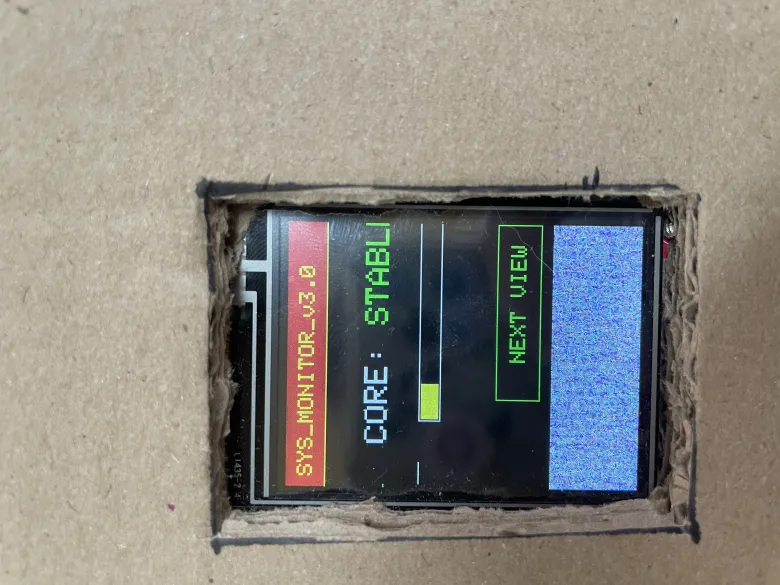
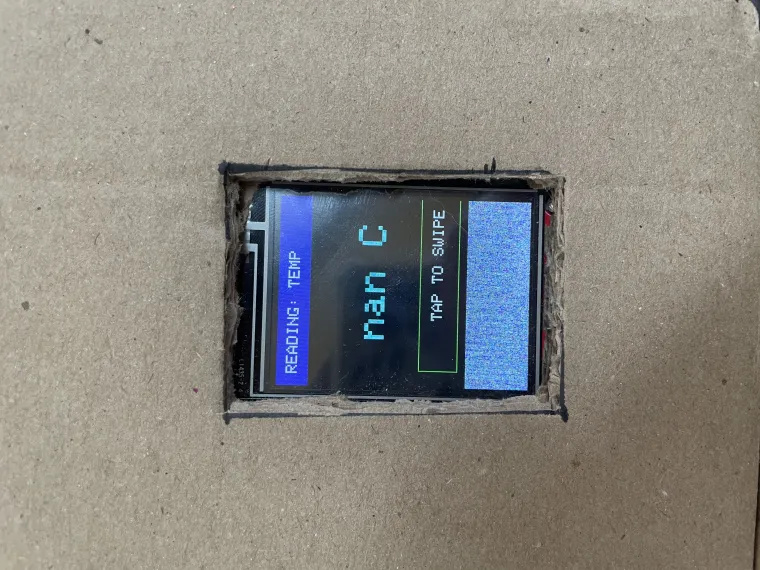
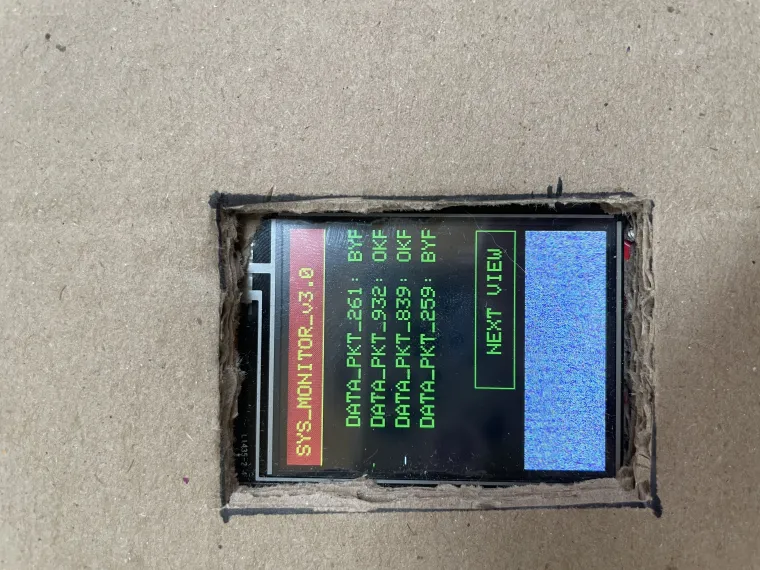
Here is simple code so you can make your own.
/*
Test the tft.print() viz. the libraries embedded write() function
This sketch used font 2, 4, 7
Make sure all the required fonts are loaded by editing the
User_Setup.h file in the TFT_eSPI library folder.
#########################################################################
###### DON'T FORGET TO UPDATE THE User_Setup.h FILE IN THE LIBRARY ######
#########################################################################
*/
#include <SPI.h>
#include <TFT_eSPI.h> // Hardware-specific library
TFT_eSPI tft = TFT_eSPI(); // Invoke custom library
#define TFT_GREY 0x5AEB // New colour
void setup(void) {
tft.init();
tft.setRotation(2);
}
void loop() {
// Fill screen with random colour so we can see the effect of printing with and without
// a background colour defined
tft.fillScreen(random(0xFFFF));
// Set "cursor" at top left corner of display (0,0) and select font 2
// (cursor will move to next line automatically during printing with 'tft.println'
// or stay on the line is there is room for the text with tft.print)
tft.setCursor(0, 0, 2);
// Set the font colour to be white with a black background, set text size multiplier to 1
tft.setTextColor(TFT_WHITE,TFT_BLACK); tft.setTextSize(1);
// We can now plot text on screen using the "print" class
tft.println("Hello World!");
// Set the font colour to be yellow with no background, set to font 7
tft.setTextColor(TFT_YELLOW); tft.setTextFont(7);
tft.println(1234.56);
// Set the font colour to be red with black background, set to font 4
tft.setTextColor(TFT_RED,TFT_BLACK); tft.setTextFont(4);
tft.println((long)3735928559, HEX); // Should print DEADBEEF
// Set the font colour to be green with black background, set to font 4
tft.setTextColor(TFT_GREEN,TFT_BLACK);
tft.setTextFont(4);
tft.println("Groop");
tft.println("I implore thee,");
// Change to font 2
tft.setTextFont(2);
tft.println(F("my foonting turlingdromes.")); // Can store strings in FLASH to save RAM
tft.println("And hooptiously drangle me");
tft.println("with crinkly bindlewurdles,");
// This next line is deliberately made too long for the display width to test
// automatic text wrapping onto the next line
tft.println("Or I will rend thee in the gobberwarts with my blurglecruncheon, see if I don't!");
// Test some print formatting functions
float fnumber = 123.45;
// Set the font colour to be blue with no background, set to font 4
tft.setTextColor(TFT_BLUE); tft.setTextFont(4);
tft.print("Float = "); tft.println(fnumber); // Print floating point number
tft.print("Binary = "); tft.println((int)fnumber, BIN); // Print as integer value in binary
tft.print("Hexadecimal = "); tft.println((int)fnumber, HEX); // Print as integer number in Hexadecimal
delay(10000);
}