












Story
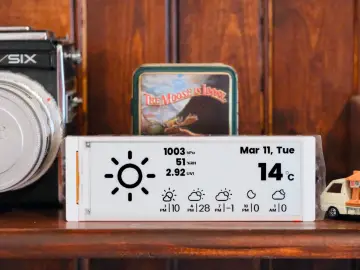
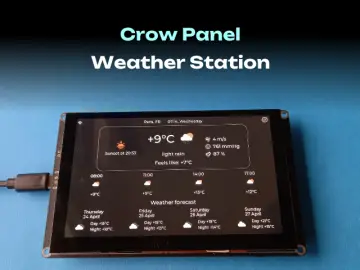
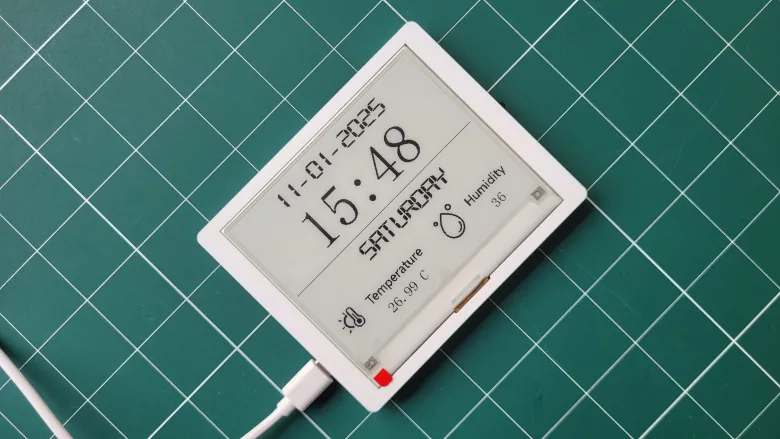
In this tutorial, we will demonstrate how to use the Elecrow CrowPanel ESP32 4.2” E-Paper HMI Display to build a functional and stylish weather clock. This step-by-step guide will show you exactly what changes you need to make in the code to customize the clock for your city and timezone. The clock displays the day, date, time, humidity, and temperature of your location. We’ll also explain how to obtain an OpenWeatherMap API key to fetch real-time weather data for your city. The source code is available on our GitHub repository—link provided below. Follow along to create your own personalized weather clock!