







Story
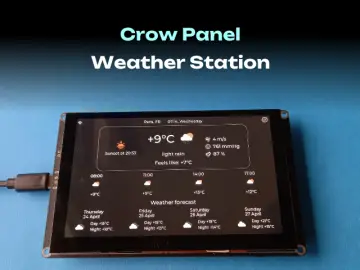
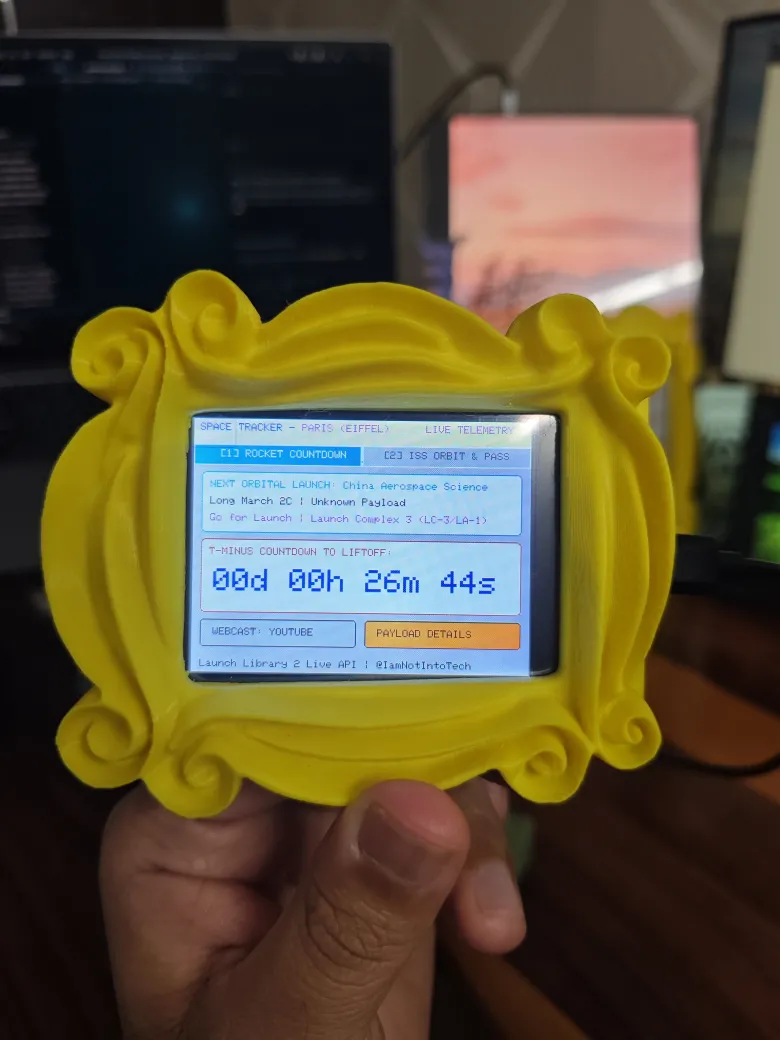
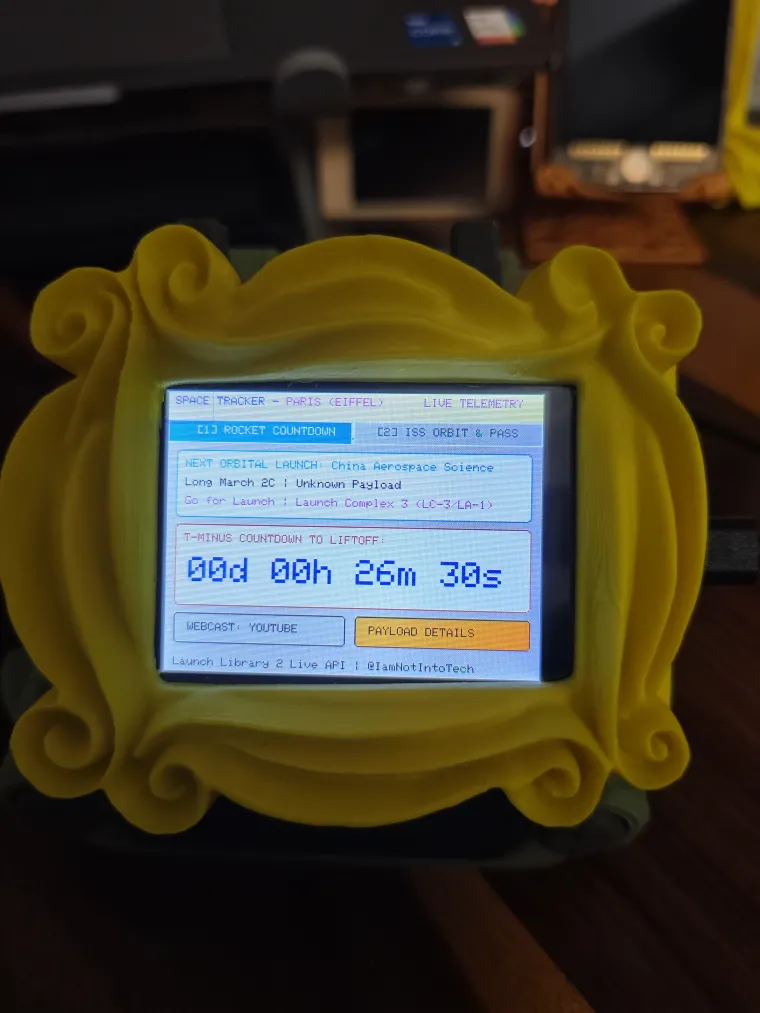
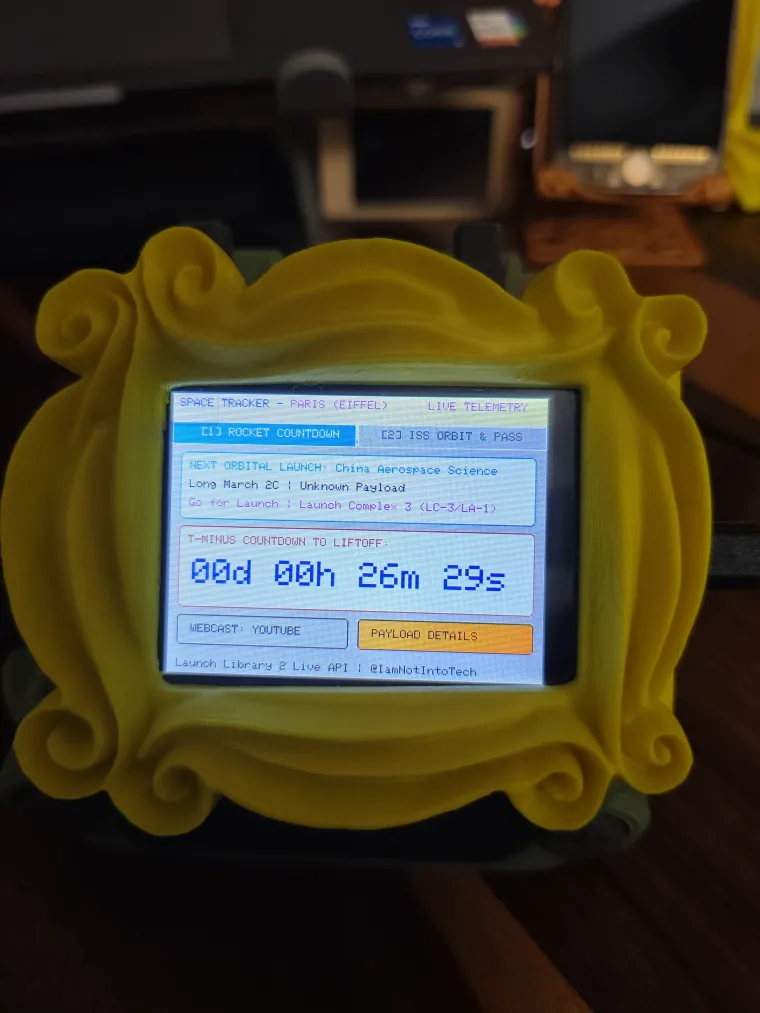
Overview A dual-purpose space telemetry dashboard built for the Elecrow ESP32 HMI 2.8-inch display (ESP32-2432S028R). Designed by IamNotIntoTech, this project turns your screen into a mission control center, featuring a live T-minus countdown for upcoming rocket launches alongside a real-time International Space Station (ISS) orbital tracker and flyover predictor.
Features
-
Displays a live T-minus countdown timer tracking upcoming orbital missions (e.g., SpaceX Falcon 9, Starship, Electron, Ariane 6).
-
Shows launch details including mission status, launch pad location, booster model, payload inventory, and weather go/no-go probability.
-
Features a Real-Time ISS Orbital Tracker computing live coordinates (Latitude, Longitude, Altitude, Orbital Velocity).
-
Calculates and displays the next visible backyard naked-eye flyover pass, including elevation angle, azimuth, and brightness magnitude.
-
Includes Calibrated Touch Controls: tap the top tabs to switch between the Rocket Countdown and ISS Orbit telemetry displays.
-
Provides instant acoustic confirmation (GPIO 26) when tapping the Webcast / Payload buttons or the ISS pass card.
-
Streams live rocket launch telemetry from Launch Library 2, and live ISS coordinates from WhereTheISS.at.
Hardware
-
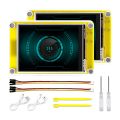
Elecrow CrowPanel ESP32 HMI 2.8-inch display (ESP32-2432S028R)
-
USB data cable and 2.4 GHz Wi-Fi network
Build and upload First, install VS Code and the PlatformIO IDE extension. Clone the project repository and open the elecrow_projects/11-iss-rocket-tracker directory.
To protect your personal data, configuration is handled via a local secrets file. Copy the secrets.h.example file and rename it to secrets.h. Open secrets.h to enter your 2.4GHz Wi-Fi credentials and your physical observer coordinates (it defaults to the Eiffel Tower in Paris).
Connect your Elecrow display via USB, allow PlatformIO to install the necessary dependencies, and click Build and Upload (or run pio run -t upload in your terminal).
Source code and license GitHub repository (Star repo for more upcoming project)
Consider supporting us for advanced level projects
YouTube Tutorial & Channel:
https://youtube.com/@IamNotIntoTech
The project is shared under following:
- 💻 Source Code: GNU Affero General Public License v3.0 (AGPL-3.0)
- 🎨 3D Models, Enclosures, Artwork, Graphics & Media: Creative Commons Attribution-NonCommercial-NoDerivatives 4.0 (CC BY-NC-ND 4.0)
- 💼 Commercial Licensing: All 3D models, animations, and branding are the intellectual property of Tushar Aggarwal. Commercial use, physical sales, or redistribution requires purchasing a commercial license or donating via GitHub Sponsors / Gumroad. See LICENSE for details.