











Story
Vulcan Radar – ESP32-P4 Desktop Aircraft Tracker
Vulcan Radar started as a project to build a dedicated aircraft display that could sit permanently on my desk and show the aircraft flying around me without needing to keep a phone, browser or tablet running.
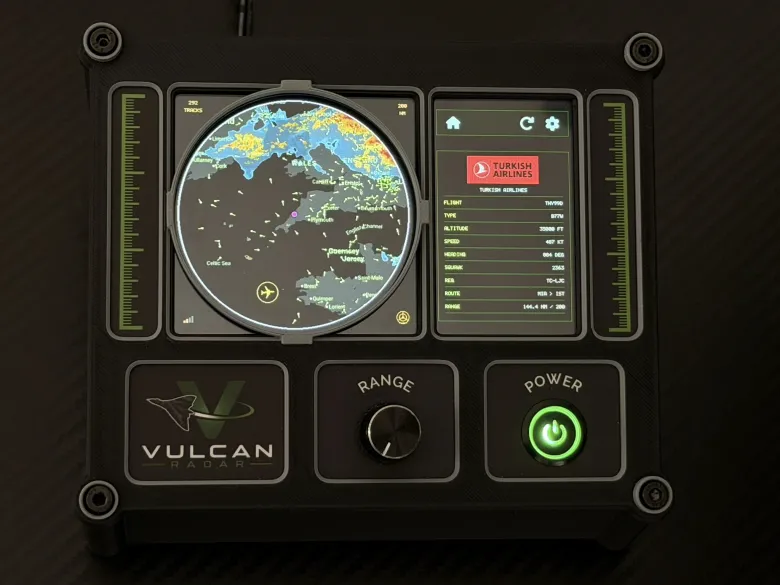
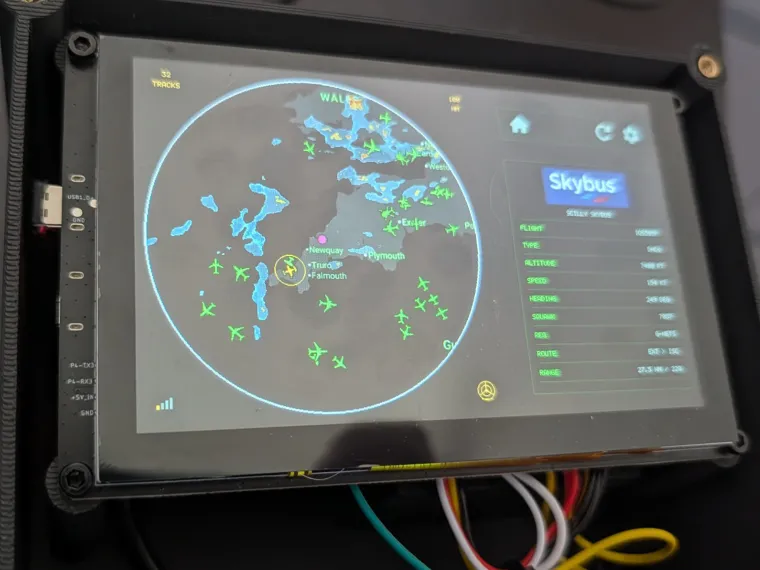
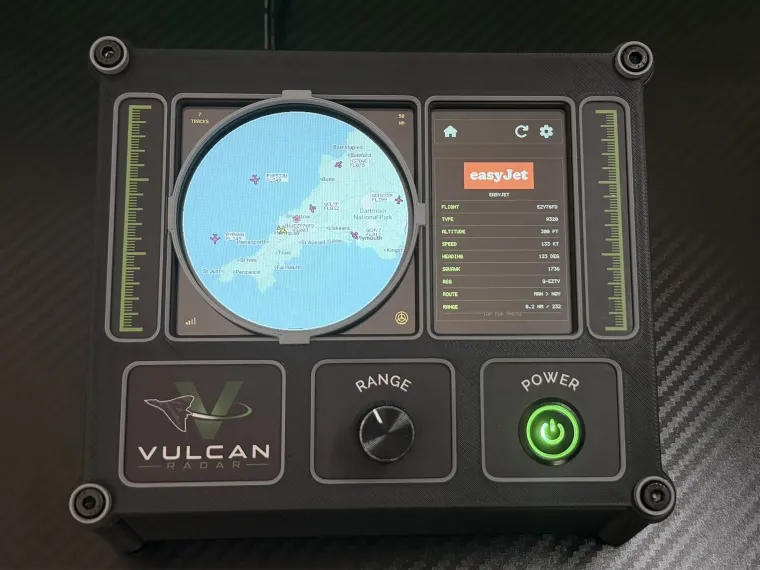
The finished unit is built around an Elecrow CrowPanel Advanced 5.0-inch ESP32-P4 HMI display with an 800×480 IPS capacitive touchscreen.
Rather than receiving ADS-B radio transmissions directly, Vulcan Radar connects to the internet over Wi-Fi and communicates with a cloud API that I developed specifically for the project.
The server handles most of the heavier aircraft-data processing and sends the embedded device only the information required for the current location and selected radar range.
Hardware
The main hardware is:
- Elecrow CrowPanel Advanced 5.0" ESP32-P4 HMI display
- 800×480 IPS capacitive touchscreen
- ESP32-P4 processor
- Wi-Fi connectivity
- Physical rotary encoder
- Illuminated front push button
- Internal speaker
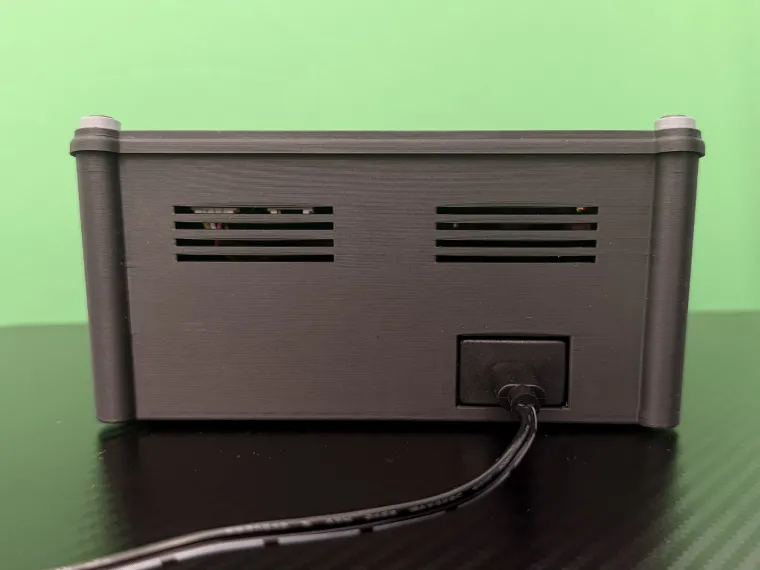
- USB-C power
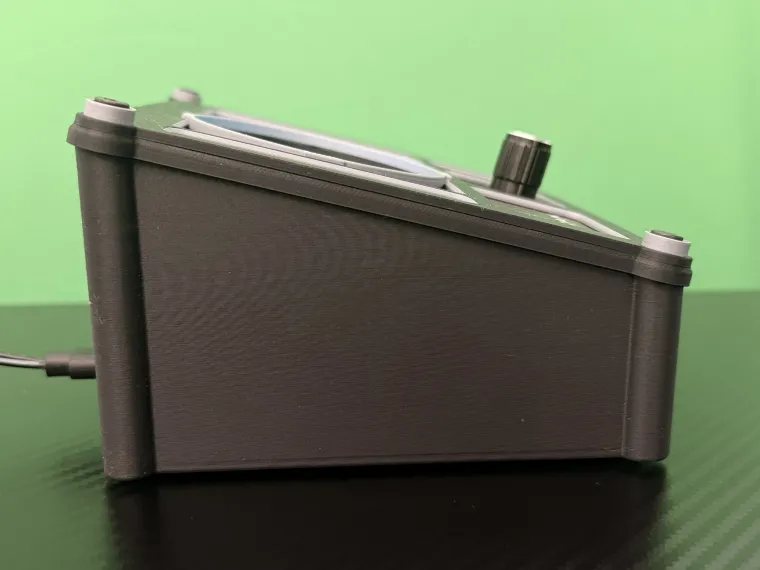
- Custom 3D-printed enclosure
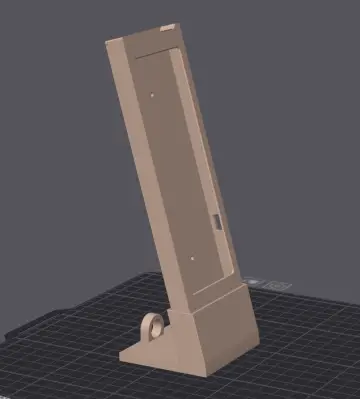
- Custom folding desktop stand
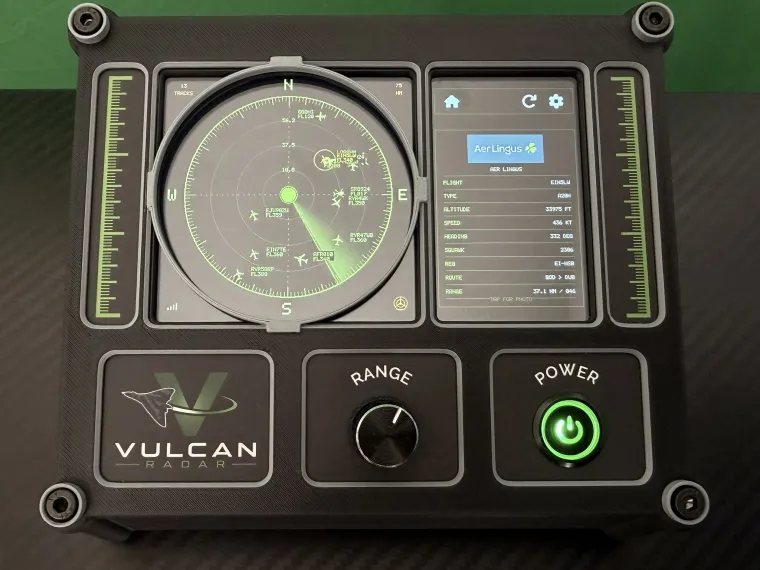
The rotary encoder provides a physical control for changing the displayed radar range. I wanted this to feel more like a dedicated piece of aviation equipment rather than simply putting another set of touchscreen buttons on the display.
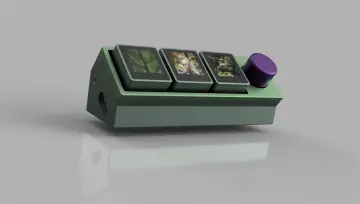
The enclosure was designed specifically around the CrowPanel, controls and speaker and has gone through several iterations using 3D printing.
Aircraft data architecture
The ESP32 does not download or process a complete global aircraft feed.
Instead, the device connects to a custom server-side API. The server collects live aircraft information from external aircraft-data sources, processes it and returns a much smaller dataset containing only aircraft relevant to the radar's configured location and range.
Depending on the available data, the aircraft records can include:
- latitude
- longitude
- altitude
- ground speed
- track / heading
- callsign
- registration
- aircraft type
- origin
- destination
- flight information
This architecture keeps the amount of data transferred to the ESP32 relatively small and allows more complex processing to take place on the server.
Plotting aircraft on the radar
For every aircraft, its latitude and longitude are compared with the configured location of the radar.
The software calculates the aircraft's distance and bearing from the radar position.
That information is then converted into an X/Y position on the circular radar display according to the currently selected range.
Changing the range using the physical rotary encoder recalculates the scale and redraws the visible aircraft.
The touchscreen can then be used to select an individual aircraft and display additional information about it.
User interface
The interface was designed specifically for the 800×480 display.
I wanted the visual style to take some inspiration from classic radar and aviation equipment while still remaining easy to use on a modern touchscreen.
The main display includes:
- radar-style aircraft plotting
- aircraft selection
- flight information
- adjustable range
- touchscreen controls
- Wi-Fi connectivity
- weather information
The software also supports remote/cloud-based functionality including data services and firmware update functionality.
Mechanical design
The enclosure is another major part of the project.
Instead of placing the CrowPanel inside a generic electronics enclosure, I designed a custom case around the dimensions of the display.
This includes mounting for the:
- CrowPanel
- rotary encoder
- illuminated push button
- speaker
- power connection
- front fascia
- rear enclosure
The enclosure and optional folding desktop stand are produced using 3D printing, which has made it possible to rapidly modify the design while developing the electronics and interface.
From prototype to finished hardware
What originally started as a one-off desktop project has gradually developed into a much more complete piece of hardware.
The project has involved:
ESP32-P4 firmware → touchscreen UI → Wi-Fi networking → cloud API development → aircraft-data processing → geographical calculations → enclosure design → 3D printing → physical controls
I'm now taking the project beyond the prototype stage and working through the production and compliance side of turning it into a finished desktop device.
I've called the finished project Vulcan Radar.
More photographs, videos and information about the finished unit are available at: