Create an LVGL UI with SquareLine Studio
1. Introduce LVGL
LVGL (LittlevGL) is an open-source, lightweight, high-performance embedded graphics library designed specifically for devices with limited resources. It supports multi platform porting, provides rich controls, animations, touch support, and highly customizable styles, suitable for fields such as smart homes, industrial equipment, medical instruments, etc. LVGL is centered around modular design and can run on bare metal or operating systems, accelerating GUI development through powerful community support and tools such as SquareLine Studio.
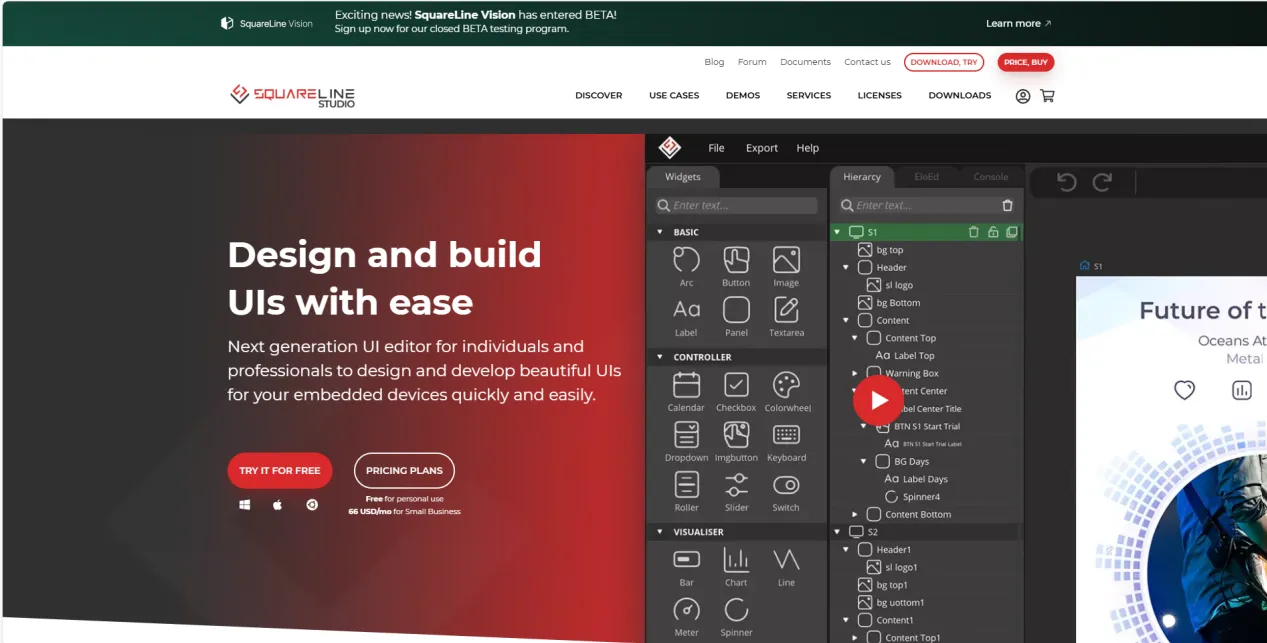
SquareLine Studio is a next-generation user interface (UI) solution for individuals and professionals, allowing users to quickly and easily design and develop aesthetically pleasing UI for embedded devices. This software provides integrated design, prototyping, and development capabilities, supporting the export of platform independent C or MicroPython code for LVGL (Lightweight Graphics Library), which can be compiled and run on any vendor's device.
2.Install SquareLine Studio
2.1 Installation Guide
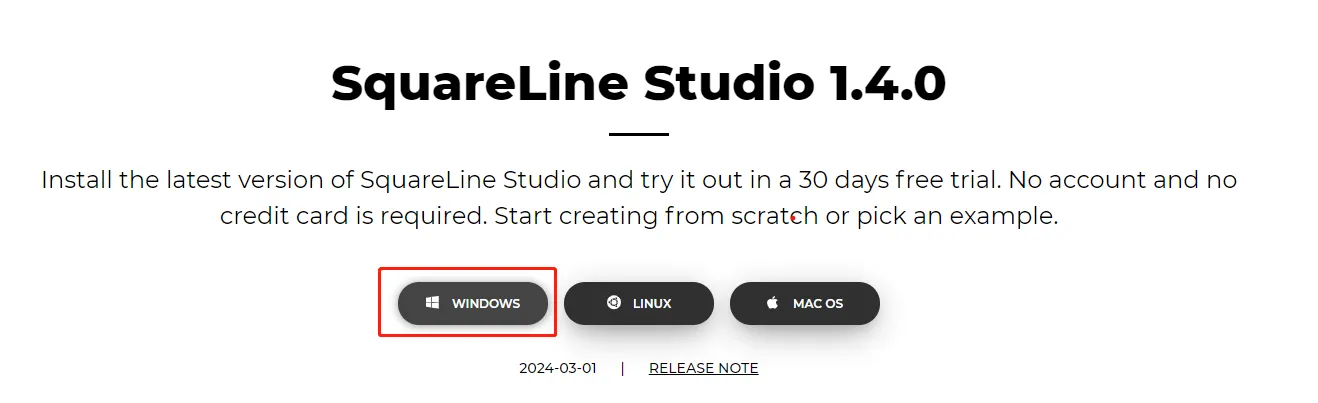
Enter the https://squareline.io/ to download the SquareLine installation file.
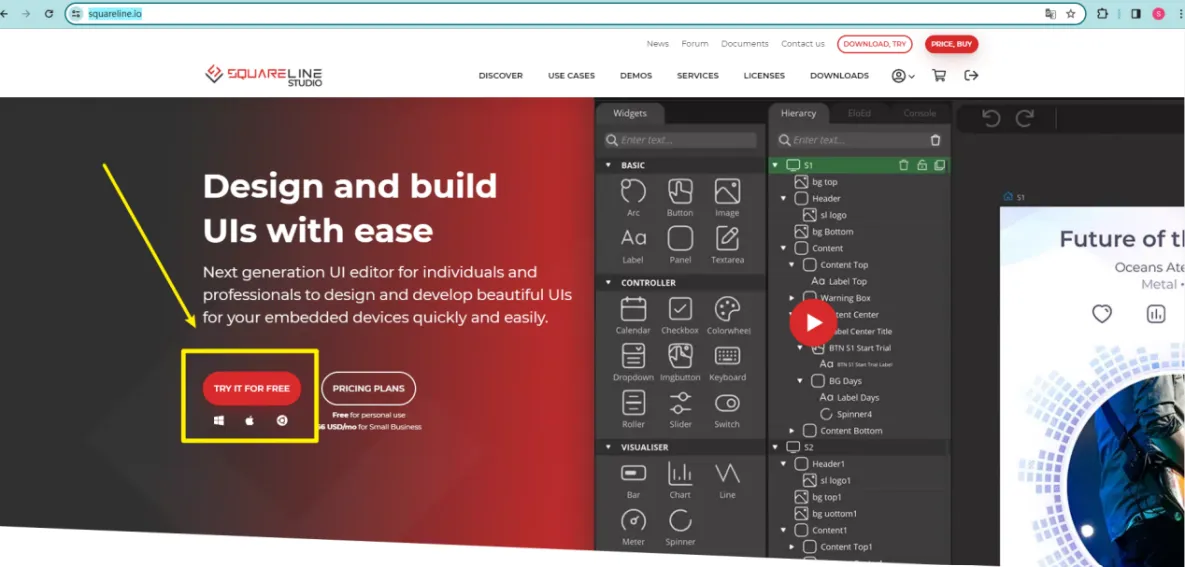
Download the version 1.4.0
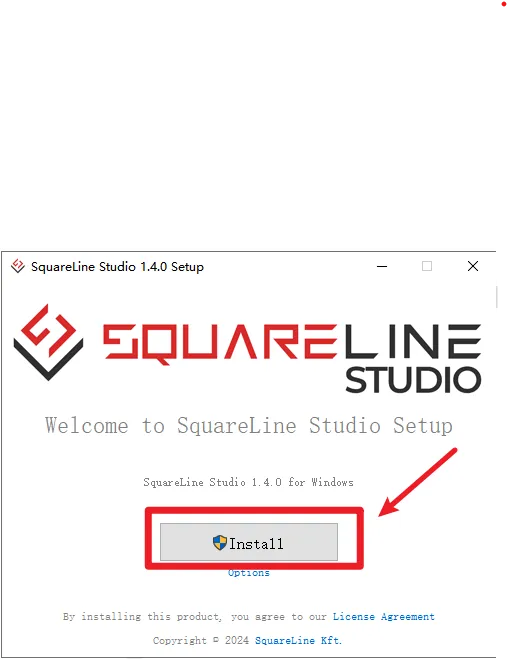
Double-click the setup.exe file.

Click install.
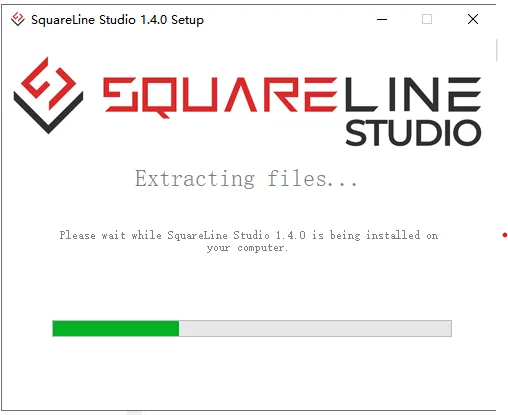
Wait for installation.
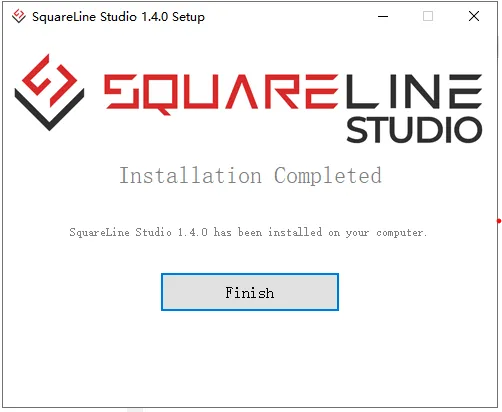
Installation finish.
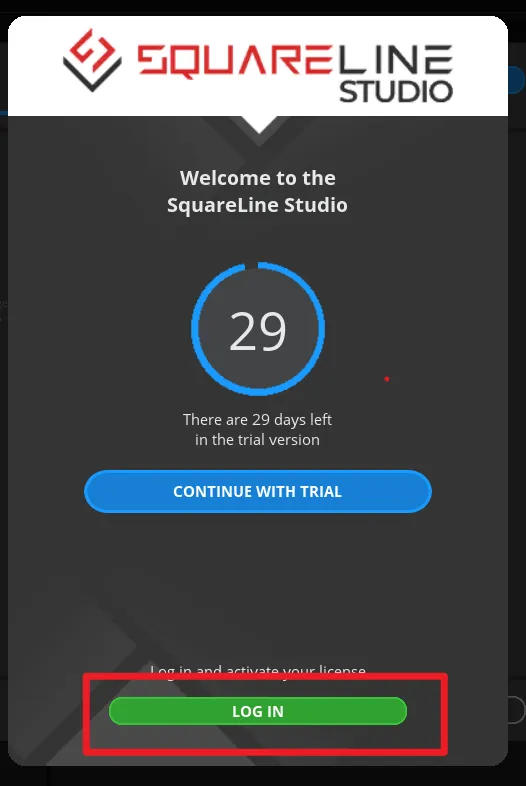
There is a 30-day trial period for the first time you use it. Please follow the prompts to register an account. You will continue to use it when you log in to your account next time.
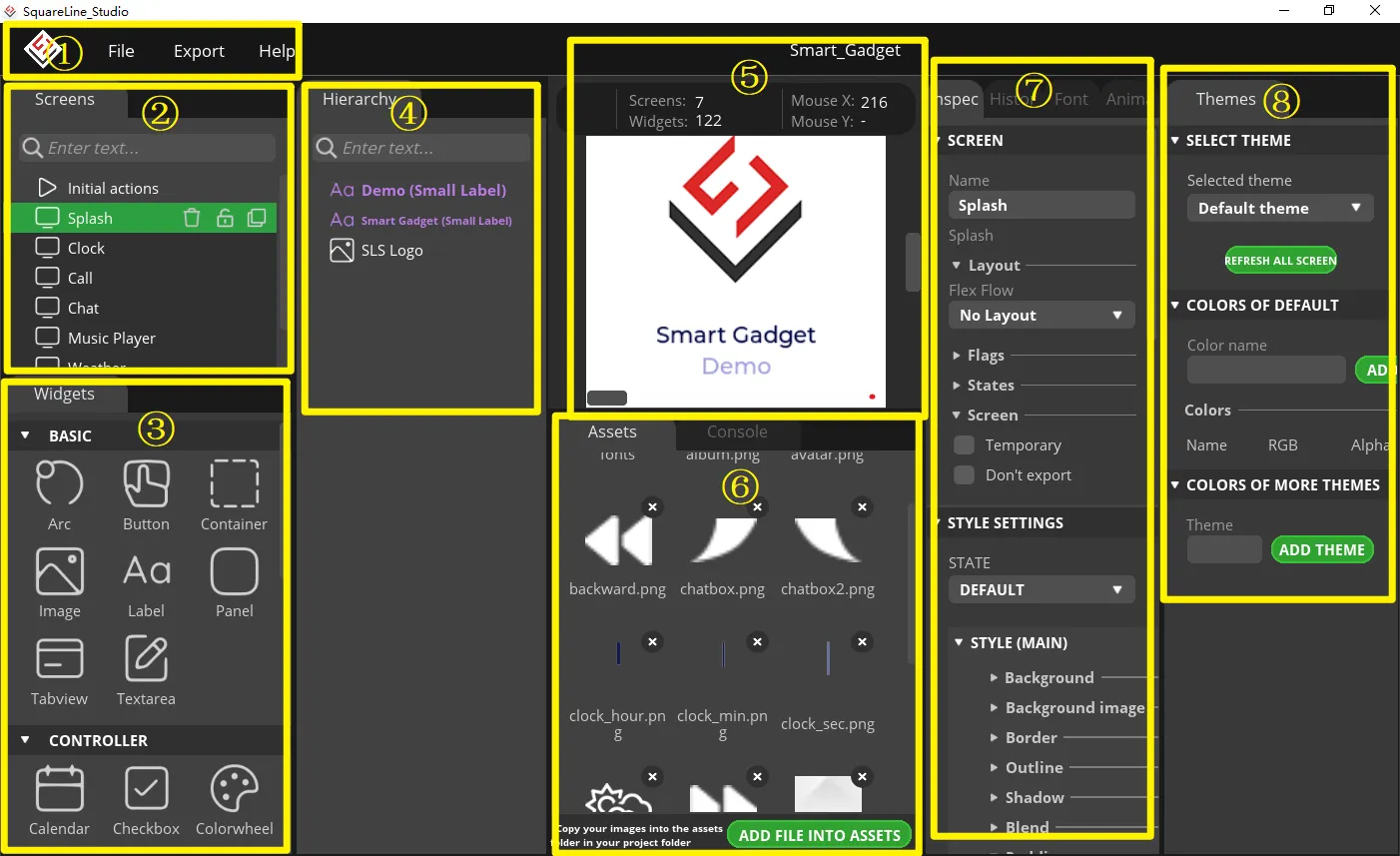
2.2 Software Function Introduction
Open the software
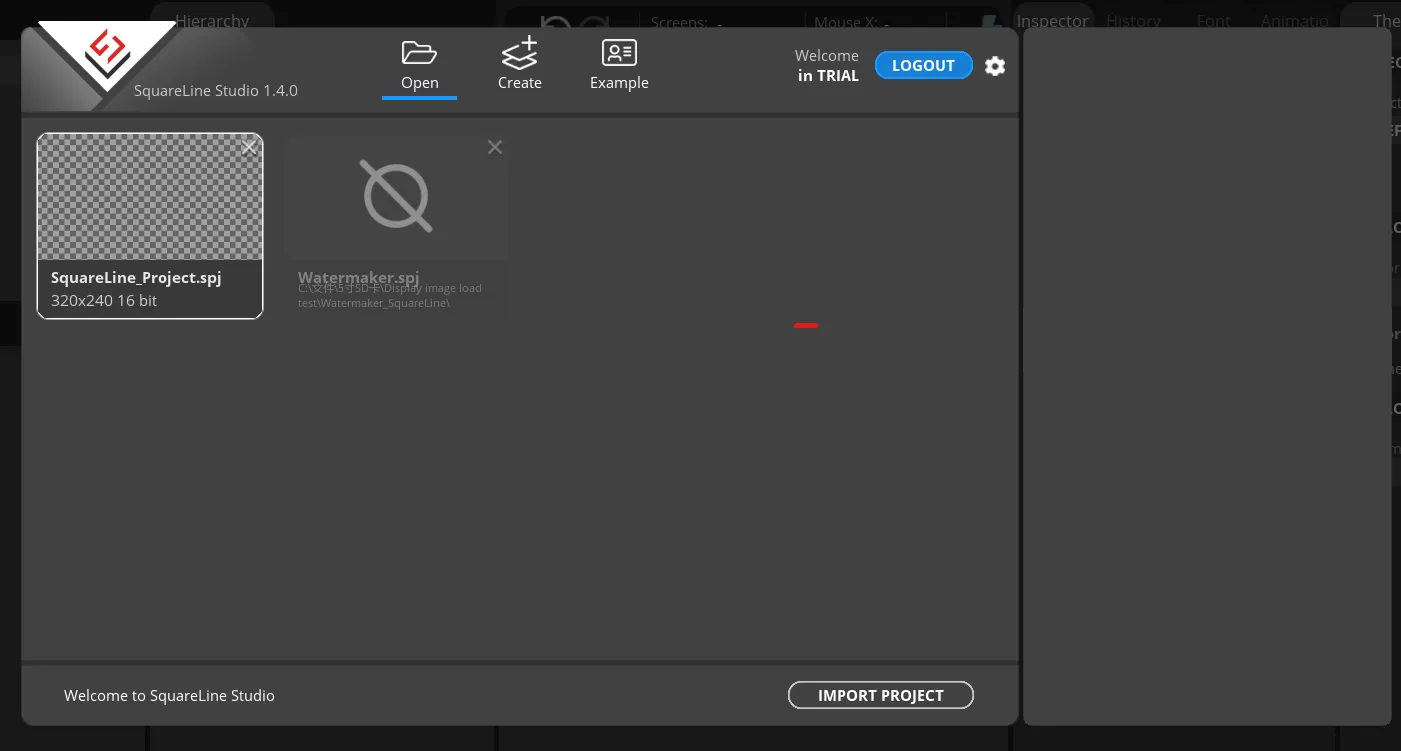
The historical project page: open the project built earlier.
Create a project page: choose different platforms according to different hardware of the project.
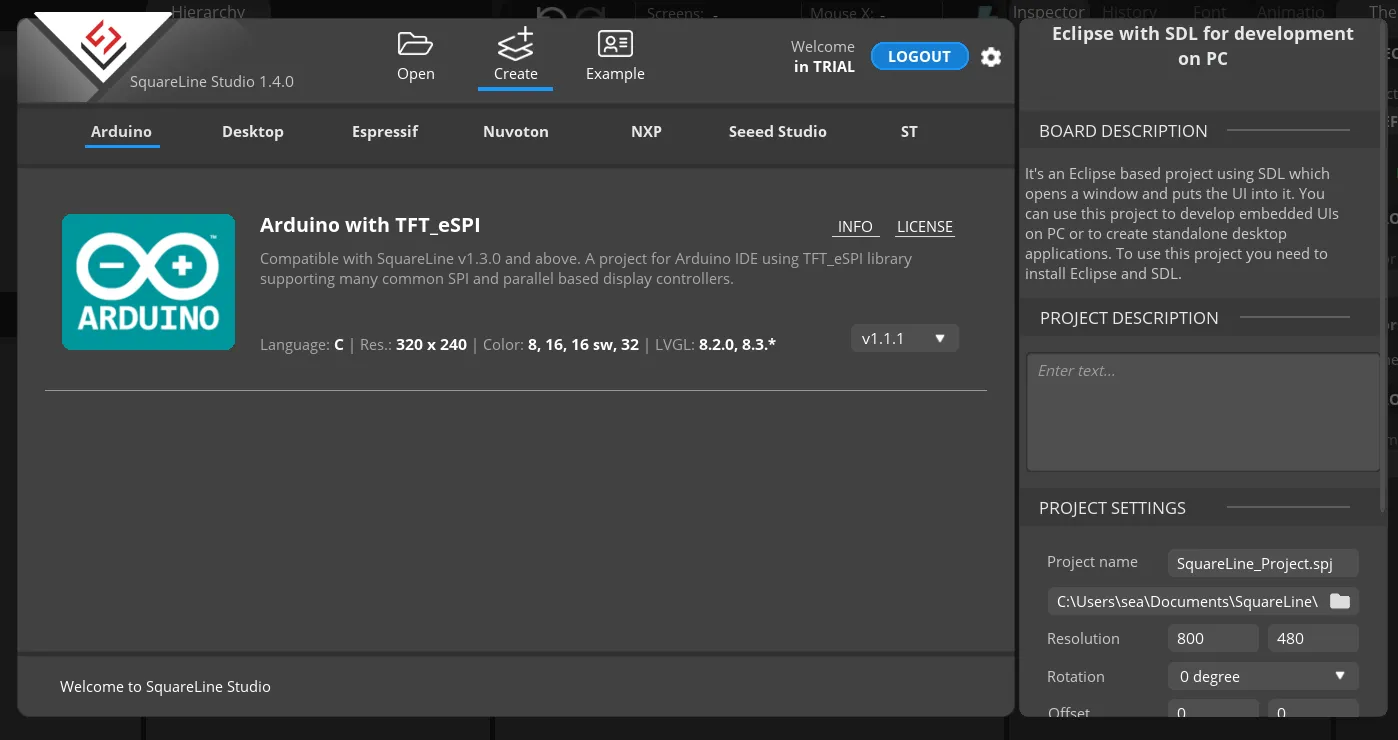
When select the Arduino framwork, there's only one option "Arduino with TFT_eSPI". By choosing this, the squareline studio will generate a template code suitable for the TFT_eSPI library. However, squareline studio not only supports the TFT_eSPI library, it supports a variety of libraries to suit different hardware and application needs. For example, Adafruit_GFX library, LovyanGFX etc.
After using SLS to generate UI code, we then use different graphics libraries according to different hardware and modify the corresponding code to display the content you design.
Example page. This page has several official examples for reference.
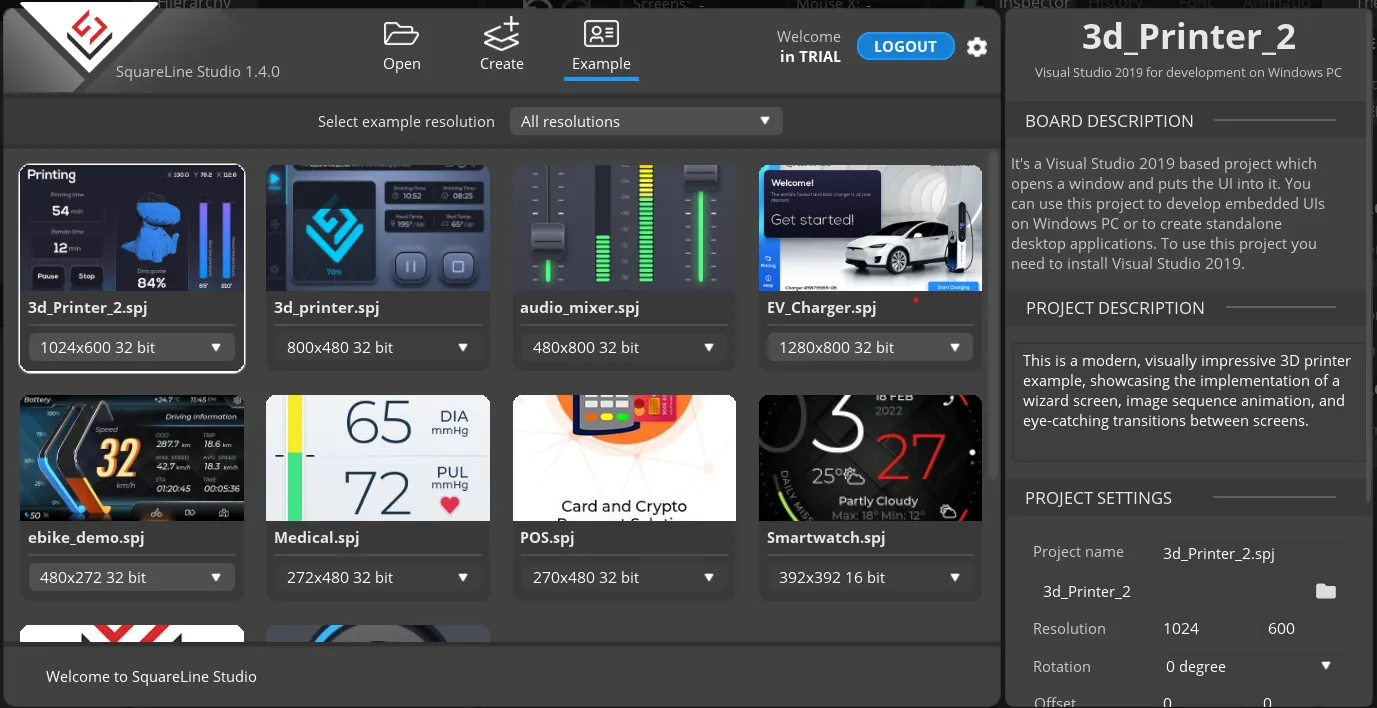
The project settings bar is used to make basic settings for the project, including property settings such as project name, screen size, display angle, etc.
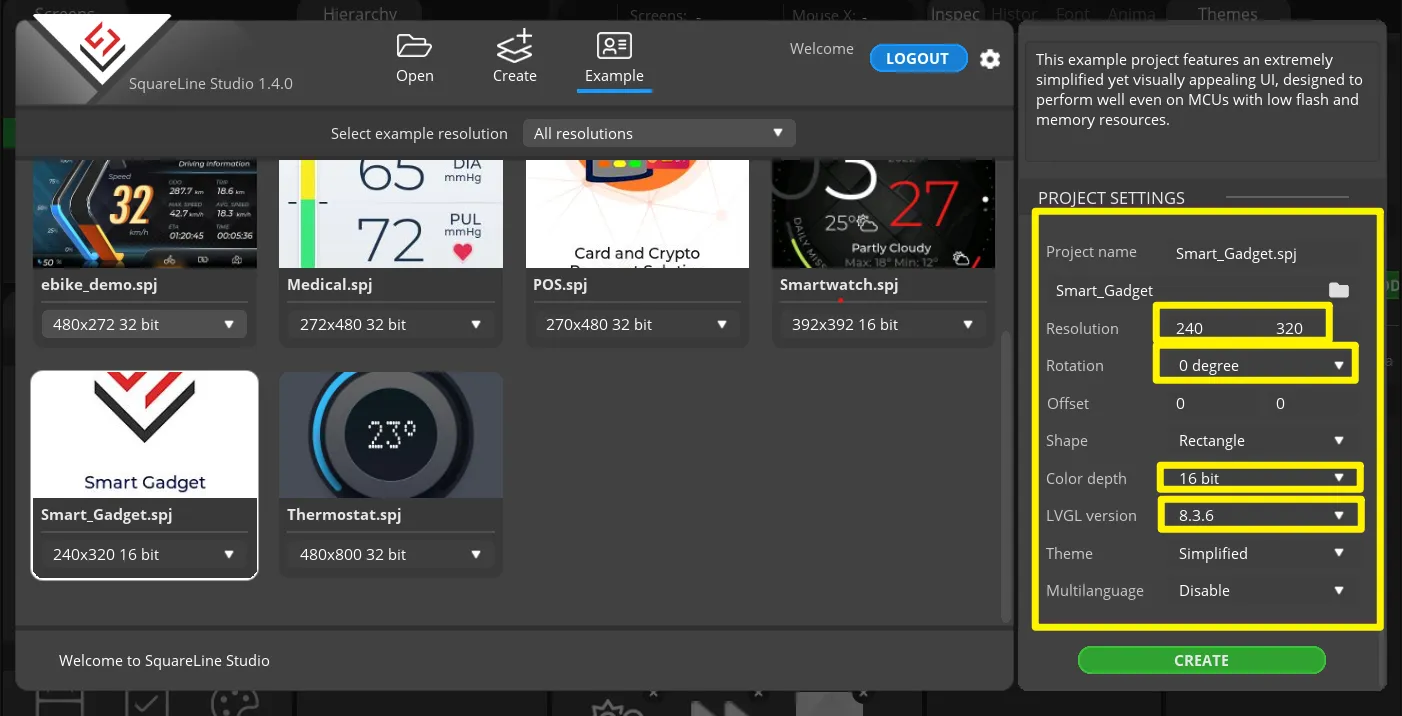
Note: Please select the corresponding resolution and color depth according to the screen specifications.