ESP IDF Installation Guide
ESP_IDF
ESP-IDF (Espressif IoT Development Framework) is the official software development framework for ESP32 series chips, providing comprehensive libraries, tools, and APIs for building embedded IoT applications.
Compile Environment Configuration:
Note: Before installing, make sure Git is already installed. If it isn't, click the link to install it.(https://git-scm.com/install/)
Installing ESP IDF in VS Code
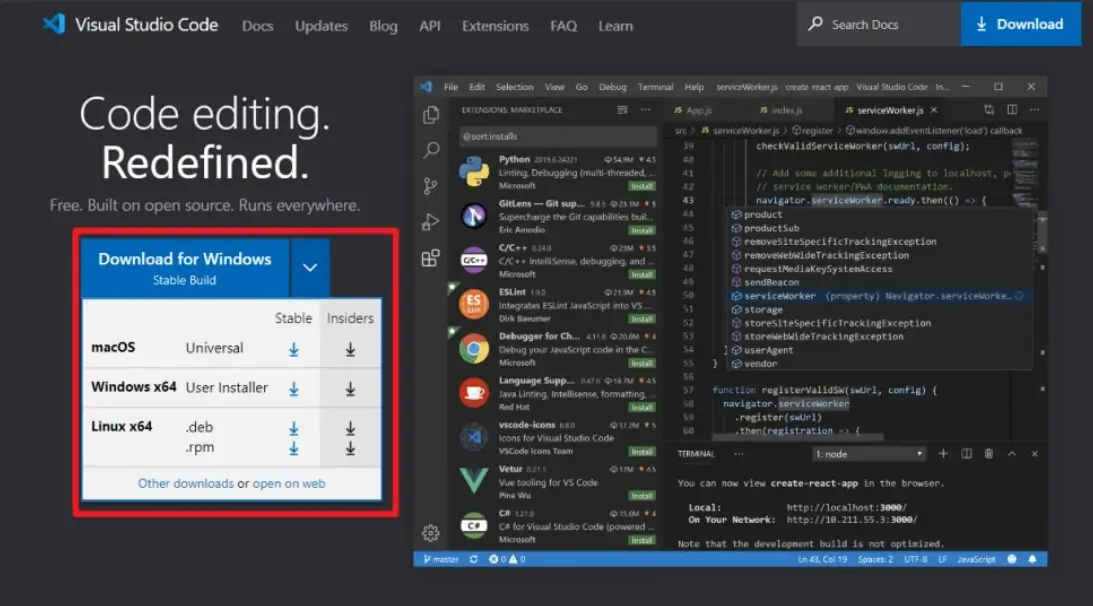
(1) First, download Visual Studio Code from https://code.visualstudio.com/. Select the version compatible with your computer's operating system and download it.
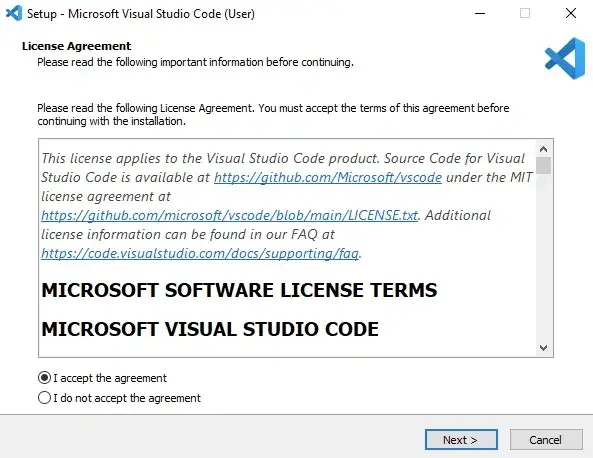
(2)Double-click to install Visual Studio Code software, and simply proceed with the default installation throughout.
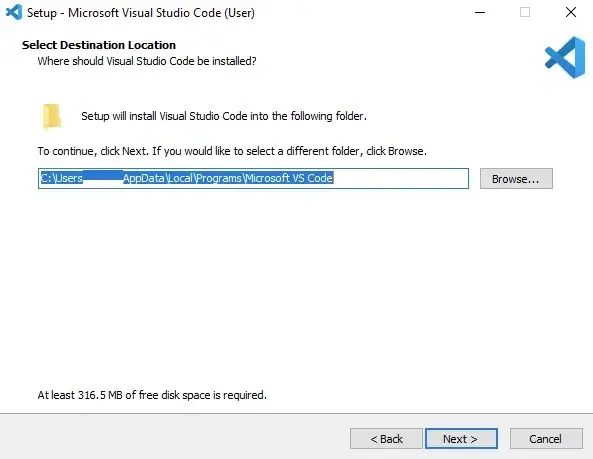
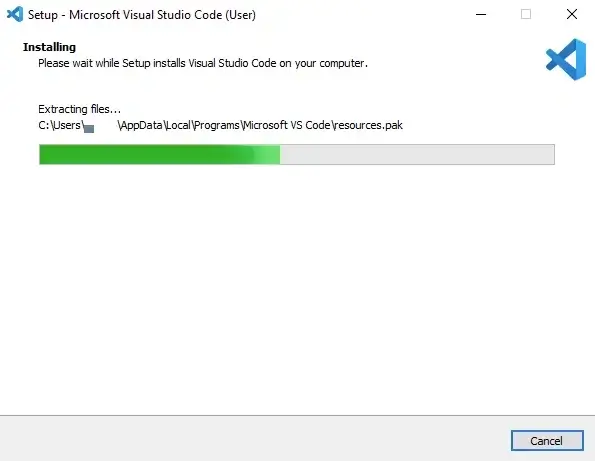
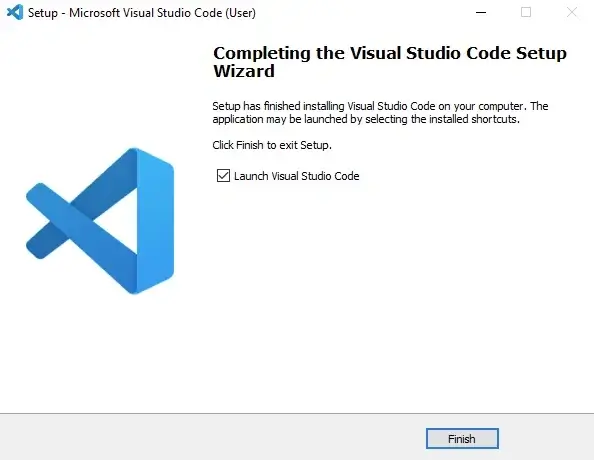
(3)Open Visual Studio Code, click on ‘Extensions’, search for Python, and install it.
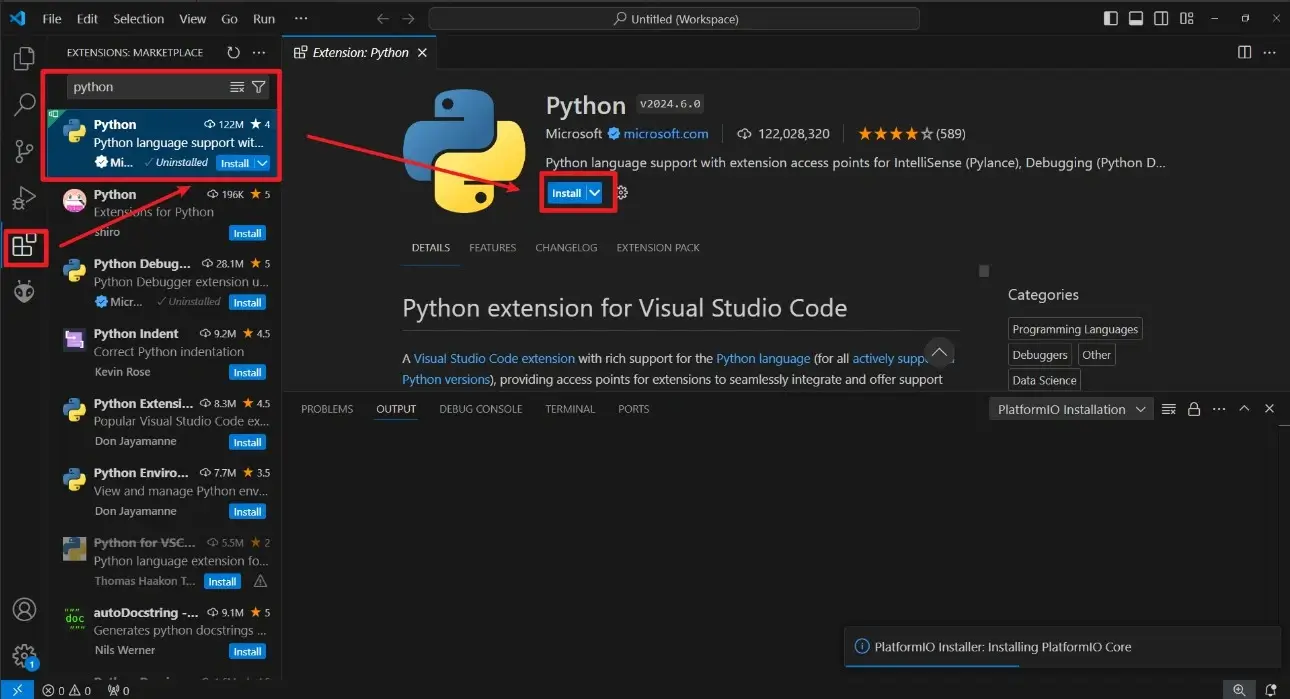
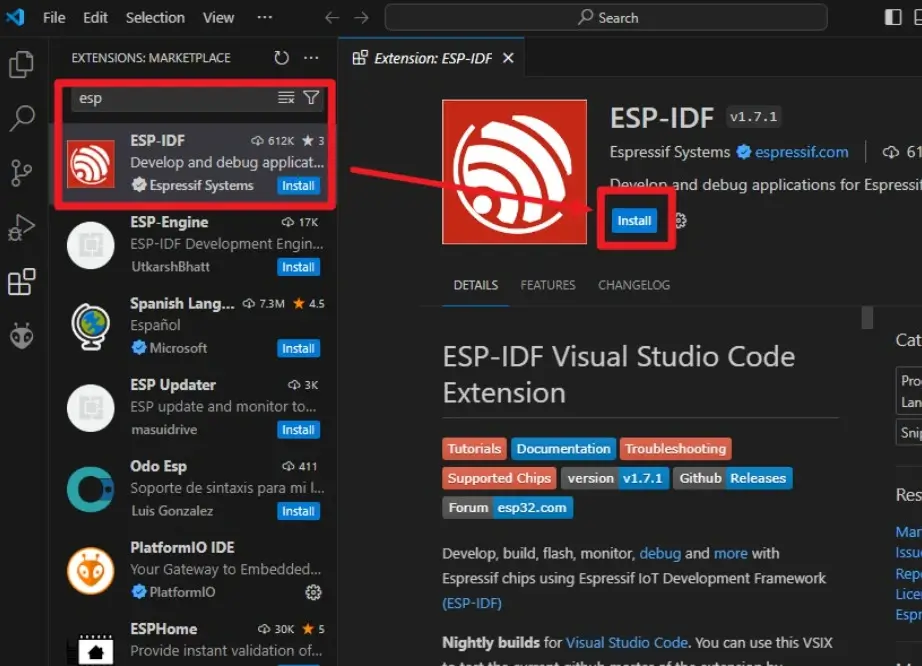
(4)Search for ESP-IDF and install it.
The IDF version must be 5.4.2 or higher.
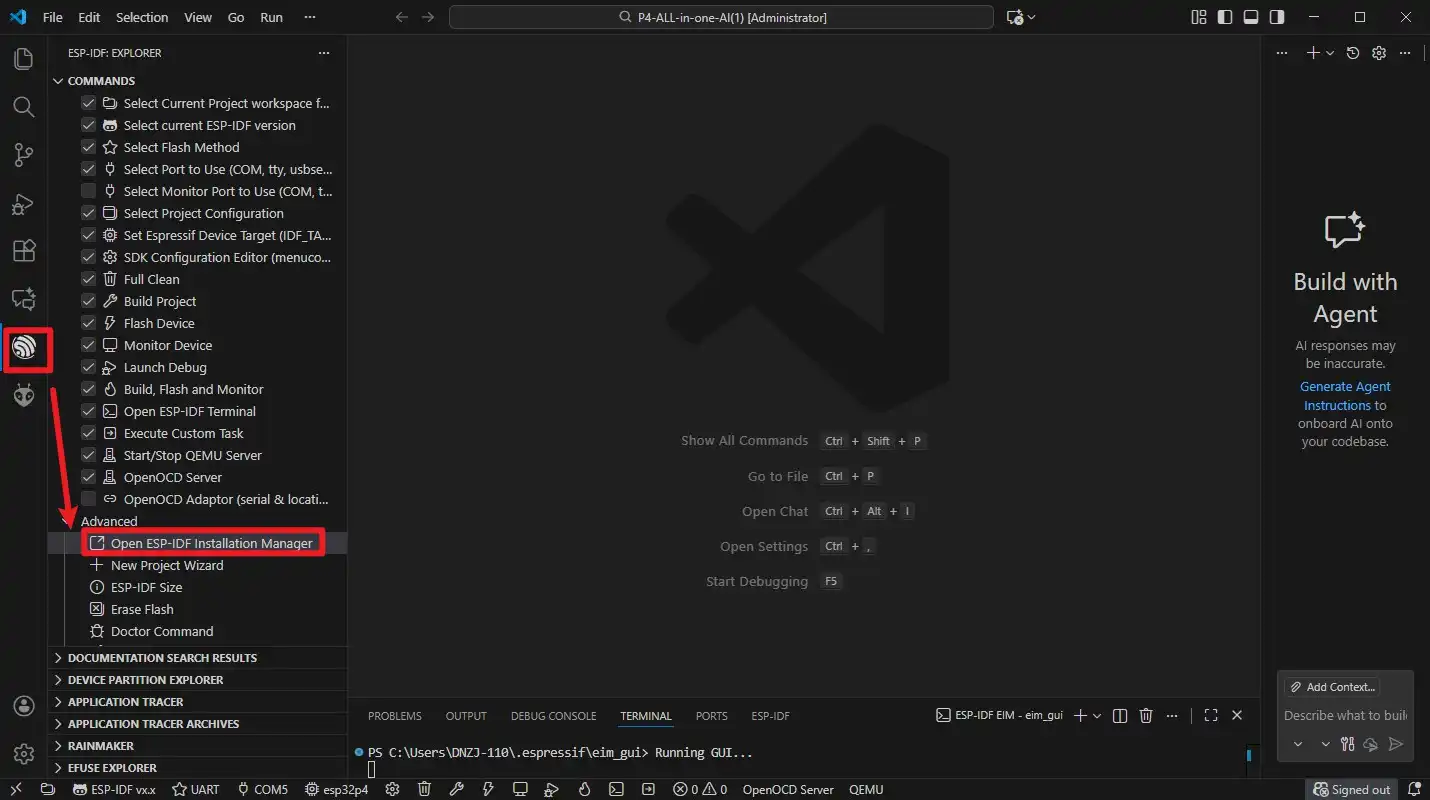
(5). Open the ESP-IDF Package Manager.
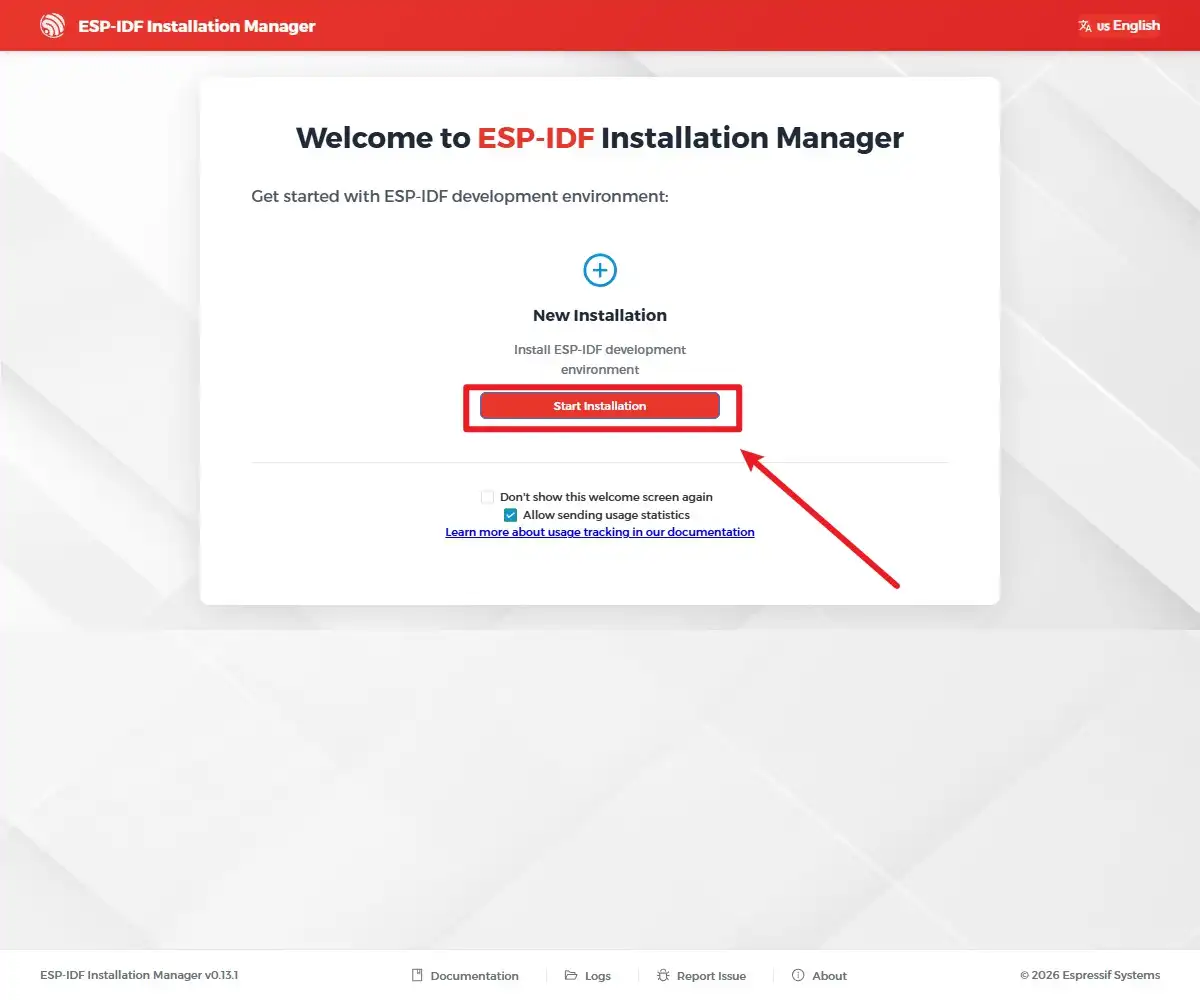
(6). Click Start Installation.
(7) Select “Custom Installation” to choose the version you want to install.

(8) Select the chip you need here.
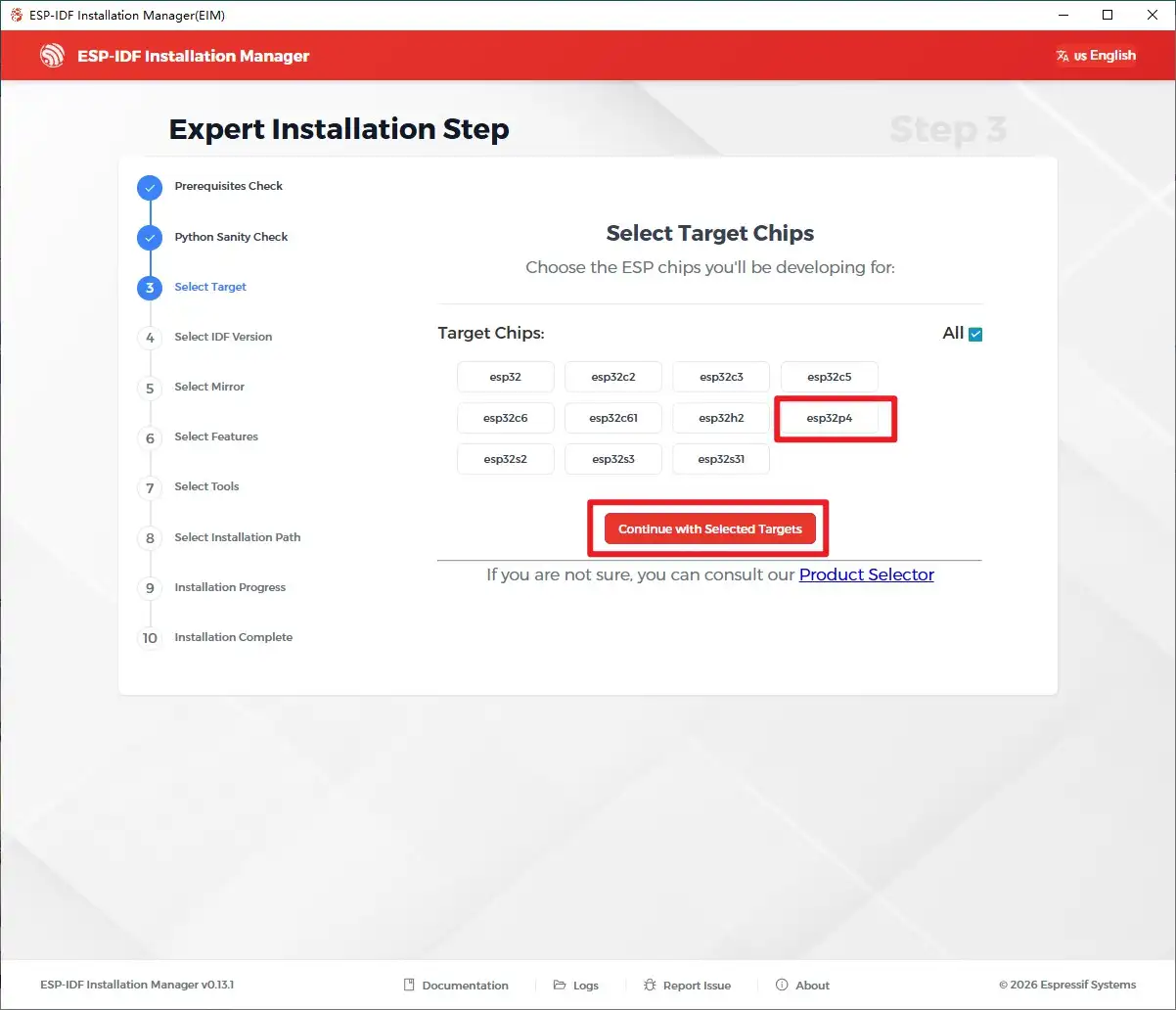
(9) Select the version you want to install. Here, we’ll choose 5.4.2. You can select a higher version based on your needs.
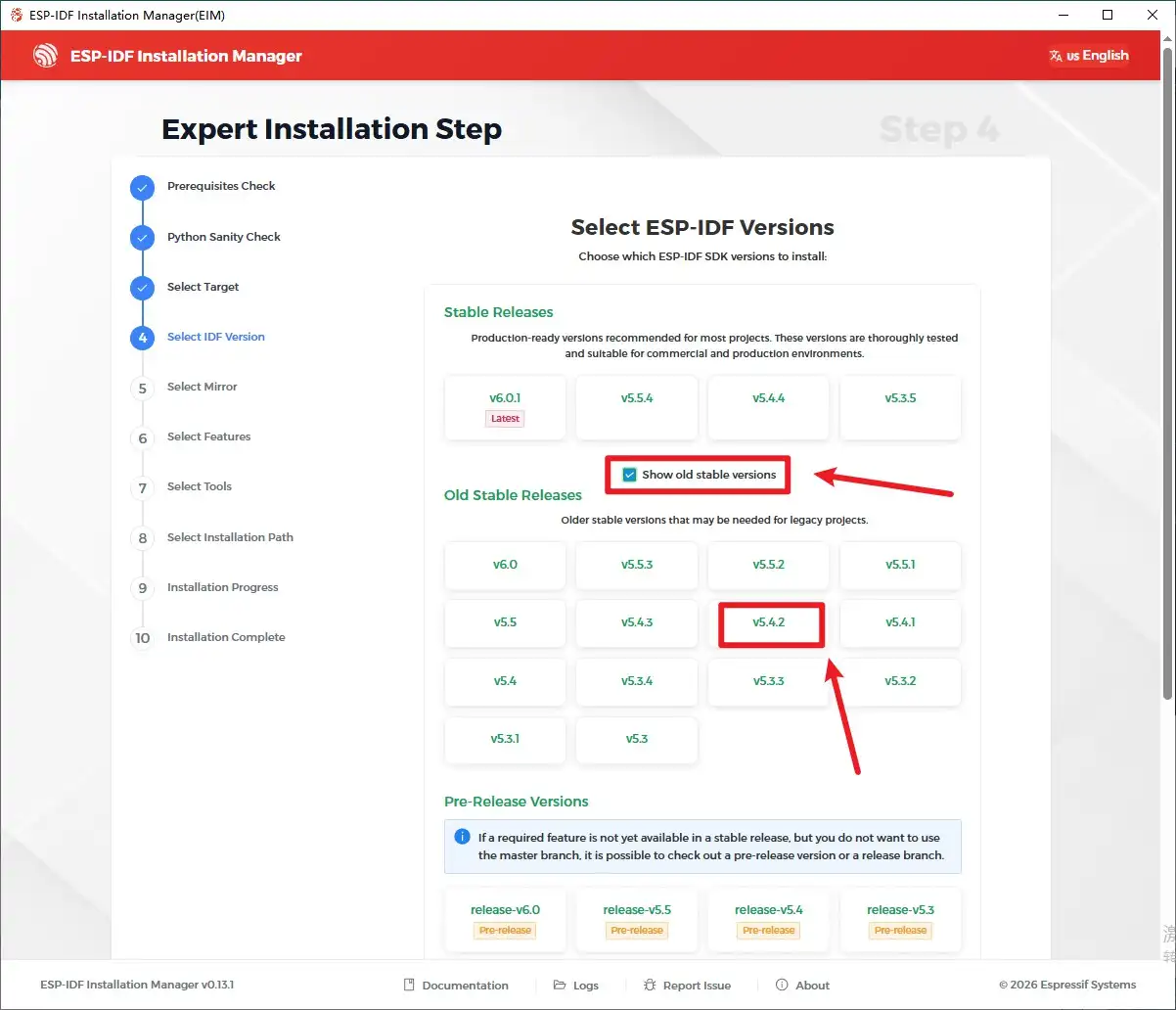
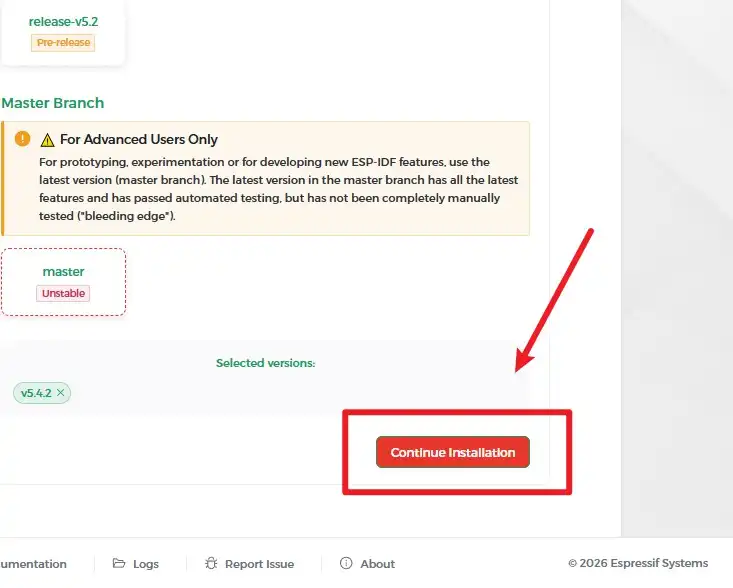
(10) Select the image; the default setting is fine here.
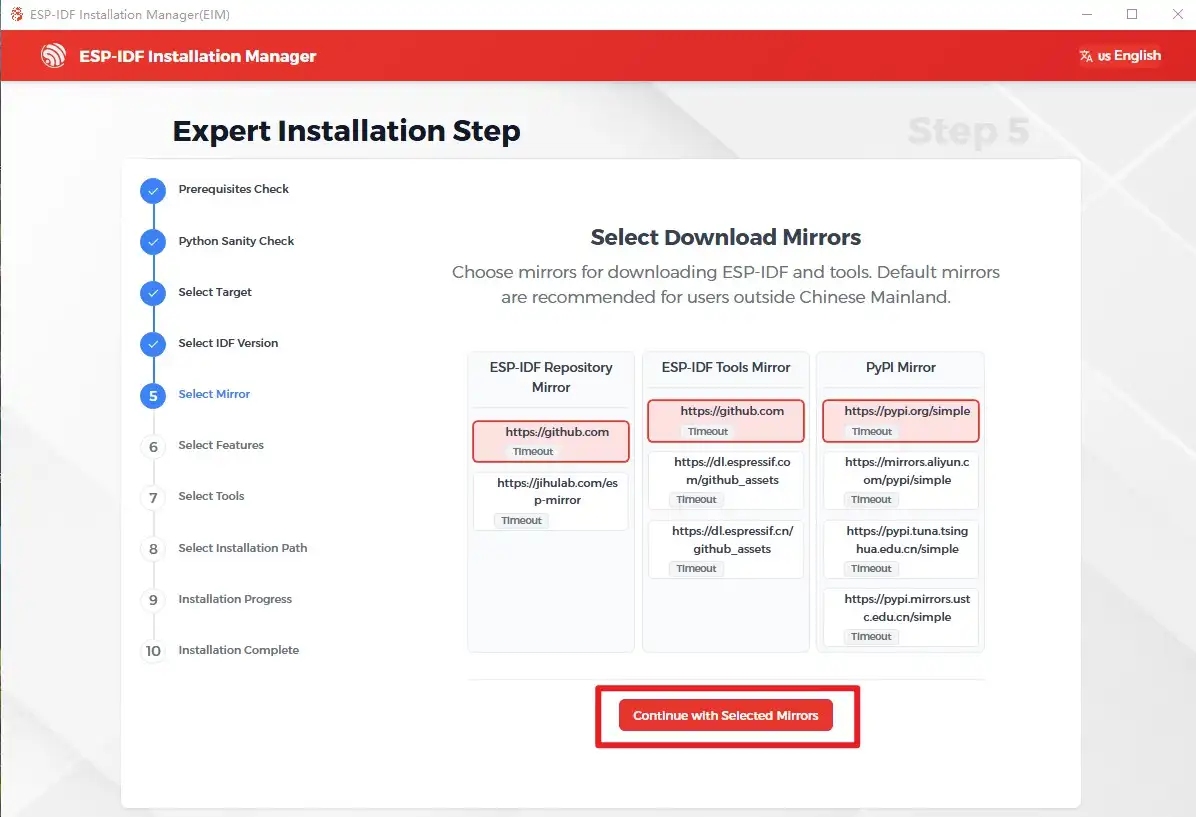
(11) Continue with the default tool selection 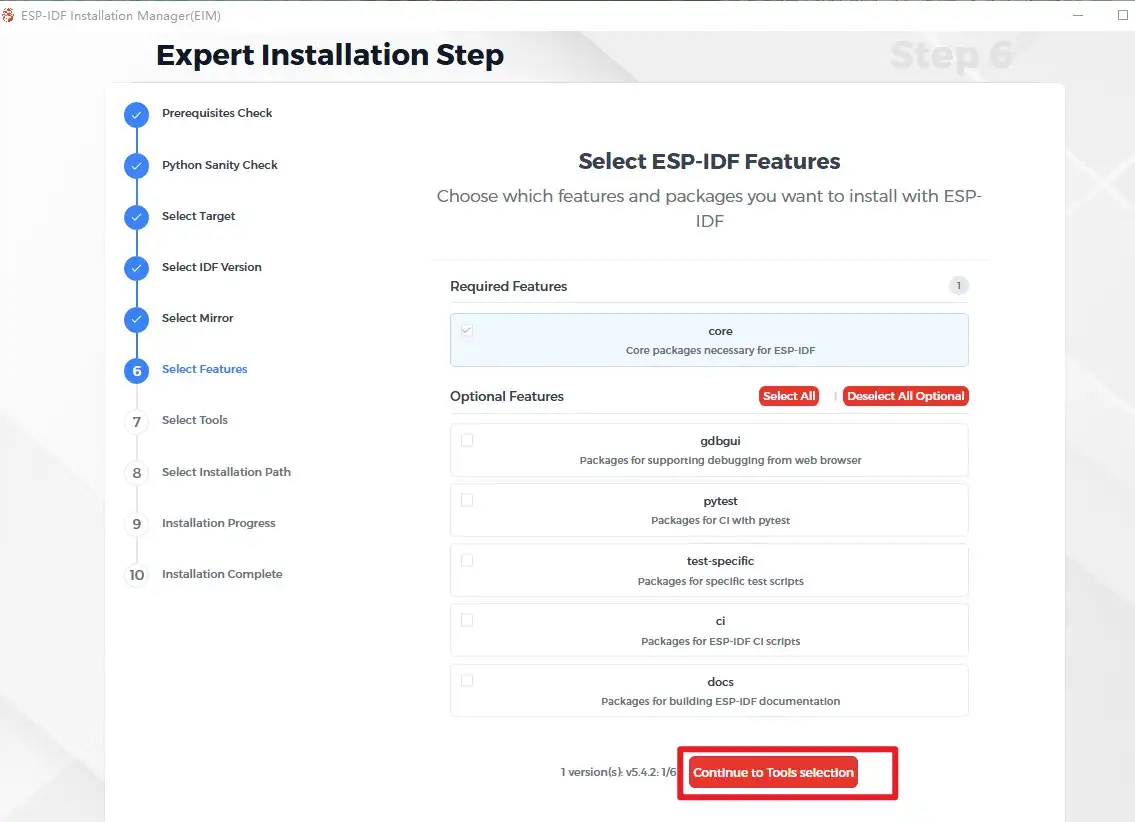 Continue,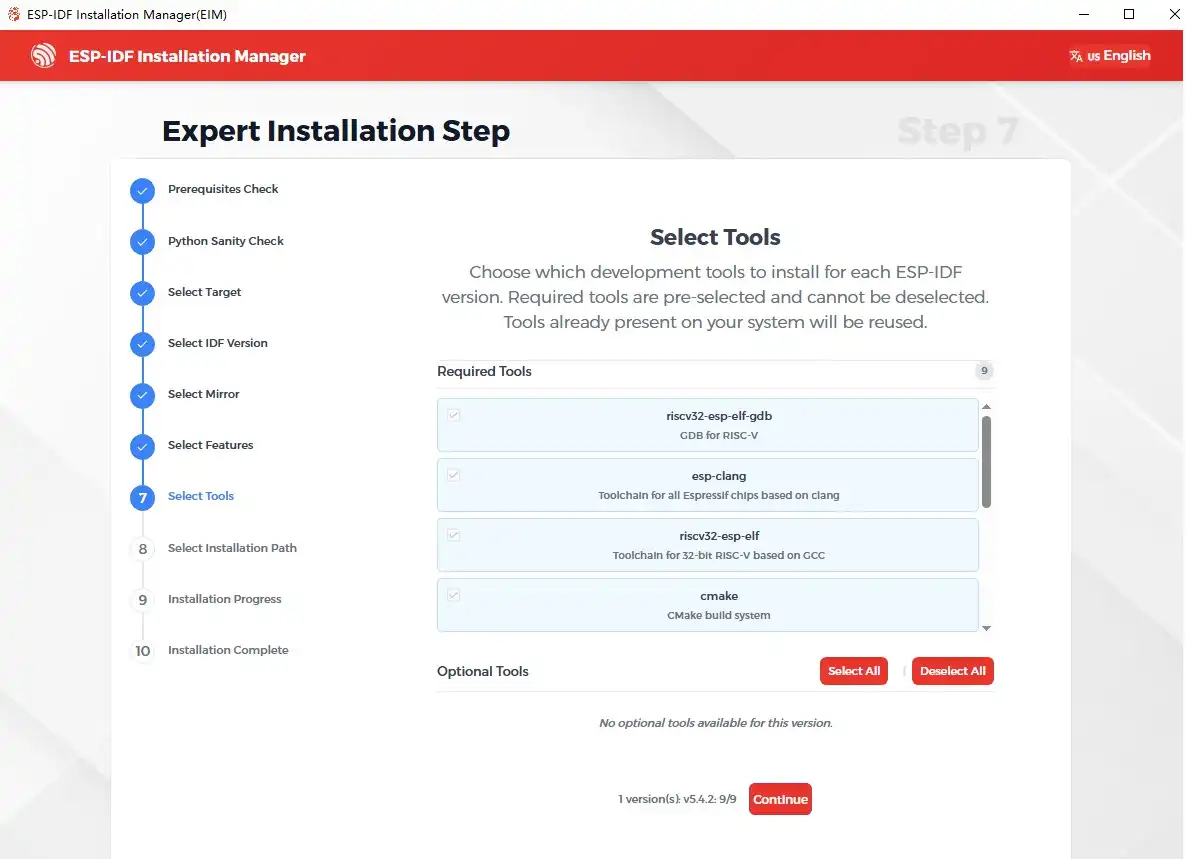
Select the installation path.
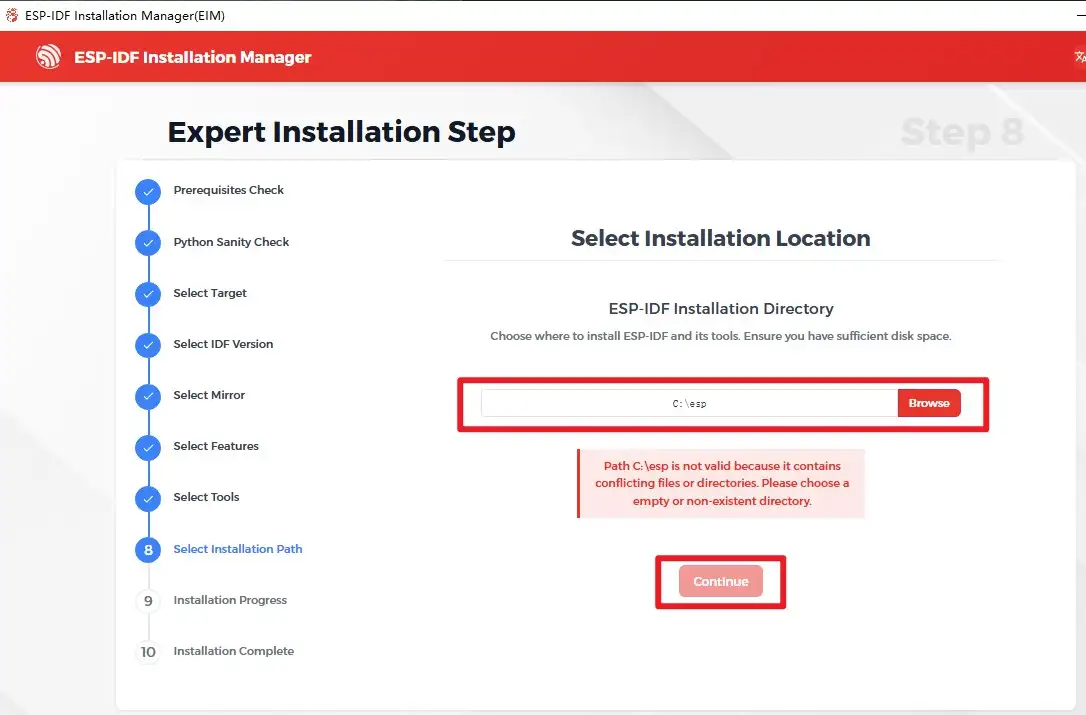
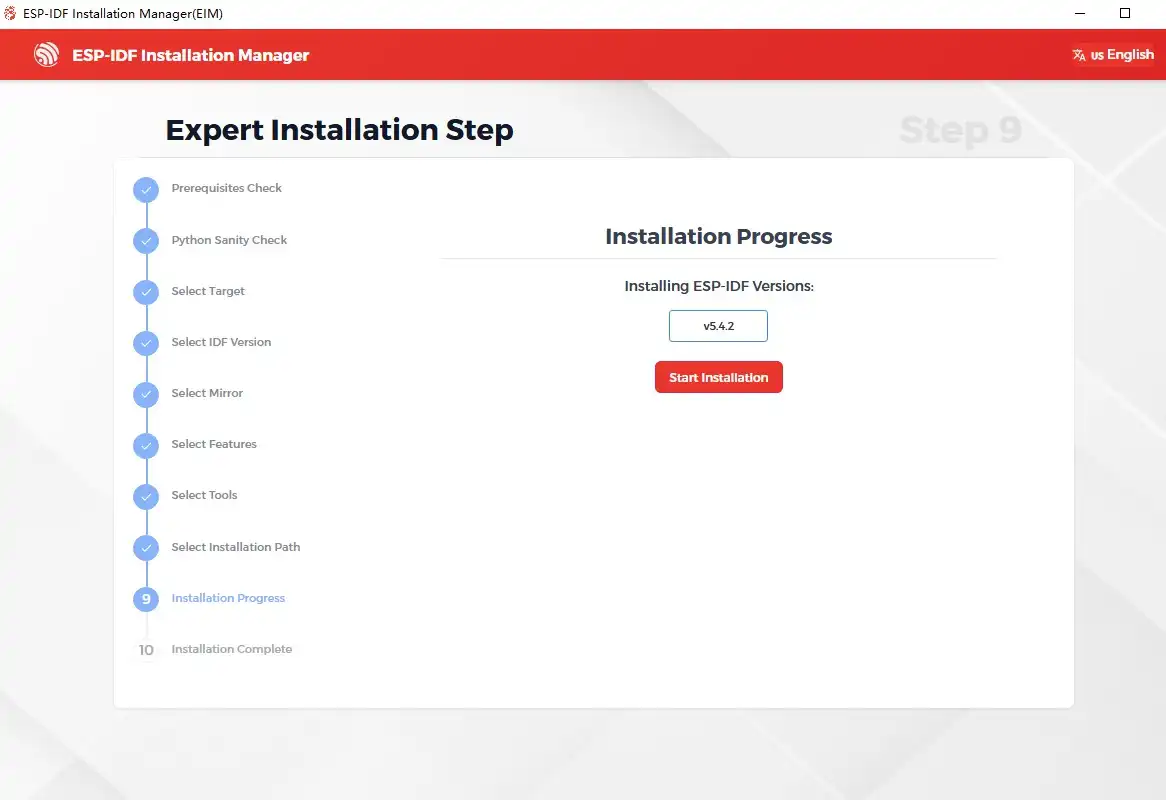
(13) Click Start Installation.
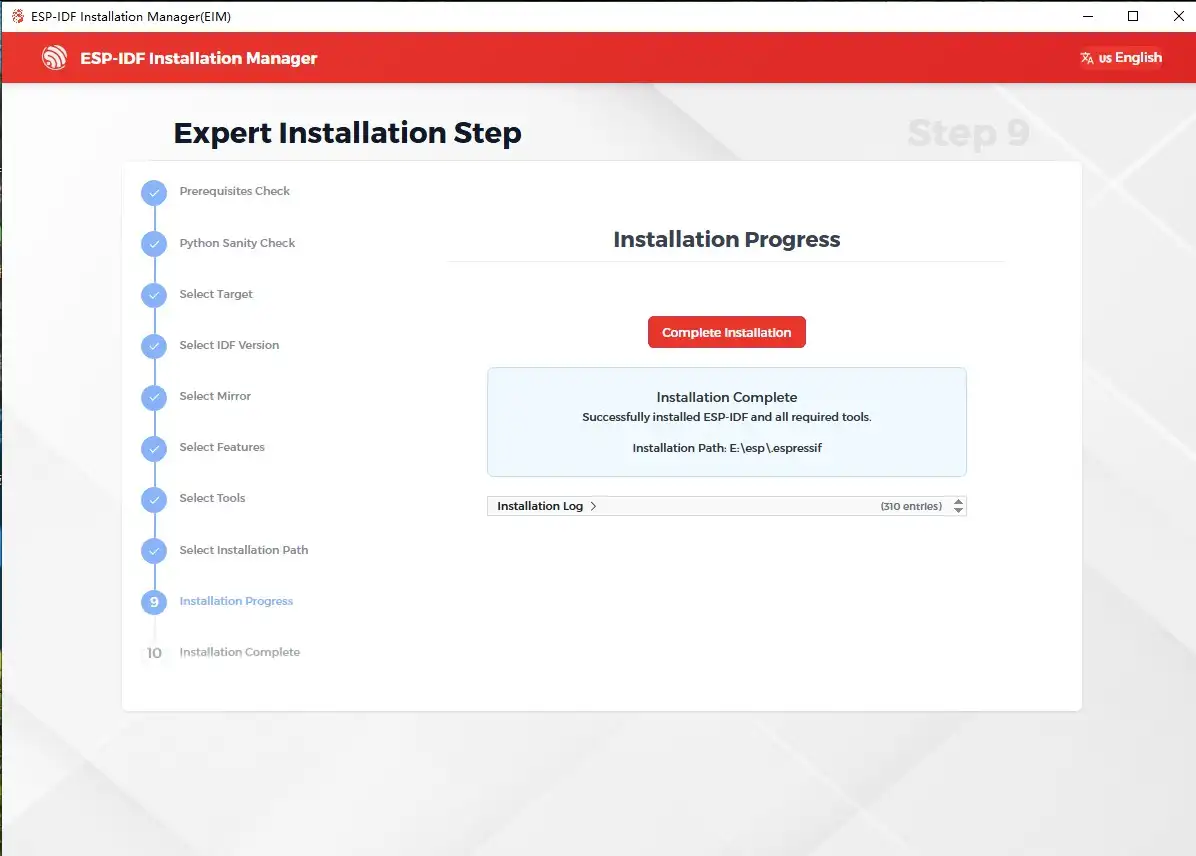
(14) Waiting for installation 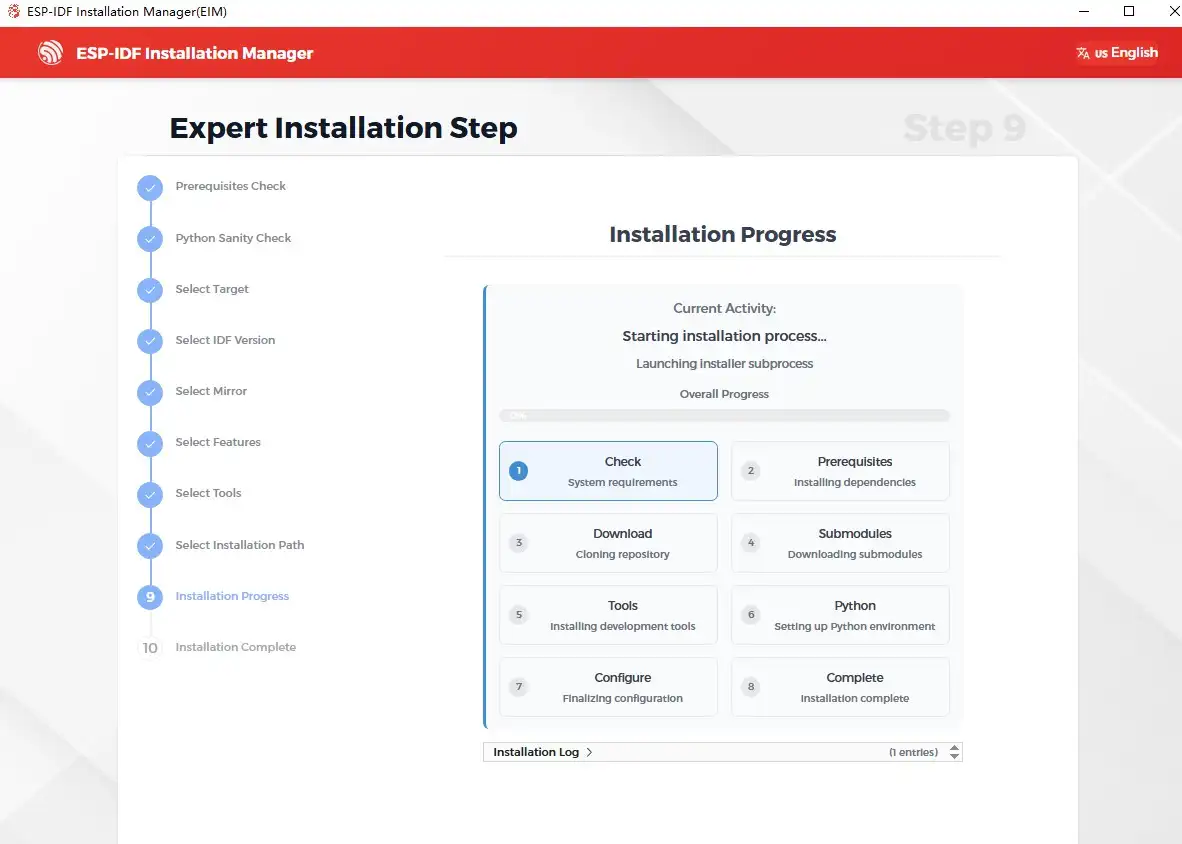
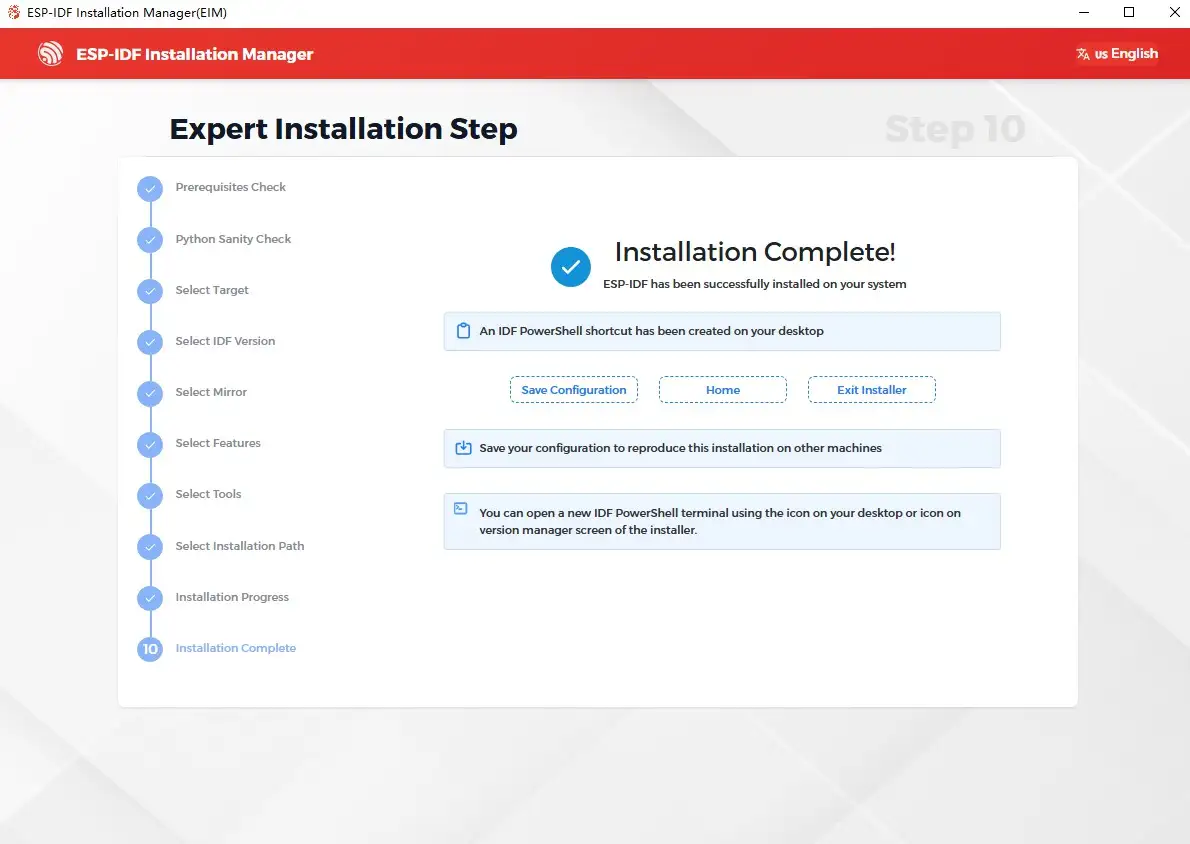
Installation successful